Spring Boot 发送电子邮件教程展示了如何在 Spring Boot 应用中发送电子邮件。 我们使用 Mailtrap 服务。
Spring 是流行的 Java 应用框架,而 Spring Boot 是 Spring 的演进,可以帮助轻松地创建独立的,生产级的基于 Spring 的应用。
Spring Boot 电子邮件示例
在下面的示例中,我们创建一个将电子邮件发送到 Mailtrap 帐户的应用。 如果没有帐户,我们需要注册一个帐户。 注册过程非常简单快捷。 有一个免费层,每月可发送 500 封电子邮件。
注意: Gmail 不是测试应用的理想选择。 我们应该使用诸如 Mailtrap 或 Mailgun 之类的在线服务,或者使用由网络托管公司提供的 SMTP 服务器。
该应用具有 Web 界面来发送电子邮件。 此外,可以通过测试发送电子邮件。
pom.xmlsrc├───main│ ├───java│ │ └───com│ │ └───zetcode│ │ │ Application.java│ │ ├───controller│ │ │ MyController.java│ │ └───service│ │ EmailService.java│ └───resources│ │ application.properties│ ├───static│ │ index.html│ └───templates│ emailsent.ftl└───test └───java └───com └───zetcode SendEmailApplicationTest.java
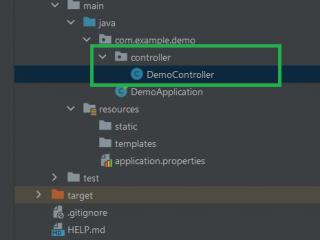
这是 Spring Boot 应用的项目结构。
pom.xml
<?xml version="1.0" encoding="UTF-8"?><project xmlns="http://maven.apache.org/POM/4.0.0" xmlns:xsi="http://www.w3.org/2001/XMLSchema-instance" xsi:schemaLocation="http://maven.apache.org/POM/4.0.0http://maven.apache.org/xsd/maven-4.0.0.xsd"> <modelVersion>4.0.0</modelVersion> <groupId>com.zetcode</groupId> <artifactId>springbootemailex</artifactId> <version>1.0-SNAPSHOT</version> <packaging>jar</packaging> <properties> <project.build.sourceEncoding>UTF-8</project.build.sourceEncoding> <maven.compiler.source>11</maven.compiler.source> <maven.compiler.target>11</maven.compiler.target> </properties> <parent> <groupId>org.springframework.boot</groupId> <artifactId>spring-boot-starter-parent</artifactId> <version>2.1.1.RELEASE</version> </parent> <dependencies> <dependency> <groupId>org.springframework.boot</groupId> <artifactId>spring-boot-starter-web</artifactId> </dependency> <dependency> <groupId>org.springframework.boot</groupId> <artifactId>spring-boot-starter-freemarker</artifactId> </dependency> <dependency> <groupId>org.springframework.boot</groupId> <artifactId>spring-boot-starter-test</artifactId> </dependency> <dependency> <groupId>org.springframework.boot</groupId> <artifactId>spring-boot-starter-mail</artifactId> </dependency> </dependencies> <build> <plugins> <plugin> <groupId>org.springframework.boot</groupId> <artifactId>spring-boot-maven-plugin</artifactId> </plugin> </plugins> </build></project>
我们在pom.xml中具有项目依赖项。 对于电子邮件,我们需要声明spring-boot-starter-mail。
resources/application.properties
spring.main.banner-mode=offspring.mail.protocol=smtpspring.mail.host=smtp.mailtrap.iospring.mail.port=2525spring.mail.username=0128491df14b6dspring.mail.password=7b6d7ha59a1f08spring.mail.properties.mail.smtp.auth = truespring.mail.properties.mail.smtp.starttls.enable = true
我们为 Mailtrap 配置电子邮件设置。 这些详细信息在我们的 Mailtrap 帐户中提供。
com/zetcode/MyController.java
package com.zetcode.controller;import com.zetcode.service.EmailService;import org.springframework.beans.factory.annotation.Autowired;import org.springframework.stereotype.Controller;import org.springframework.web.bind.annotation.GetMapping;@Controllerpublic class MyController { @Autowired private EmailService emailService; @GetMapping(value = "/sendmail") public String sendmail() { emailService.sendMail("kate@example.com", "Test Subject", "Test mail"); return "emailsent"; }}控制器包含一个发送电子邮件的映射。
com/zetcode/service/EmailService.java
package com.zetcode.service;import org.springframework.mail.SimpleMailMessage;import org.springframework.mail.javamail.JavaMailSender;import org.springframework.stereotype.Service;@Servicepublic class EmailService { private JavaMailSender javaMailSender; public EmailService(JavaMailSender javaMailSender) { this.javaMailSender = javaMailSender; } public void sendMail(String toEmail, String subject, String message) { var mailMessage = new SimpleMailMessage(); mailMessage.setTo(toEmail); mailMessage.setSubject(subject); mailMessage.setText(message); mailMessage.setFrom("johndoe@example.com"); javaMailSender.send(mailMessage); }}电子邮件服务使用JavaMailSender和SimpleMailMessage发送简单的电子邮件。
resources/static/index.html
<!DOCTYPE html><html lang="en"><head> <meta charset="UTF-8"> <title>Home page</title> <meta name="viewport" content="width=device-width, initial-scale=1"></head><body><a href="sendmail">Send mail</a></body></html>
index.html文件是主页。 它包含一个用于发送电子邮件的锚。
resources/templates/emailsent.ftl
<!DOCTYPE html><html lang="en"><head> <meta charset="UTF-8"> <title>Email sent</title> <meta name="viewport" content="width=device-width, initial-scale=1"></head><body><p>Email was sent</p></body></html>
该模板包含一条简单的消息,该消息在成功发送电子邮件后显示。
com/zetcode/Application.java
package com.zetcode;import org.springframework.boot.SpringApplication;import org.springframework.boot.autoconfigure.SpringBootApplication;@SpringBootApplicationpublic class Application { public static void main(String[] args) { SpringApplication.run(Application.class, args); }}Application是设置 Spring Boot 应用的入口。
com/zetcode/SendEmailApplicationTest.java
package com.zetcode;import com.zetcode.service.EmailService;import org.junit.Test;import org.junit.runner.RunWith;import org.springframework.beans.factory.annotation.Autowired;import org.springframework.boot.test.context.SpringBootTest;import org.springframework.test.context.junit4.SpringRunner;@RunWith(SpringRunner.class)@SpringBootTestpublic class SendEmailApplicationTest { @Autowired private EmailService emailService; @Test public void testEmail() { emailService.sendMail("frank23@example.com", "Test subject", "Test mail"); }}这是发送电子邮件的测试。
$ mvn spring-boot:run
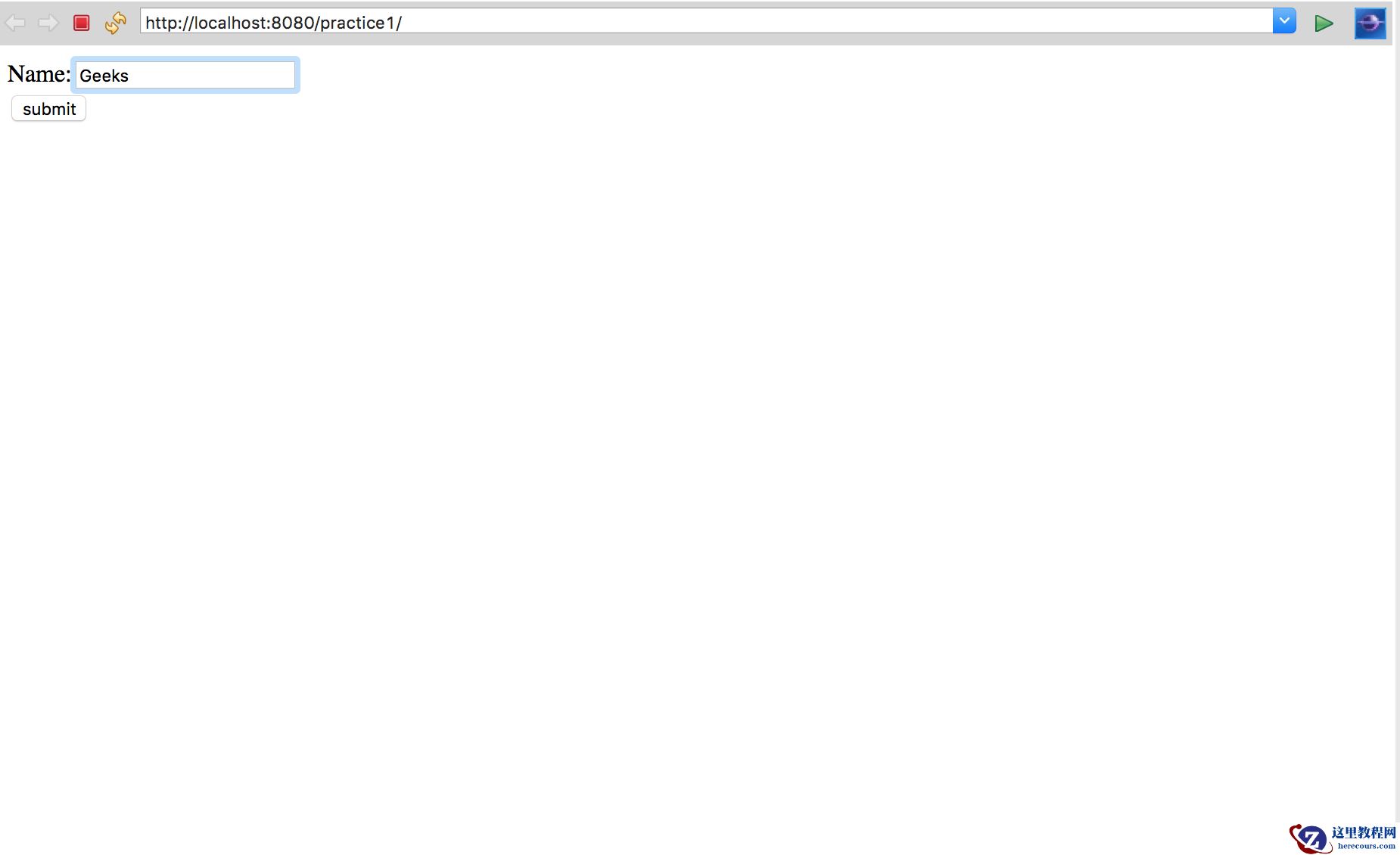
应用运行后,我们可以导航到localhost:8080。
在本教程中,我们展示了如何在 Spring Boot 中发送电子邮件。