
github :https://github.com/xiaomi/soar 安装说明 :https://github.com/XiaoMi/soar/blob/master/doc/install.md 源码下载 :https://GOlang.google.cn/dl/ 配置环境变量: tar -C /usr/local -xvf go1.12.5.linux-amd64.tar 全局用户变量: vi /etc/profile 末尾添加: export PATH=$PATH:/usr/local/go/bin go版本查看: # go version source更新环境变量: source /etc/profile 还需要配置GOPATH环境变量:表示go的工作目录 USER_NAME 为用户名 export GOPATH="/home/USER_NAME/go" [root@b28-17-55 XiaoMi]# pwd /home/USER_NAME/go/src/github.com/XiaoMi [root@b28-17-55 opt]# mv soar-master.zip /home/USER_NAME/go/src/github.com/XiaoMi [root@b28-17-55 XiaoMi]# unzip soar-master.zip [root@b28-17-55 XiaoMi]# mv soar-master soar [root@b28-17-55 soar]# make 若安装顺利,最终会显示success。否则 build error 常用命令 :https://github.com/XiaoMi/soar/blob/master/doc/cheatsheet.md [root@b28-17-55 bin]# echo 'select * from film' | ./soar # Query: 687D590364E29465 ★ ★ ★ ☆ ☆ 75分 ```sql SELECT * FROM film ``` ## 最外层 SELECT 未指定 WHERE 条件 * **Item:** CLA.001 * **Severity:** L4 * **Content:** SELECT 语句没有 WHERE 子句,可能检查比预期更多的行(全表扫描)。对于 SELECT COUNT(\*) 类型的请求如果不要求精度,建议使用 SHOW TABLE STATUS 或 EXPLAIN 替代。 ## 不建议使用 SELECT * 类型查询 * **Item:** COL.001 * **Severity:** L1 * **Content:** 当表结构变更时,使用 \* 通配符选择所有列将导致查询的含义和行为会发生更改,可能导致查询返回更多的数据。
小米 SOAR 开源SQL优化工具安装
来源:这里教程网
时间:2026-03-01 12:03:31
作者:
编辑推荐:
- session性能的影响,后台 flush dirty03-01
- 小米 SOAR 开源SQL优化工具安装03-01
- MySQL高可用方案MHA在线切换的步骤及原理03-01
- 一条SQL语句在MySQL中如何执行的03-01
- SOAR的启发式规则建议03-01
- MySQL入门--表维护03-01
- 数据库MySQL创建表定义主键 (新手必看)03-01
- MySQL8.0的MGR多主搭建与测试03-01
相关推荐
-

-
-
-
-
-
-
-
-
-
-
-
-
-
-

雷神推出 MIX PRO II 迷你主机:基于 Ultra 200H,玻璃上盖 + ARGB 灯效
2 月 9 日消息,雷神 (THUNDEROBOT) 现已宣布推出基于英
-

制造商 Musnap 推出彩色墨水屏电纸书 Ocean C:支持手写笔、第三方安卓应用
2 月 10 日消息,制造商 Musnap 现已在海外推出一款 Oce
热文推荐
- MySQL高可用方案MHA在线切换的步骤及原理

MySQL高可用方案MHA在线切换的步骤及原理
26-03-01 - 一条SQL语句在MySQL中如何执行的
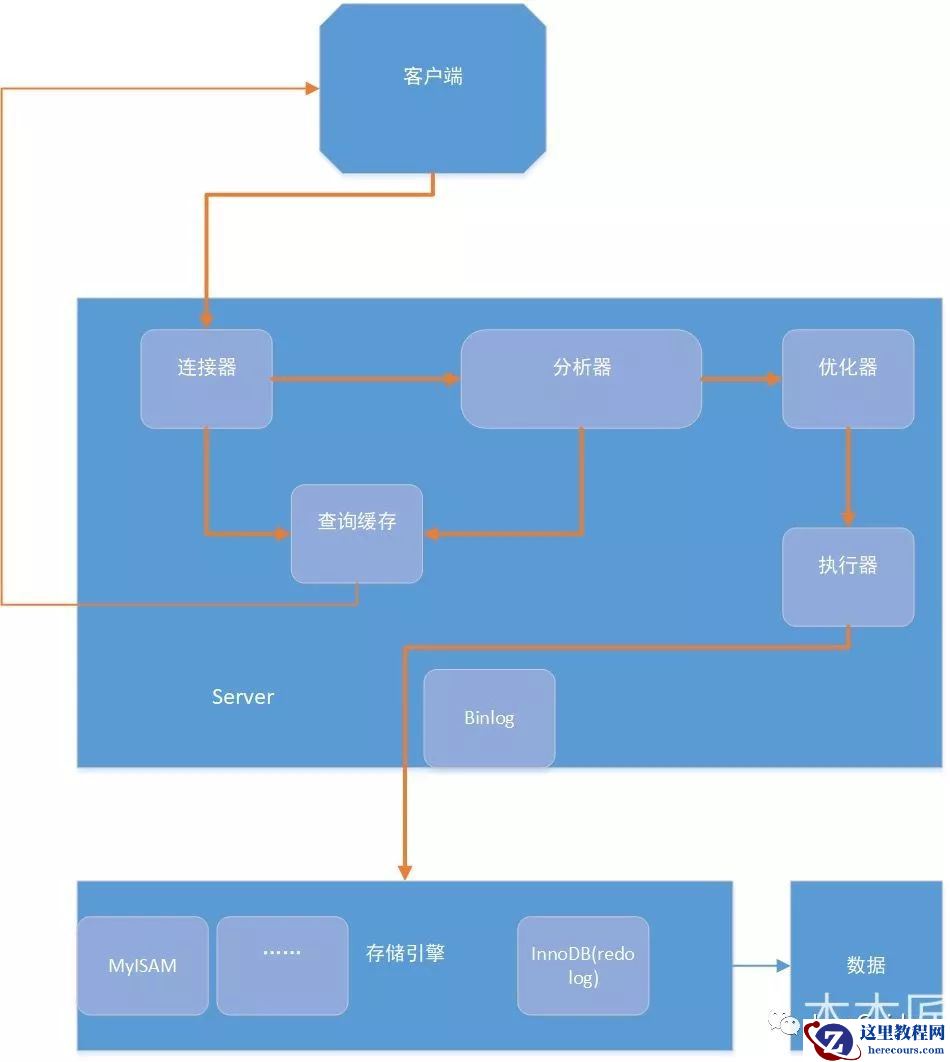
一条SQL语句在MySQL中如何执行的
26-03-01 - SOAR的启发式规则建议

SOAR的启发式规则建议
26-03-01 - 数据库MySQL创建表定义主键 (新手必看)
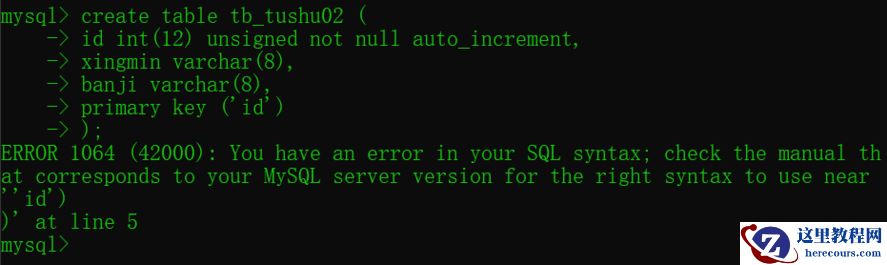
数据库MySQL创建表定义主键 (新手必看)
26-03-01 - MySQL漏洞更新求助

MySQL漏洞更新求助
26-03-01 - 3dmax和zbrush制作瘦老头打鸟行动

3dmax和zbrush制作瘦老头打鸟行动
26-03-01 - 转自美团---------美团容器平台架构及容器技术实践
转自美团---------美团容器平台架构及容器技术实践
26-03-01 - 3DMAX模仿地心引力制作太空空间站
3DMAX模仿地心引力制作太空空间站
26-03-01 - MySQL 中 update 修改数据与原数据相同会再次执行吗?
MySQL 中 update 修改数据与原数据相同会再次执行吗?
26-03-01 - MySQL的物理存储结构和session生命周期
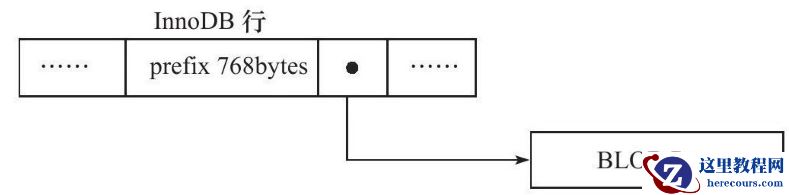
MySQL的物理存储结构和session生命周期
26-03-01