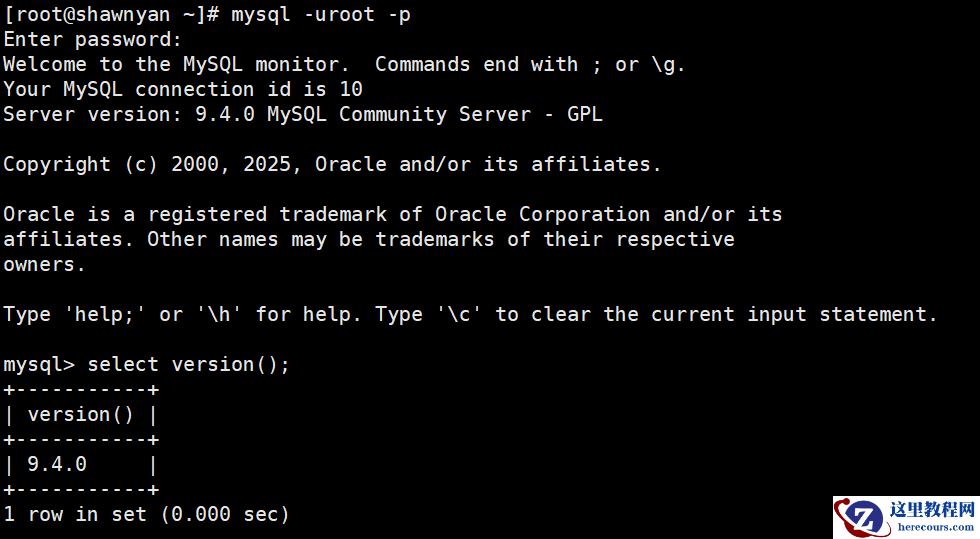
1.skip-grant-tables 2.init-file 启动mysqld的时候加上参数skip-grant-tables 在默认的参数文件中加上 skip-grant-tables root@infokist:/etc/mysql# service mysql restart root@infokist:/etc/mysql# mysql mysql> update mysql.user set authentication_string=password('dingjia') where user='root'; Query OK, 1 row affected, 1 warning (0.00 sec) Rows matched: 1 Changed: 1 Warnings: 1 mysql> flush privileges; Query OK, 0 rows affected (0.01 sec) MySQL 8 中的变化 加了 skip-grant-tables 参数后会自动加上 skip-networking 不允许远程连接 移除了 PASSWORD() 函数 修改密码的方法是用 alter user 的命令修改密码,但注意要载入权限表后才能 alter user mysql> alter user root identified by 'dingjia'; ERROR 1290 (HY000): The MySQL server is running with the --skip-grant-tables option so it cannot execute this statement mysql> flush privileges; Query OK, 0 rows affected (0.07 sec) mysql> alter user root@localhost identified by 'dingjia'; Query OK, 0 rows affected (0.02 sec)、 init-file方案 使用 –init-file 参数启动实例,类似: mysqld_safe --init-file=/tmp/chpw.sql & 在 chpw.sql 文件里面写上密码修改语句: alter user 'root'@'localhost' identified by 'dingjia'; 实例启动成功后,密码即修改完毕 这种方法只会重启一次 MySQL 实例,而且基本上不存在安全隐患
MySQL 忘记root密码的两种解决方法
来源:这里教程网
时间:2026-03-01 18:32:47
作者:
编辑推荐:
- MySQL优化插入速度的一些思路03-01
- MySQL 忘记root密码的两种解决方法03-01
- MySQL影响性能的几个参数03-01
- MySQL如何清理binlog日志03-01
- MySQL数据库的线程状态03-01
- MySQL数据库InnoDB的锁等待03-01
- MySQL的plugin安装03-01
- 好书推荐,硬核指南让MySQL不再“黑箱“03-01
下一篇:
相关推荐
-

-
-
-
-
-
-
-
-
-
-
-
-
-
-

雷神推出 MIX PRO II 迷你主机:基于 Ultra 200H,玻璃上盖 + ARGB 灯效
2 月 9 日消息,雷神 (THUNDEROBOT) 现已宣布推出基于英
-

制造商 Musnap 推出彩色墨水屏电纸书 Ocean C:支持手写笔、第三方安卓应用
2 月 10 日消息,制造商 Musnap 现已在海外推出一款 Oce
热文推荐
- 好书推荐,硬核指南让MySQL不再“黑箱“
好书推荐,硬核指南让MySQL不再“黑箱“
26-03-01 - MySQL基础维护实操手册:从启停到备份恢复

MySQL基础维护实操手册:从启停到备份恢复
26-03-01 - 数据库数据恢复—Mysql数据库误删除全表数据的数据恢复案例
数据库数据恢复—Mysql数据库误删除全表数据的数据恢复案例
26-03-01 - MySQL 基线核查实录:标准化配置与命令验证全解析

MySQL 基线核查实录:标准化配置与命令验证全解析
26-03-01 - 别再用 MySQL Workbench 了,快试试 SQLark!
别再用 MySQL Workbench 了,快试试 SQLark!
26-03-01 - MySQL锁定位实践指南

MySQL锁定位实践指南
26-03-01 - MySQL 9.4.0 正式发布,支持 RHEL 10 和 Oracle Linux 10
- MySQL5.7并行复制演变之路
MySQL5.7并行复制演变之路
26-03-01 - AI生成数据库运维平台,支持数据库一键安装、一键备份、一键巡检!

AI生成数据库运维平台,支持数据库一键安装、一键备份、一键巡检!
26-03-01 - MySQL创新版9.4.0发布,这次真不是“挤牙膏”!
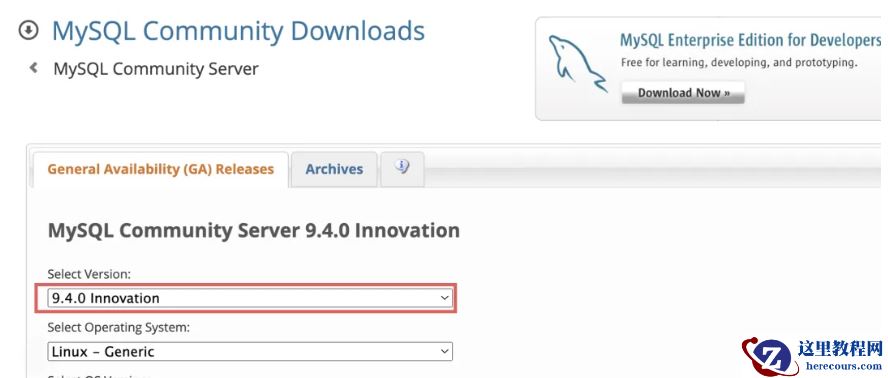
MySQL创新版9.4.0发布,这次真不是“挤牙膏”!
26-03-01