主节点的主库服务挂了,无法启动。强行启动从库。 在备库执行: USE master; ALTER DATABASE ec SET PARTNER FORCE_SERVICE_ALLOW_DATA_LOSS;之后会恢复两分钟,备机的数据库就能用了。 数据库日志: The mirrored database "ec" is changing roles from "MIRROR" to "PRINCIPAL" because the mirroring session or availability group failed over due to FORCE_SERVICE_ALLOW_DATA_LOSS. This is an informational message only. No user action is required.Starting up database 'ec'.1 transactions rolled forward in database 'ec' (7:0). This is an informational message only. No user action is required.0 transactions rolled back in database 'ec' (7:0). This is an informational message only. No user action is required.CHECKDB for database 'ec' finished without errors on 2016-09-01 15:33:43.907 (local time). This is an informational message only; no user action is required. 如果主机恢复了就切回去。--原来的主服务器恢复,可以继续工作,需要重新设定镜像,第一次可能会报个错在备库执行:USE master; ALTER DATABASE ec SET PARTNER RESUME; --恢复镜像 ALTER DATABASE ec SET PARTNER FAILOVER; --切换主备 主备切换完成。
编辑推荐:
相关推荐
-

-
-
-
-
-
-
-
-
-
-
-
-
-
-

雷神推出 MIX PRO II 迷你主机:基于 Ultra 200H,玻璃上盖 + ARGB 灯效
2 月 9 日消息,雷神 (THUNDEROBOT) 现已宣布推出基于英
-

制造商 Musnap 推出彩色墨水屏电纸书 Ocean C:支持手写笔、第三方安卓应用
2 月 10 日消息,制造商 Musnap 现已在海外推出一款 Oce
热文推荐
- 阿里云荣获最佳智能边缘计算技术创新平台

阿里云荣获最佳智能边缘计算技术创新平台
26-03-02 - 华为手机也有iPhone自带的悬浮球功能,真太好了
华为手机也有iPhone自带的悬浮球功能,真太好了
26-03-02 - dubbo-go 中的 TPS Limit 设计与实现

dubbo-go 中的 TPS Limit 设计与实现
26-03-02 - 揭秘2019双11背后的云网络 – 双11网络架构和洛神系统
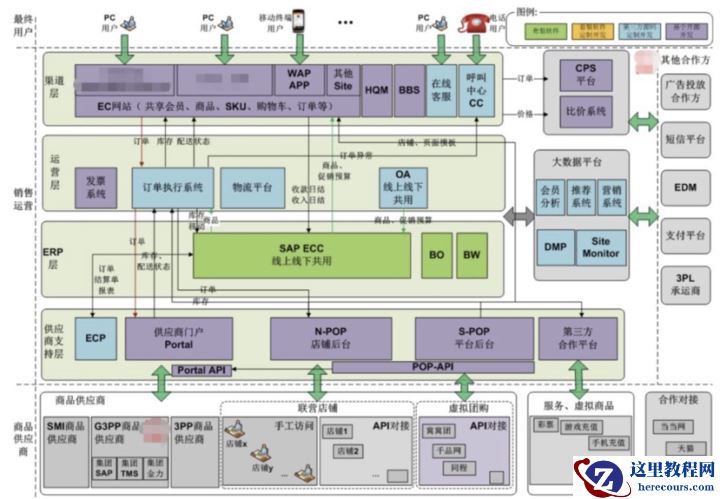
揭秘2019双11背后的云网络 – 双11网络架构和洛神系统
26-03-02 - Knative Serverless 之道:如何 0 运维、低成本实现应用托管?
- GPT分区备份该怎么做?想要对GPT分区备份却又不想备份整个硬盘怎么办?
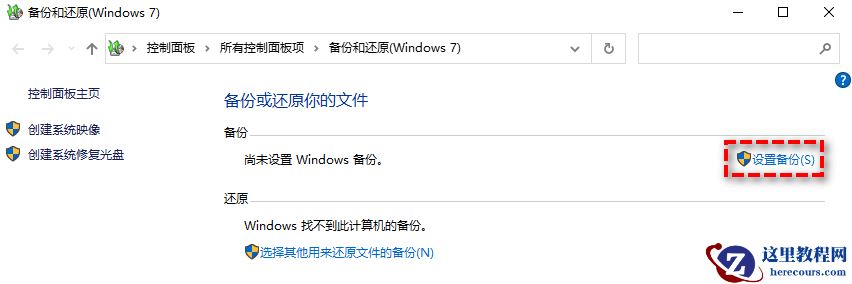
GPT分区备份该怎么做?想要对GPT分区备份却又不想备份整个硬盘怎么办?
26-03-02 - hp如何进入bios设置?惠普台式进入bios设置u盘启动

hp如何进入bios设置?惠普台式进入bios设置u盘启动
26-03-02 - 如何在当前目录打开命令提示符(cmd)
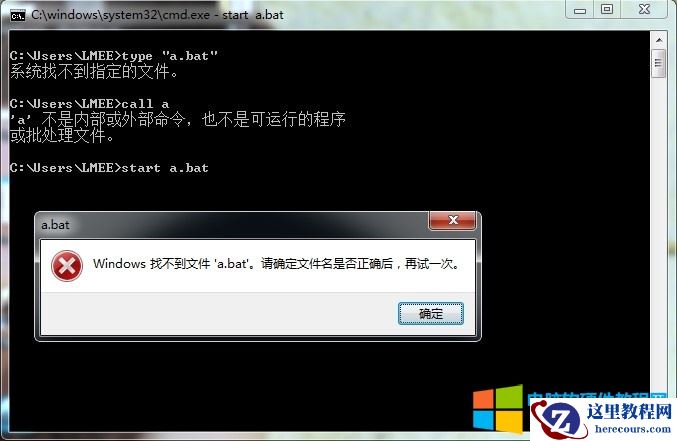
如何在当前目录打开命令提示符(cmd)
26-03-02 - Ubuntu数据清洗实战指南(手把手教你用Linux和Python高效清洗数据)
- 阿里云推出SRT+杜比全景声直播方案,低成本打造高质量直播观感体验

阿里云推出SRT+杜比全景声直播方案,低成本打造高质量直播观感体验
26-03-02