
前言 如果要挖井,就要挖到水出为止。 明晚公开课给大家讲讲如何用chai.js断言,有用过postman只会右侧点来自动生成断言代码,或在公 司应用postman的朋友们都来听听。 一、chai.js断言介绍 是一套TDD(测试驱动开发)/BDD(行为驱动开发)的断言库 包含有3个断言库支持BDD风格的expect/should和TDD风格的assert 可以高效的和任何js测试框架搭配使用(支持在postman中应用) 二、postman设置断言的流程 在tests页签截取要对比的实际响应信息(响应头、响应正文、响应状态码等) 利用断言语句 tests[] 或 chai.js 形式把实际响应信息与期望结果对比 执行请求进行结果查看 三、截取实际响应信息的新老版本代码对比 截取名称 老版本 新版本 响应状态码 responseCode.code pm.response.code 响应状态信息 responseCode.name pm.response.status 响应头 postman.getResponseHeader('Content-Type') pm.response.headers 响应正文 responseBody pm.response.text() json格式响应正文 JSON.parse(responseBody) pm.response.json() 四、tests断言基本语法 tests["case01 验证是否为true"] = true; //false tests["case02 验证是否1+1=2"] = 1+1 === 2; //判断是否相等 tests["case03 验证是否包含123"] = "1234567hello".has("123"); //判断是否包含 tests["case04 验证是否3>5"] = 3 > 5 ; //判断是否相等 tests["case05 与运算"] = 3 > 2 && 3>1 ; //与运算 tests["case06 或运算"] = 3 > 2 || 3>5 ; //或运算 tests["case07 非运算"] = !(3 > 2); //非运算 五、chai.js断言语法 5.1 pm.expect() pm.test("测试用例标题", function () { pm.expect(true).to.be.true; //chai.js断言编写处 }); pm.expect(2<5 && 3<6).to.be.true; //判断是否为true pm.expect('everything').to.be.ok; //判断是否为真值 非空、非0 即为真 pm.expect('hello').to.equal('hello'); //判断是否相等 pm.expect({ foo: 'bar' }).to.eql({ foo: 'bar' }); //判断是否深度相等 pm.expect('foobar').to.have.string('bar'); //判断是否包含字符串 pm.expect('foobar').to.match(/^foo/); //判断是否包含,支持正则表达式 ...... 5.2 pm.response pm.test("Status code is 200", function () { pm.response.to.have.status(200); //判断响应状态码是否是200 }); pm.test("Content-Type is present", function () { pm.response.to.have.header("Content-Type"); //判断响应头部信息是否包含Content-Type字 段 }); 5.3 tv4(Tiny Validator for JSON data) postman使用tv4和chai.js断言库可以进行json schema(结构)的断言 var schema ={ "type":"object", //表示当前节点的类型,最外层type代表json的最外层是什么样的类型 "properties":{ //代表当前节点的子节点信息。如 access_token 和 expires_in "access_token":{ "type":"string" }, "expires_in":{ "type": "integer" } }, "required": [ //一个数组类型,代表当前节点下必需的节点key "access_token", "expires_in" ] } pm.test('Json Schema is valid', function() { var jsonData = pm.response.json(); pm.expect(tv4.validate(jsonData, schema)).to.be.true; }); 六、总结及反思 实际工作中,断言库功能强大好用即可 json schema可以好好研究利用在接口测试过程中
测试公开课资料系列02--Postman之chai.js断言应用
来源:这里教程网
时间:2026-03-02 12:35:48
作者:
编辑推荐:
- 测试公开课资料系列02--Postman之chai.js断言应用03-02
- tempdb日志文件暴增分析03-02
- 电脑系统自动更新,会让系统盘可用空间减少(记得删除更新文件)03-02
- tempdb数据文件暴增分析03-02
- 5款赞不绝口的软件,建议收藏!03-02
- 链接服务器查询导致的阻塞03-02
- 透过等待看数据库03-02
- 这5款宝藏电脑软件,建议收藏!03-02
下一篇:
相关推荐
-

-
-
-
-
-
-
-
-
-
-
-
-
-
-

雷神推出 MIX PRO II 迷你主机:基于 Ultra 200H,玻璃上盖 + ARGB 灯效
2 月 9 日消息,雷神 (THUNDEROBOT) 现已宣布推出基于英
-

制造商 Musnap 推出彩色墨水屏电纸书 Ocean C:支持手写笔、第三方安卓应用
2 月 10 日消息,制造商 Musnap 现已在海外推出一款 Oce
热文推荐
- tempdb日志文件暴增分析
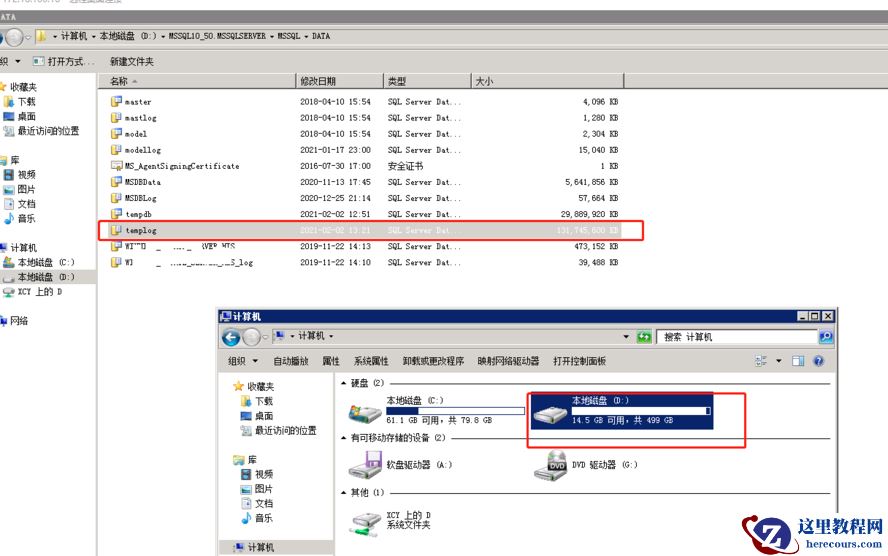
tempdb日志文件暴增分析
26-03-02 - 电脑系统自动更新,会让系统盘可用空间减少(记得删除更新文件)

电脑系统自动更新,会让系统盘可用空间减少(记得删除更新文件)
26-03-02 - tempdb数据文件暴增分析
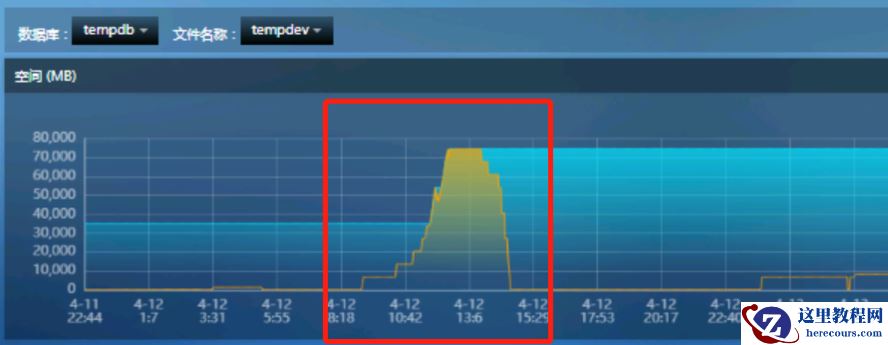
tempdb数据文件暴增分析
26-03-02 - 5款赞不绝口的软件,建议收藏!

5款赞不绝口的软件,建议收藏!
26-03-02 - 链接服务器查询导致的阻塞

链接服务器查询导致的阻塞
26-03-02 - 透过等待看数据库
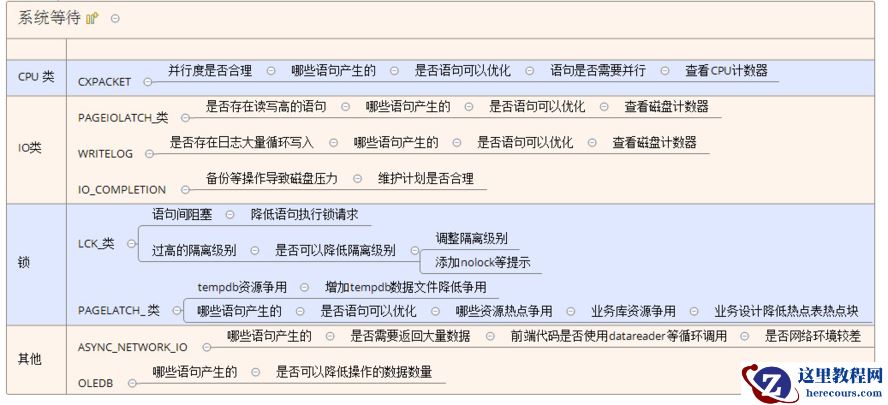
透过等待看数据库
26-03-02 - 这5款宝藏电脑软件,建议收藏!

这5款宝藏电脑软件,建议收藏!
26-03-02 - 低成本的增加监控摄像头真实案例实现教程

低成本的增加监控摄像头真实案例实现教程
26-03-02 - MSDN下载的iso怎么安装(iso镜像文件安装过程)
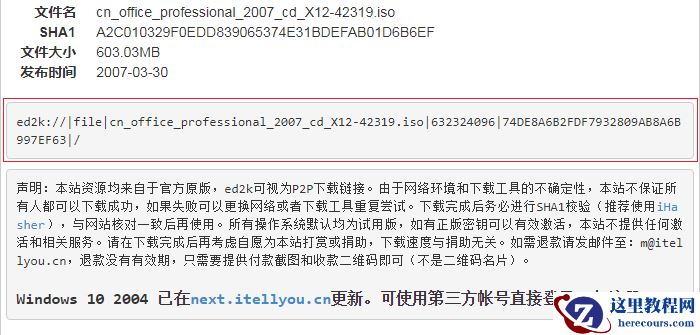
MSDN下载的iso怎么安装(iso镜像文件安装过程)
26-03-02 - SQL SERVER--系统隐形杀手—阻塞与等待
SQL SERVER--系统隐形杀手—阻塞与等待
26-03-02