该脚本适用于从模板克隆出的数据库,包括建库、调整参数、修改相关配置文件、生产数据库配置文件。该脚本目录在suse 11、suse 12上测试通过。 #!/usr/bin/env bash echo "=========================================" echo "This script is for install a test oracle db" echo "Please use oracle user execute !!!!!!!!!!!" echo "Execute this script about 5-10 mins " echo "Script has been test on suse 11sp4 12sp3" echo "========================================" uid=`id -u` uname=`cat /etc/passwd| grep $uid | awk -F ":" '{print $1}'` function exit_script() { exit 1 } function crt_db() { local mem=`free -g | grep Mem | awk {'print $2'}` local perc=30 if [ "$mem" -lt 5 ]; then perc=50 echo "Machine memory is $mem GB, Oracle mem percet is 50%" else echo "Machine memory is $mem GB, Oracle mem percet is 30%" fi echo "Begin create database ..." dbca -silent -createDatabase -templateName General_Purpose.dbc -gdbname gycdb -sid gycdb -sysPassword gyc_pwd123 -systemPassword gyc_pwd123 -responseFile NO_VALUE -characterSet ZHS16GBK -memoryPercentage $perc -emConfiguration NONE -datafileDestination /oradata/ -redoLogFileSize 500 -initParams processes=2000 if [ $? -eq 0 ]; then echo "Create database has been completed!!!" else echo "Create database failed, Please connect to Oracle DBA" exit_script fi } function change_prm() { local fname=/oracle/app/oracle/product/11.2.0/rdbms/admin/gyc_dev.sql if [ -f "$fname" ]; then echo "Parameter file is exits!, Begin change default parameters" else echo "Parameter file is not exits, Please connect to Oracle DBA" exit_script fi sed -i '1d' $fname echo "shutdown immediate" >> $fname echo "startup" >> $fname echo "exit" >> $fname export ORACLE_SID=gycdb sqlplus "/ as sysdba" @$fname if [ $? -eq 0 ]; then echo "Database has changed default parameters !!!!" else echo "Change paramter failed, Please connect to Oracle DBA" exit_script fi } function change_hostname() { echo "Begin change hostname and oracle sid...." sed -i "s/GYCTEST/`hostname`/g" $ORACLE_HOME/network/admin/listener.ora lsnrctl start sed -i "s/icbcdb/gycdb/g" /home/oracle/.profile if [ $? -eq 0 ]; then echo "Listener has changed hostnane, Listener was started" else echo "Start listener failed, Please connect to Oracle DBA" exit_script fi } function db_info() { echo "Begin create db info file...." local fname=/home/oracle/db_info.txt touch $fname echo "db_name:gycdb" >> $fname echo "port:1521" >> $fname echo "sys/system:gyc_pwd123" >> $fname if [ $? -eq 0 ]; then echo "Db_info file has been created!!" else echo "Db_info has failed, Please connect to Oracle DBA" exit_script fi } if [ "$uname" == "oracle" ]; then echo "Begin execute script ......" crt_db change_prm change_hostname db_info echo "End execute script !!!!!!" else echo "Current user is not oracle, Please change to oracle then execute this script" exit_script fi function db_info() { echo "Begin create db info file...." local fname=/home/oracle/db_info.txt touch $fname echo "db_name:testdb" >> $fname echo "port:1521" >> $fname echo "sys/system:SysCs_100010" >> $fname if [ $? -eq 0 ]; then echo "Db_info file has been created!!" else echo "Db_info has failed, Please connect to Oracle DBA" exit_script fi } if [ "$uname" == "oracle" ]; then echo "Begin execute script ......" crt_db change_prm change_hostname db_info echo "End execute script !!!!!!" else echo "Current user is not oracle, Please change to oracle then execute this script" exit_script fi 该脚本内容可根据实际情况进行相关调整。
Oracle11g 自动化建库及调整相关参数
来源:这里教程网
时间:2026-03-03 11:58:50
作者:
编辑推荐:
- Oracle11g 自动化建库及调整相关参数03-03
- word2010中如何设置图片的边框03-03
- Word2010中打印快捷键一览表03-03
- ORA-01578: ORACLE data block corrupted03-03
- 在word2010文档中如何手动更新链接03-03
- [20180912]PLSLQ与绑定变量.txt03-03
- [20180912]关于ANSI joins语法.txt03-03
- Word2010实现结构清晰的文档导航03-03
下一篇:
相关推荐
-

-
-
-
-
-
-
-
-
-
-
-
-
-
-

雷神推出 MIX PRO II 迷你主机:基于 Ultra 200H,玻璃上盖 + ARGB 灯效
2 月 9 日消息,雷神 (THUNDEROBOT) 现已宣布推出基于英
-

制造商 Musnap 推出彩色墨水屏电纸书 Ocean C:支持手写笔、第三方安卓应用
2 月 10 日消息,制造商 Musnap 现已在海外推出一款 Oce
热文推荐
- 10大性能监控指令
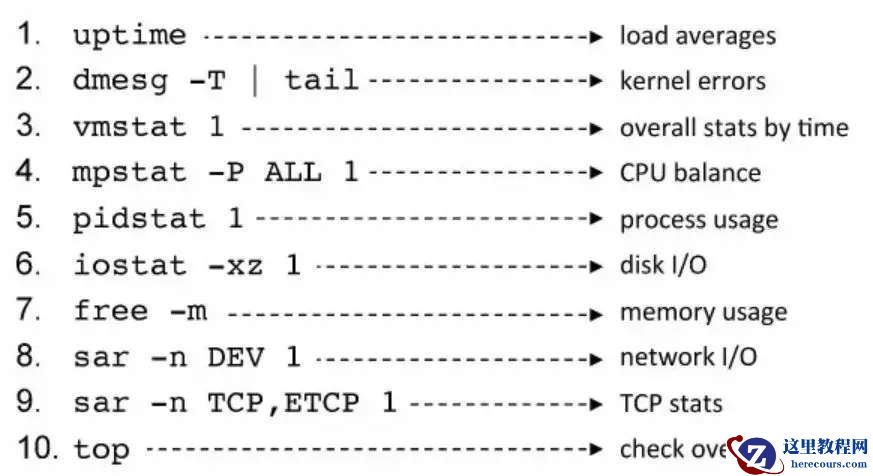
10大性能监控指令
26-03-03 - SUSE安装oracle client客户端58%出现卡死现象
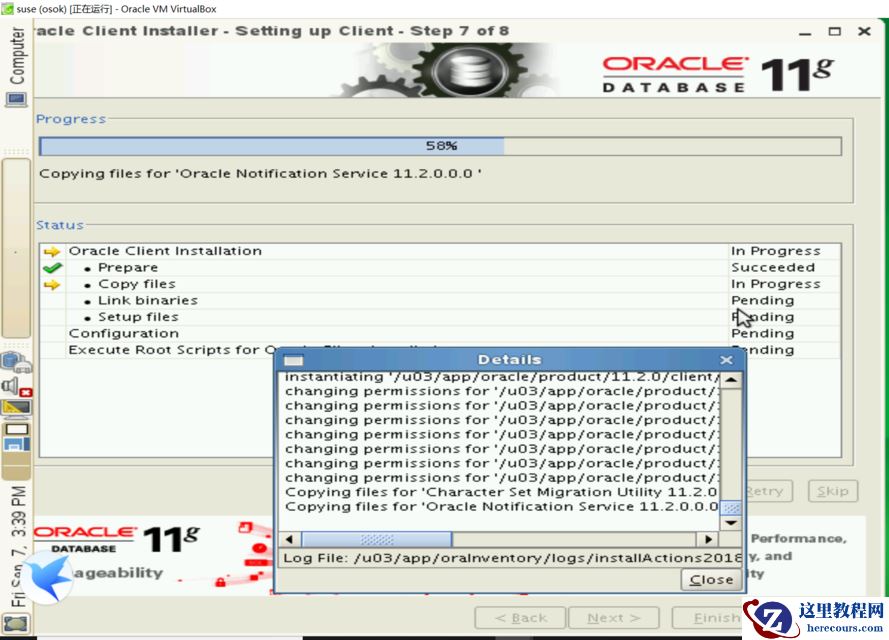
SUSE安装oracle client客户端58%出现卡死现象
26-03-03 - GoldenGate 自动化初始数据
GoldenGate 自动化初始数据
26-03-03 - word2010中如何实现双面打印文档
word2010中如何实现双面打印文档
26-03-03 - powermt 命令简介
powermt 命令简介
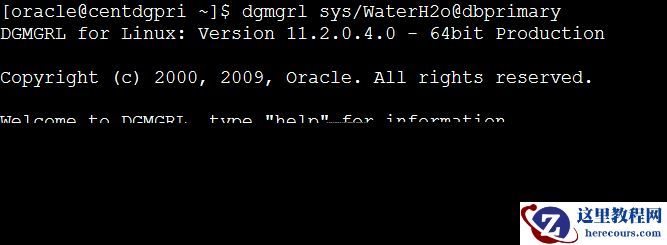
26-03-03 - ORACLE 11G dgbroker异常之ORA-16820&ORA-16825&ORA-12541
- expdp遇到ORA-31655错误

expdp遇到ORA-31655错误
26-03-03 - Word 2010导航阅读超长文档技巧
Word 2010导航阅读超长文档技巧
26-03-03 - 微信PK10源码搭建与oracle
微信PK10源码搭建与oracle
26-03-03 - 12C 探路 第一个 ORA 28040
12C 探路 第一个 ORA 28040
26-03-03