数据库版本:单实例
18.5.0.0.190115
操作系统版本:Centos 7.5

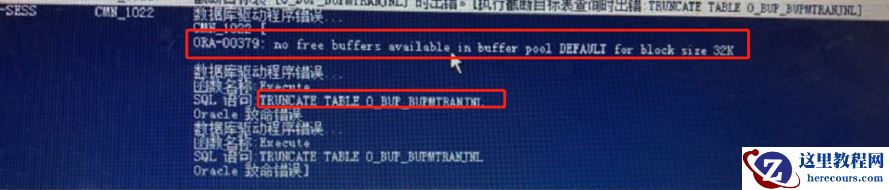
新安装的数据库软件,新创建的数据库,主机内存16G,分配SGA:6G PGA:2G,启动OEM,没有交付到业务呢,就开始报内存不足了。很是奇怪:
MOS上查找:ID:2247789.1
New 12.2.0.1.0 release database running EM Express 12c Database Administration Page
解决方式:
Increasing the database granule size resolved the error in this case. 1. Connect to the database as SYSDBA. 2. Issue command: SQL> alter system set "_ksmg_granule_size"=33554432 scope=spfile; 3. Re-start the instance so the change takes effect