if (pageContext.isLovEvent()) { // Form was submitted because the user selected // a value from the LOV modal window, // or because the user tabbed out of the LOV input. // Find out which LOV input triggered the event. String lovInputSourceId = pageContext.getLovInputSourceId();//取当前触发事件的LOV // At this point, all the data is available in the base VO, just as in // regular PPR events. Invoke an AM method to update the application // properties VO. // //获取特定LOV事件 if ("myLovInput".equals(lovInputSourceId)) { am.invokeMethod("handleMyLovInputEvent"); } } The pageContext.isLovEvent method returns true if the event value is LOV_UPDATE (meaning the user selected a value from the LOV modal window), or LOV_VALIDATE (meaning the user tabbed out of the LOV input field on the base page).
获取LOV事件
来源:这里教程网
时间:2026-03-03 13:58:48
作者:
编辑推荐:
下一篇:
相关推荐
-

-
-
-
-
-
-
-
-
-
-
-
-
-
-

雷神推出 MIX PRO II 迷你主机:基于 Ultra 200H,玻璃上盖 + ARGB 灯效
2 月 9 日消息,雷神 (THUNDEROBOT) 现已宣布推出基于英
-

制造商 Musnap 推出彩色墨水屏电纸书 Ocean C:支持手写笔、第三方安卓应用
2 月 10 日消息,制造商 Musnap 现已在海外推出一款 Oce
热文推荐
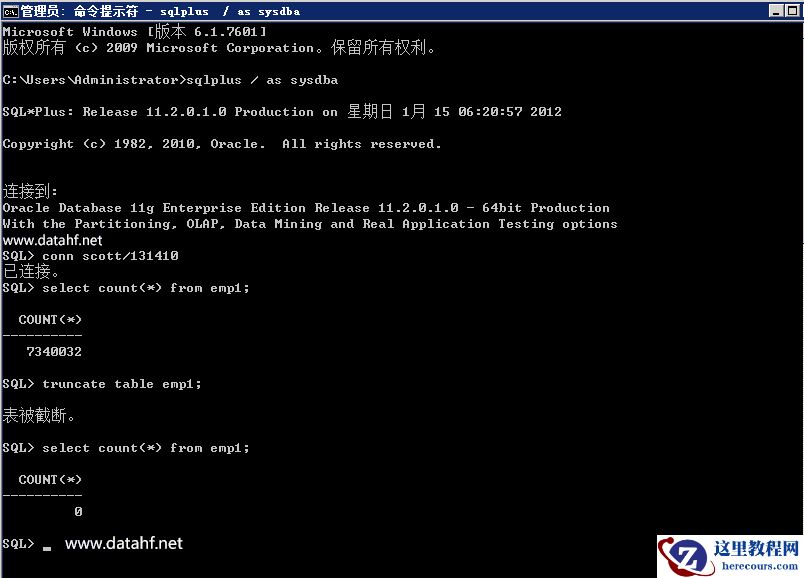
- Oracle数据库执行truncate table操作后如何逆向恢复之前的状态
- 从Oracle到PostgreSQL:Storage Index 特性 vs BRIN索引
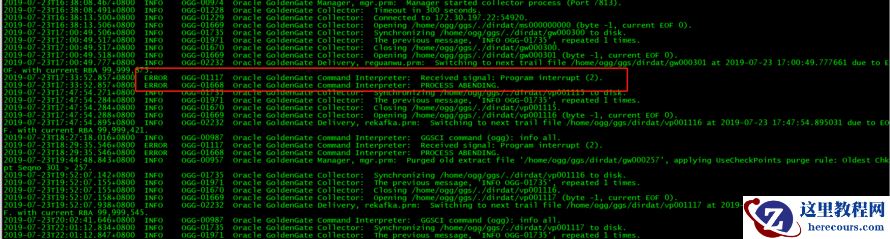
- OGG-01117 Received signal: Program interrupt (2)
- Debian route命令详解(Linux路由表管理入门教程)

Debian route命令详解(Linux路由表管理入门教程)
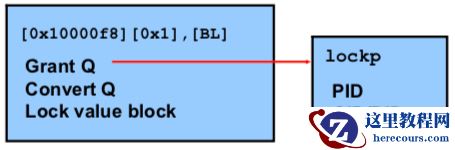
26-03-03 - Oracle RAC Cache Fusion 系列八:Oracle RAC 分布式资源管理(一)
- 《数据安全警示录》一书修订版出版
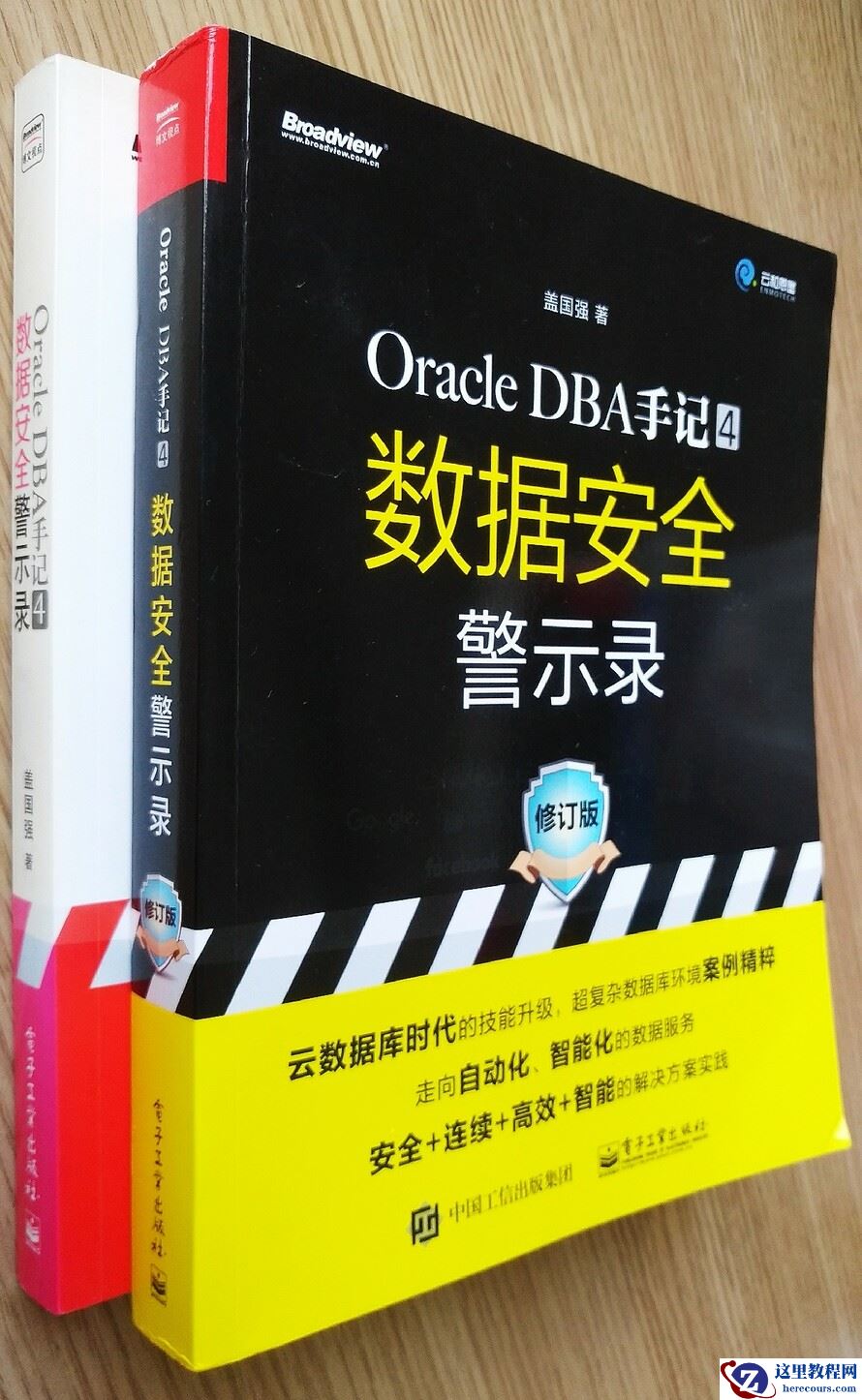
《数据安全警示录》一书修订版出版
26-03-03 - 跌宕起伏的ETC巨头金溢科技,晚年惨遭微信、支付宝截胡

跌宕起伏的ETC巨头金溢科技,晚年惨遭微信、支付宝截胡
26-03-03 - 市值暴跌3000亿背后的360

市值暴跌3000亿背后的360
26-03-03 - 突击部队拼多多

突击部队拼多多
26-03-03 - 表空间报错ORA-01157,ORA-01110
表空间报错ORA-01157,ORA-01110
26-03-03