[20190721]12CR2 max_idle_time 2.txt --//昨天测试max_idle_time,我自己有点不理解oracle为什么会加入这样的参数。 --//首先这个参数仅仅在system级别上测试,而不是在session级别,缺乏灵活性。 --//查看官方文档如下: https://docs.oracle.com/en/database/oracle/oracle-database/18/refrn/MAX_IDLE_TIME.html#GUID-9E26A81D-D99E-4EA8-88DE-77AF68482A20 1.184 MAX_IDLE_TIME MAX_IDLE_TIME specifies the maximum number of minutes that a session can be idle. After that point, the session is automatically terminated. Property Description ---------------------------------------------- Parameter type Integer Default value 0 Modifiable ALTER SYSTEM Modifiable in a PDB Yes Range of values 0 to the maximum integer. The value of 0 indicates that there is no limit. Basic No Oracle RAC Different instances can use different values. ---------------------------------------------- --//补充测试有事务的情况。 1.环境: SCOTT@test01p> @ ver1 PORT_STRING VERSION BANNER CON_ID ------------------------------ -------------- -------------------------------------------------------------------------------- ---------- IBMPC/WIN_NT64-9.1.0 12.2.0.1.0 Oracle Database 12c Enterprise Edition Release 12.2.0.1.0 - 64bit Production 0 SCOTT@test01p> alter system set max_idle_time=1 scope=memory; System altered. --//退出再进入。 2.测试一: SCOTT@test01p> select sysdate from dual ; SYSDATE ------------------- 2019-07-21 07:35:28 --//等30秒后。中间乱按一些字符在删除(或者直接输入以上命令),等2分钟之后执行(不要超过2分30秒执行): SCOTT@test01p> select sysdate from dual ; SYSDATE ------------------- 2019-07-21 07:37:33 --//可以发现并没有断开。继续中间在界面上按鼠标按钮。等2分钟之后执行: SCOTT@test01p> select sysdate from dual ; select sysdate from dual * ERROR at line 1: ORA-03113: end-of-file on communication channel Process ID: 2604 Session ID: 251 Serial number: 62541 --//可以开始记时从有键盘输入算起。超时最小要2*MAX_IDLE_TIME才会终止连接。 3.测试二,如果有事务情况如下: SCOTT@test01p> create table t as select level id from dual connect by level<=10; Table created. SCOTT@test01p> update t set id=id+1; 10 rows updated. SCOTT@test01p> select sysdate from dual ; SYSDATE ------------------- 2019-07-21 07:49:17 SCOTT@test01p> host sleep 120 SCOTT@test01p> select sysdate from dual ; select sysdate from dual * ERROR at line 1: ORA-03113: end-of-file on communication channel Process ID: 908 Session ID: 181 Serial number: 31136 --//重新登录: SCOTT@test01p> select * from t; ID ---------- 1 2 3 4 5 6 7 8 9 10 10 rows selected. --//事务回滚了。
[20190721]12CR2 max_idle_time 2.txt
来源:这里教程网
时间:2026-03-03 13:59:22
作者:
编辑推荐:
- [20190721]12CR2 max_idle_time 2.txt03-03
- ORA-0115303-03
- 被低估的斗鱼03-03
- 关于Oracle 18c将采用新的命名版本号的方式03-03
- oracle sql 表空间利用率03-03
- 耐克财报:数字化驱动能否带来第二春?03-03
- 关于pmon、smon、mman、mmon、mmnl后台进程的解释03-03
- linux简易 Oracle客户端安装和下载地址03-03
下一篇:
相关推荐
-

-
-
-
-
-
-
-
-
-
-
-
-
-
-

雷神推出 MIX PRO II 迷你主机:基于 Ultra 200H,玻璃上盖 + ARGB 灯效
2 月 9 日消息,雷神 (THUNDEROBOT) 现已宣布推出基于英
-

制造商 Musnap 推出彩色墨水屏电纸书 Ocean C:支持手写笔、第三方安卓应用
2 月 10 日消息,制造商 Musnap 现已在海外推出一款 Oce
热文推荐
- ORA-01153

ORA-01153
26-03-03 - 被低估的斗鱼

被低估的斗鱼
26-03-03 - 耐克财报:数字化驱动能否带来第二春?

耐克财报:数字化驱动能否带来第二春?
26-03-03 - 【硬货】Oracle数据库出现问题时,这十个脚本帮你快速定位原因
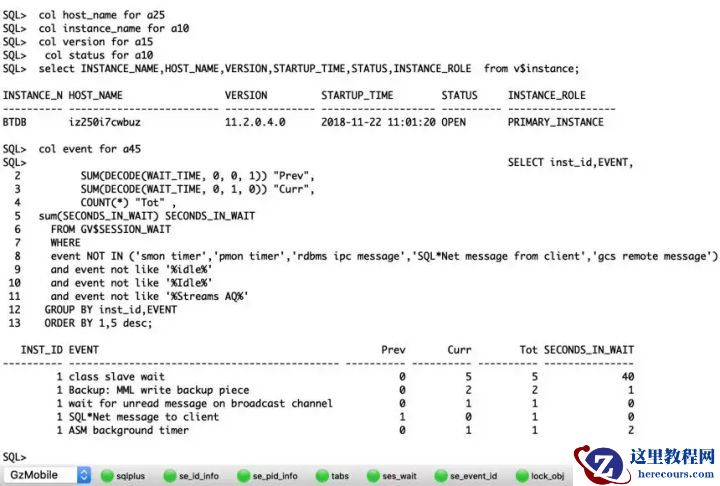
【硬货】Oracle数据库出现问题时,这十个脚本帮你快速定位原因
26-03-03 - 2019年7月数据库流行度排行:Oracle王者归来获大幅增长
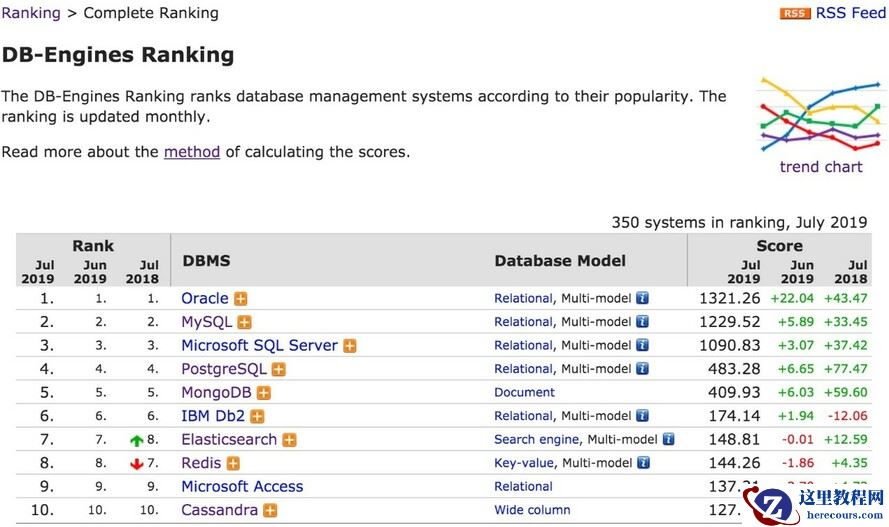
2019年7月数据库流行度排行:Oracle王者归来获大幅增长
26-03-03 - 网络原因导致rac安装过程中节点2跑root.sh失败
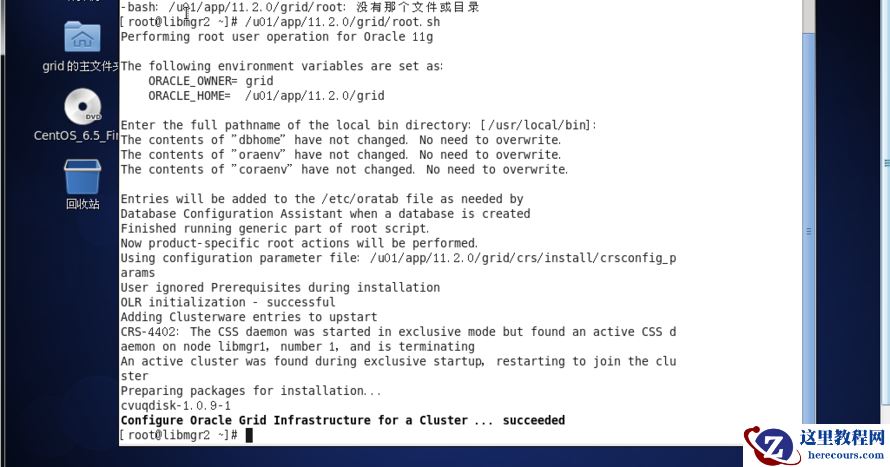
网络原因导致rac安装过程中节点2跑root.sh失败
26-03-03 - oracle11g dg broker配置服务的高可用
oracle11g dg broker配置服务的高可用
26-03-03 - 疯狂融资没戏了,生鲜电商接下来要圈钱只能IPO了?

疯狂融资没戏了,生鲜电商接下来要圈钱只能IPO了?
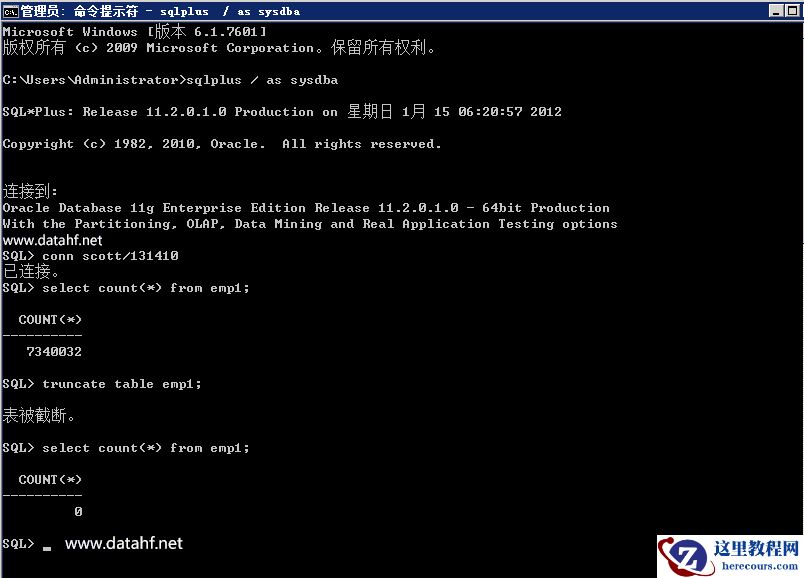
26-03-03 - Oracle数据库执行truncate table操作后如何逆向恢复之前的状态
- 从Oracle到PostgreSQL:Storage Index 特性 vs BRIN索引