
[20191125]探究等待事件的本源.txt --//当工作中遇到oracle的性能问题时,查看awr报表提供很好的解决问题途径.但是有时候很容易想当然. --//比如以前我一看到 log file sync等待事件就很主观的认为redo 磁盘IO不行,实际上真实的情况可能有许多. --//比如提交进程太多,cpu调度不过来.总之需要wait chains确定问题的本源. --//上午看了大师Tanel Poder的dash_wait_chains.sql与ash_wait_chains.sql脚本,简单学习它的使用. --//dash_wait_chains.sql 是基于DBA_HIST_ACTIVE_SESS_HISTORY视图.而ash_wait_chains.sql基于V$ACTIVE_SESSION_HISTORY视图. --//二者命令执行格式差不多,仅仅学习ash_wait_chains.sql就ok了. --//实际上根本不需要学习与记忆,看看脚本的开头就知道如何执行与使用: -- Usage: -- @ash_wait_chains <grouping_cols> <filters> <fromtime> <totime> -- -- Example: -- @ash_wait_chains username||':'||program2||event2 session_type='FOREGROUND' sysdate-1/24 sysdate -- -- Other: -- This script uses only the in-memory V$ACTIVE_SESSION_HISTORY, use -- @dash_wait_chains.sql for accessiong the DBA_HIST_ACTIVE_SESS_HISTORY archive -- -- Oracle 10g does not have the BLOCKING_INST_ID column in ASH so you'll need -- to comment out this column in this script. This may give you somewhat -- incorrect results in RAC environment with global blockers. -- -------------------------------------------------------------------------------- --//我做一点点简单的修改: COL wait_chain FOR A300 WORD_WRAP --//修改为: COL wait_chain FOR A200 WORD_WRAP --//我的工作环境最大显示宽度是271列.如果设置再小,字体显示就太小,我同事许多设置才237. $ echo $COLUMNS 271 --//因为我还需要管理10g的数据库,根据前面的说明,可以拷贝脚本命名为ash_wait_chains10g.sql. --//注解如下,当然对于rac环境可能不正确. -- AND PRIOR d.blocking_inst_id = d.inst_id --//作者还重新定义字段program,event为program2,event2.这样显示更加直观,占用宽度更小一些. --//以下是测试部分: 1.环境: qqqqqqqqqqq> @ ver1 PORT_STRING VERSION BANNER ------------------- ---------- ---------------------------------------------------------------------------- x86_64/Linux 2.4.xx 11.2.0.4.0 Oracle Database 11g Enterprise Edition Release 11.2.0.4.0 - 64bit Production qqqqqqqqqqq> @ tpt/ash/ash_wait_chains program2||':'||event2 1=1 trunc(sysdate)+9/24 trunc(sysdate)+10/24 -- Display ASH Wait Chain Signatures script v0.2 BETA by Tanel Poder ( http://blog.tanelpoder.com ) %This SECONDS AAS WAIT_CHAIN ------ ---------- ---------- ------------------------------------------------------------------- 33% 4362 .1 -> (XXXYYY.EXE) :ON CPU 10% 1368 0 -> (NSSn) :LNS wait on SENDREQ 10% 1323 0 -> (LGWR) :LGWR-LNS wait on channel 6% 735 0 -> (XXXYYY.EXE) :log file sync -> (LGWR) :LGWR-LNS wait on channel 5% 605 0 -> (CAPAA-PIPE) :ON CPU 5% 604 0 -> (XXXYYY.exe) :ON CPU 4% 573 0 -> (wnwp.exe) :ON CPU 3% 378 0 -> (DIAn) :ON CPU 2% 274 0 -> (sqlplus) :ON CPU 2% 246 0 -> (httpd.exe) :ON CPU 2% 230 0 -> (PSPn) :ON CPU 1% 115 0 -> (CKPT) :ON CPU 1% 111 0 -> (LMSn) :ON CPU 1% 111 0 -> (wnwp.exe) :log file sync -> (LGWR) :LGWR-LNS wait on channel 1% 89 0 -> (routine.exe) :ON CPU 1% 87 0 -> (oracle) :ON CPU 1% 86 0 -> (sqlplus) :control file sequential read 1% 83 0 -> (LGWR) :ON CPU 1% 76 0 -> (routine.exe) :log file sync -> (LGWR) :LGWR-LNS wait on channel 1% 72 0 -> (ARCn) :ON CPU 1% 69 0 -> (XXXYYY.EXE) :gc current block 2-way 1% 68 0 -> (XXXYYY.EXE) :gc cr block 2-way 0% 63 0 -> (LGWR) :log file parallel write 0% 55 0 -> (LMON) :ON CPU 0% 55 0 -> () :null event 0% 47 0 -> (XXXYYY.EXE) :log file sync 0% 46 0 -> (nnnn.exe) :log file sync -> (LGWR) :LGWR-LNS wait on channel 0% 39 0 -> (LMSn) :gcs log flush sync -> (LGWR) :LGWR-LNS wait on channel 0% 38 0 -> (XXXYYY.EXE) :direct path read 0% 38 0 -> (XXXYYY.EXE) :gc cr block busy 30 rows selected. --//开始不理解AAS表示什么.表示如下 ROUND(COUNT(*) / ((CAST(&4 AS DATE) - CAST(&3 AS DATE)) * 86400), 1) AAS --//相当于每秒取样几次. --//参数3,参数4是时间范围,我建议使用类似例子的格式.你仅仅需要知道1/24表示1小时,1/1440表示1分钟就ok了. --//比如你需要查看当天8:15到9:10的情况,时间可以写成: trunc(sysdate)+8/24+15/1440 trunc(sysdate)+9/24+10/1440 --//另外注意一点:V$ACTIVE_SESSION_HISTORY保留信息有限制,时间太久的可能查询不到.要改用dash_wait_chains.sql脚本查询. --//参数2可以加入一些过滤例子:session_type='FOREGROUND' 或者使用 1=1 表示全部. --//你可以看到这台服务器的log file sync等待事件实际上由于(LGWR) :LGWR-LNS wait on channel. --//问题在与安装配置dg时的参数: qqqqqqqqqqq> show parameter log_archive_dest_2 NAME TYPE VALUE ------------------ ------ ---------------------------------------------------------------------------------------------------- log_archive_dest_2 string service=rzdbra lgwr sync reopen=15 max_failure=10 net_timeout=30 optional noaffirm db_unique_name=XXXXXX --//对方配置了sync,这样在提交时要确定dg方已经写入日志文件才算提交. --//如果改成async,相关等待LNS wait on SENDREQ,LGWR-LNS wait on channel,log file sync都会消失或者减少. --//再来看看另外1个10g的数据库: WWWWWWWWW> @ ver1 PORT_STRING VERSION BANNER ------------------- -------------- ---------------------------------------------------------------- x86_64/Linux 2.4.xx 10.2.0.4.0 Oracle Database 10g Enterprise Edition Release 10.2.0.4.0 - 64bi WWWWWWWWW> @ tpt/ash/ash_wait_chains10g program2||':'||event2 1=1 trunc(sysdate)+9/24 trunc(sysdate)+10/24 -- Display ASH Wait Chain Signatures script v0.2 BETA by Tanel Poder ( http://blog.tanelpoder.com ) %This SECONDS AAS WAIT_CHAIN ------ ---------- ---------- ------------------------------------------------------------------------ 30% 3602 .1 -> (xxxzzzz.exe) :db file sequential read 19% 2244 0 -> (DBWn) :ON CPU 11% 1321 0 -> (LGWR) :log file parallel write 9% 1113 0 -> (xxxzzzz.exe) :ON CPU 7% 890 0 -> (xxxzzzz.exe) :db file scattered read 6% 784 0 -> (xxxzzzz.exe) :log file sync -> (LGWR) :log file parallel write 5% 633 0 -> (aaatobbbb.exe) :log file sync -> (LGWR) :log file parallel write 4% 490 0 -> (CKPT) :control file parallel write 1% 106 0 -> (wnwp.exe) :db file sequential read 1% 88 0 -> (JDBC Thin Client) :db file sequential read 1% 86 0 -> (aaatobbbb.exe) :db file scattered read 1% 82 0 -> (mnnn) :db file sequential read 0% 59 0 -> (xxxzzzz.exe) :read by other session 0% 55 0 -> (wnwp.exe) :ON CPU 0% 54 0 -> (JDBC Thin Client) :ON CPU 0% 45 0 -> (plsqldev.exe) :enq: TX - row lock contention 0% 44 0 -> (sqlplus) :ON CPU 0% 27 0 -> (wnwp.exe) :log file sync -> (LGWR) :log file parallel write 0% 27 0 -> (aaatobbbb.exe) :ON CPU 0% 25 0 -> (xxxzzzz.exe) :SQL*Net more data from dblink 0% 25 0 -> (mnnn) :ON CPU 0% 24 0 -> (ARCn) :log file sequential read 0% 19 0 -> (xxxzzzz.exe) :db file parallel read 0% 13 0 -> (CTWR) :ON CPU 0% 13 0 -> (aaatobbbb.exe) :db file sequential read 0% 12 0 -> (Jnnn) :db file sequential read 0% 10 0 -> (aaatobbbb.exe) :log file sync 0% 10 0 -> (SMON) :db file sequential read 0% 10 0 -> (ARCn) :ON CPU 0% 10 0 -> (CJQn) :ON CPU 30 rows selected. --//可以发现这台系统磁盘io已经不行.如果负荷在增加就不行.顺便说一下这台机器硬件配置很差. WWWWWWWWW> @ tpt/ash/ash_wait_chains10g event2 1=1 trunc(sysdate)+7/24 sysdate -- Display ASH Wait Chain Signatures script v0.2 BETA by Tanel Poder ( http://blog.tanelpoder.com ) %This SECONDS AAS WAIT_CHAIN ------ ---------- ---------- ----------------------------------------------------------- 32% 4910 .1 -> db file sequential read 32% 4887 .1 -> ON CPU 12% 1896 0 -> log file sync -> log file parallel write ~~~~~~~~~~~~~~~~~~~~~~~~~~~~~~~~~~~~~~~~~~~~~~~~~~~~~~~~~~~~~~~~~~~~~~~ 11% 1761 0 -> log file parallel write 7% 1078 0 -> db file scattered read 4% 650 0 -> control file parallel write 0% 59 0 -> read by other session 0% 45 0 -> enq: TX - row lock contention 0% 34 0 -> SQL*Net more data to client 0% 34 0 -> SQL*Net more data from dblink 0% 24 0 -> log file sequential read 0% 23 0 -> db file parallel read 0% 21 0 -> log file sync 0% 7 0 -> log file switch completion 0% 6 0 -> null event 0% 5 0 -> change tracking file synchronous write 0% 4 0 -> SQL*Net more data from client 0% 4 0 -> control file sequential read 0% 3 0 -> os thread startup 0% 2 0 -> enq: CF - contention -> control file parallel write 0% 1 0 -> SQL*Net break/reset to client 0% 1 0 -> Log archive I/O 0% 1 0 -> latch: library cache 0% 1 0 -> log file sync -> ON CPU 24 rows selected. --//注意看下划线,log file sync主要是由于log file parallel write太慢造成的,与前面的不同.这样定位问题就不会太盲目乱猜.
[20191125]探究等待事件的本源.txt
来源:这里教程网
时间:2026-03-03 14:38:14
作者:
编辑推荐:
- [20191125]探究等待事件的本源.txt03-03
- ORACLE RAC 架构与原理03-03
- [20191125]oracel SQL parsing function qcplgte 2.txt03-03
- Oracle编译失效对象03-03
- oracle03-03
- 阿里云基于OSS的云上统一数据保护方案2.0技术解析03-03
- 阿里云祝顺民(江鹤):云原生SDWAN加速企业上云 引领未来智能网络03-03
- impdp导入报错之ORA-3912603-03
下一篇:
相关推荐
-

-
-
-
-
-
-
-
-
-
-
-
-
-
-

雷神推出 MIX PRO II 迷你主机:基于 Ultra 200H,玻璃上盖 + ARGB 灯效
2 月 9 日消息,雷神 (THUNDEROBOT) 现已宣布推出基于英
-

制造商 Musnap 推出彩色墨水屏电纸书 Ocean C:支持手写笔、第三方安卓应用
2 月 10 日消息,制造商 Musnap 现已在海外推出一款 Oce
热文推荐
- 阿里云基于OSS的云上统一数据保护方案2.0技术解析

阿里云基于OSS的云上统一数据保护方案2.0技术解析
26-03-03 - 阿里云祝顺民(江鹤):云原生SDWAN加速企业上云 引领未来智能网络
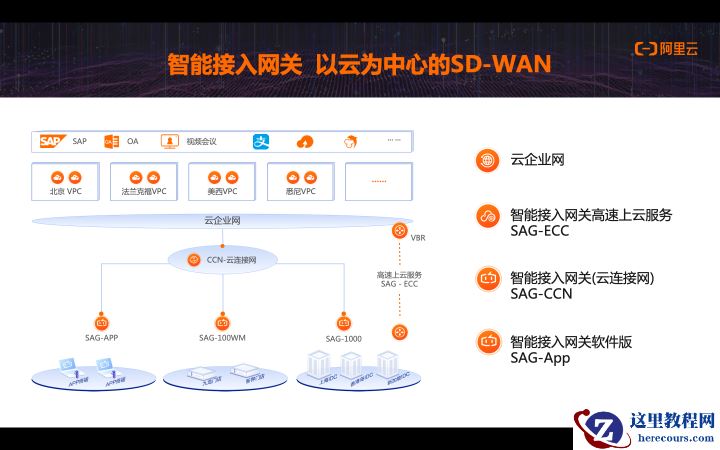
阿里云祝顺民(江鹤):云原生SDWAN加速企业上云 引领未来智能网络
26-03-03 - 手机收到这3种短信,就别回复了,最好直接拦截起来,看完涨知识

手机收到这3种短信,就别回复了,最好直接拦截起来,看完涨知识
26-03-03 - Oracle MOS:CSI 申请
Oracle MOS:CSI 申请
26-03-03 - containerd 与安全沙箱的 Kubernetes 初体验

containerd 与安全沙箱的 Kubernetes 初体验
26-03-03 - 如何运用项目管理思维制定工作计划?
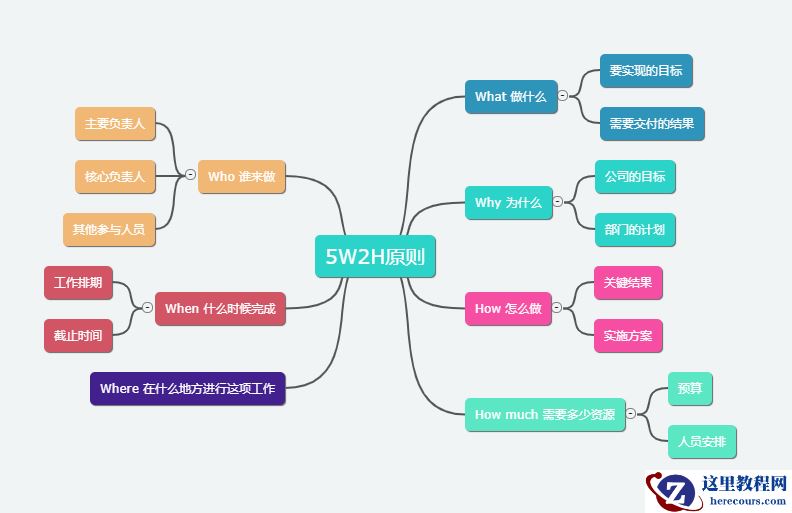
如何运用项目管理思维制定工作计划?
26-03-03 - impdp导入报错案例-ORA-00907-建表缺失右括号
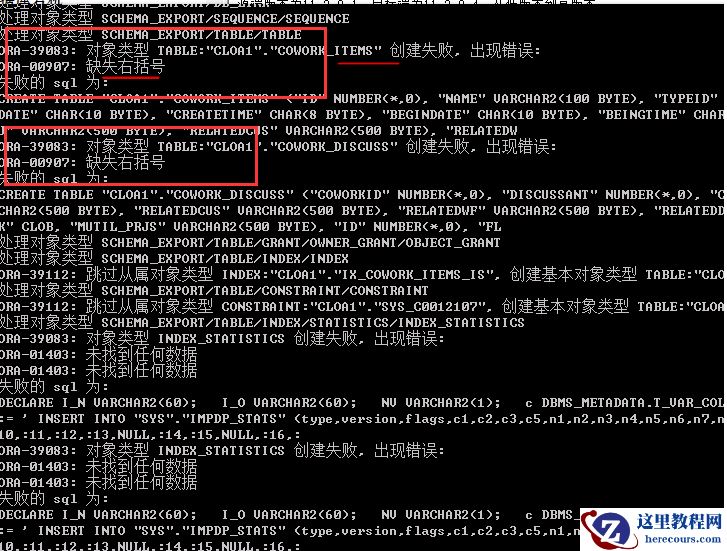
impdp导入报错案例-ORA-00907-建表缺失右括号
26-03-03 - 如果你还没有工作,请收好这6个自学网站,或许能够改变你的一生

如果你还没有工作,请收好这6个自学网站,或许能够改变你的一生
26-03-03 - 手机文件夹清理技巧!删除几个文件夹,瞬间腾出几G内存空间

手机文件夹清理技巧!删除几个文件夹,瞬间腾出几G内存空间
26-03-03 - Oracle数据库 11.2.0.4 EMON进程持续消耗CPU
Oracle数据库 11.2.0.4 EMON进程持续消耗CPU
26-03-03