
有两种含义的表大小。一种是分配给一个表的物理空间数量,而不管空间是否被使用。可以这样查询获得字节数: 一、查看表大小: 1、查看已分配的物理空间: select segment_name, bytes from user_segments where segment_type = 'TABLE'; 或者 Select Segment_Name, Sum(bytes) / 1024 / 1024 From User_Extents Group By Segment_Name 2、另一种表实际使用的空间: analyze table emp compute statistics; select num_rows * avg_row_len from user_tables where table_name = 'T1'; 二、查看每个表空间的大小 Select Tablespace_Name, Sum(bytes) / 1024 / 1024 From Dba_Segments Group By Tablespace_Name 1.查看剩余表空间大小 SELECT tablespace_name 表空间, sum(blocks * 8192 / 1000000) 剩余空间M FROM dba_free_space GROUP BY tablespace_name; 2.检查系统中所有表空间总体空间 select b.name, sum(a.bytes / 1000000) 总空间 from v$datafile a, v$tablespace b where a.ts# = b.ts# group by b.name; 查看Oracle数据库中表空间信息的命令方法: 通过查询数据库系统中的数据字典表(data dictionary tables)获取表空间的相关信息,首先使用客户端工具连接到数据库, 这些工具可以是SQLPLUS字符工具、TOAD、PL/SQL等,连接到数据库后执行如下的查询语句: select a.a1 表空间名称, c.c2 类型, c.c3 区管理, b.b2/1024/1024 表空间大小M, (b.b2-a.a2)/1024/1024 已使用M, substr((b.b2-a.a2)/b.b2*100,1,5) 利用率 from (select tablespace_name a1, sum(nvl(bytes,0)) a2 from dba_free_space group by tablespace_name) a, (select tablespace_name b1,sum(bytes) b2 from dba_data_files group by tablespace_name) b, (select tablespace_name c1,contents c2,extent_management c3 from dba_tablespaces) c where a.a1=b.b1 and c.c1=b.b1; 该语句通过查询dba_free_space,dba_data_files,dba_tablespaces这三个数据字典表,得到了表空间名称, 表空间类型,区管理类型,以”兆”为单位的表空间大小,已使用的表空间大小及表空间利用率。 dba_free_space 表描述了表空间的空闲大小,dba_data_files表描述了数据库中的数据文件, dba_tablespaces表描述了数据库中的表空间。 上面语句中from子句后有三个select语句,每个select语句相当于一个视图,视图的名称分别为 a、b、c, 通过它们之间的关联关系,我们得到了表空间的相关信息。
查看表和表空间大小
来源:这里教程网
时间:2026-03-03 16:22:47
作者:
编辑推荐:
- Go中由WaitGroup引发对内存对齐思考03-03
- 查看表和表空间大小03-03
- [oracle] 迁移表到新表空间03-03
- oracle asm 数据块重构恢复03-03
- [20210125]完善hide.sql脚本.txt03-03
- [20210104]单实例data buffer states 2.txt03-03
- [20210104]禁用或者删除触发器2.txt03-03
- 【XTTS】xtt.properties 文件参数描述(V4之前版本)03-03
相关推荐
-

-
-
-
-
-
-
-
-
-
-
-
-
-
-

雷神推出 MIX PRO II 迷你主机:基于 Ultra 200H,玻璃上盖 + ARGB 灯效
2 月 9 日消息,雷神 (THUNDEROBOT) 现已宣布推出基于英
-

制造商 Musnap 推出彩色墨水屏电纸书 Ocean C:支持手写笔、第三方安卓应用
2 月 10 日消息,制造商 Musnap 现已在海外推出一款 Oce
热文推荐
- 干货 | 设计师必备中国风配色卡,快来收藏
干货 | 设计师必备中国风配色卡,快来收藏
26-03-03 - Thread 1 cannot allocate new log
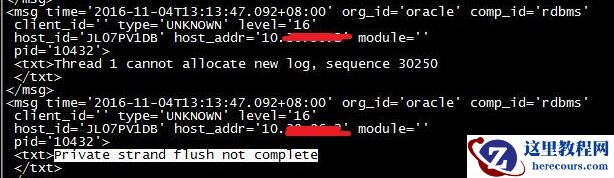
Thread 1 cannot allocate new log
26-03-03 - Oracle database 19c中获取当前数据库版本的方法

Oracle database 19c中获取当前数据库版本的方法
26-03-03 - Oracle如何删除表中重复记录保留第一条
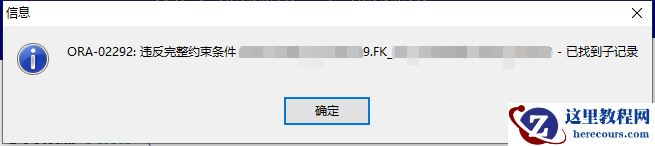
Oracle如何删除表中重复记录保留第一条
26-03-03 - Oracle网络服务基础(二)之监听器与TNS配置管理
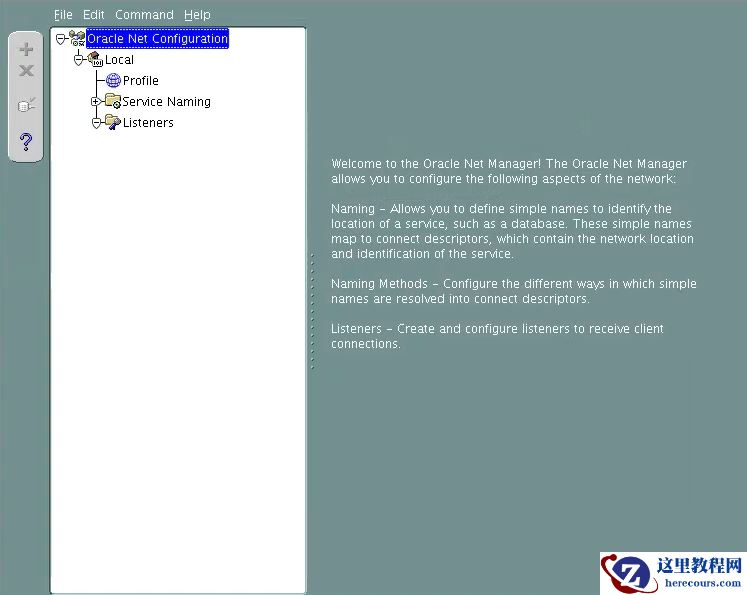
Oracle网络服务基础(二)之监听器与TNS配置管理
26-03-03 - ORACLE 数据库业务用户密码重置慎用特殊字符
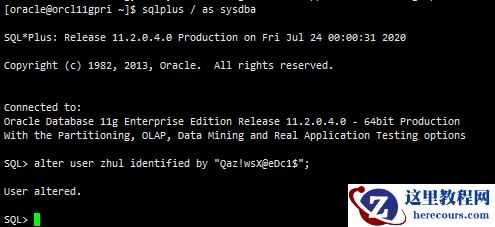
ORACLE 数据库业务用户密码重置慎用特殊字符
26-03-03 - oracle优化之生产系统不改代码解决SQL性能问题的几种方法

oracle优化之生产系统不改代码解决SQL性能问题的几种方法
26-03-03 - Oracle网络服务基础(一)之监听器概念
Oracle网络服务基础(一)之监听器概念
26-03-03 - Oracle 21c新特性预览与日常管理相关的几个新特性

Oracle 21c新特性预览与日常管理相关的几个新特性
26-03-03 - ora-00279 ora-00289 ora-00280

ora-00279 ora-00289 ora-00280
26-03-03