-
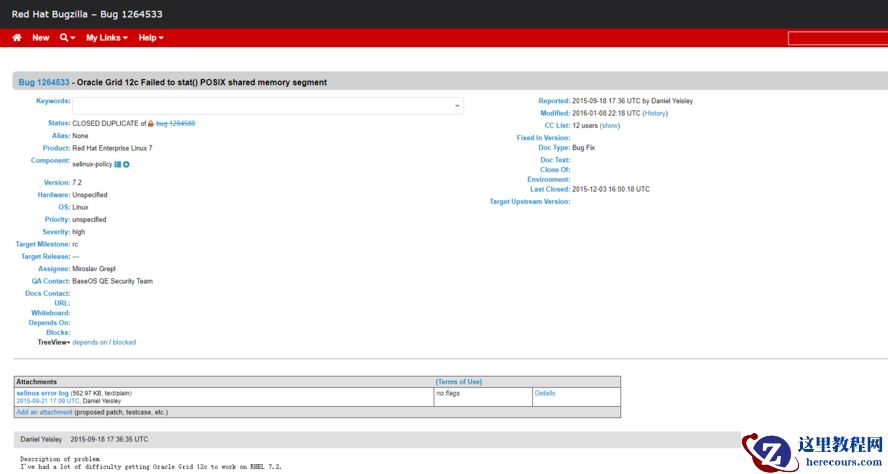
禁用 SELINUX setenforce 0 sed -i 's/SELINUX=enforcing/SELINUX=disabled/' /etc/selinux/config getenforce 修改为 DISABLE
-
关闭Transparent HugePages 修改/etc/grub.conf文件,在Kernel行末尾加上下列参数: transparent_hugepage=never
-
IO调度算法调整 修改/etc/grub.conf文件,在Kernel行末尾加上下列参数: elevator=deadline 可以通过cat /sys/block/sda/queue/scheduler命令来查看目前调度算法。
-
配置服务 service iptables stop service iptables save service ip6tables stop service ip6tables save chkconfig avahi-daemon off chkconfig bluetooth off chkconfig cpuspeed off chkconfig cups off chkconfig firstboot off chkconfig ip6tables off chkconfig iptables off chkconfig pcmcia off
-
内核参数修改 cat>>/etc/sysctl.conf<<EOF kernel.shmmax = 54050481766 kernel.shmall = 16494898 kernel.shmmni = 4096 kernel.sem = 250 32000 100 128 fs.file-max = 6815744 fs.aio-max-nr = 4194304 net.ipv4.ip_local_port_range = 9000 65500 net.core.rmem_default = 262144 net.core.rmem_max = 4194304 net.core.wmem_default = 262144 net.core.wmem_max = 1048576 net.ipv4.ipfrag_high_thresh = 16777216 net.ipv4.ipfrag_low_thresh = 15728640 kernel.randomize_va_space=0 vm.min_free_kbytes = 524288 # vm.nr_hugepages = 512 EOF 最佳配置算法: #shmmax echo "`cat /proc/meminfo | grep "MemTotal" | awk '{print $2}'` * 1024 * 0.8" | bc | sed 's#\..*$##' #shmall echo "`cat /proc/meminfo | grep "MemTotal" | awk '{print $2}'` / (`getconf PAGESIZE` / 1024)" | bc 使参数生效 sysctl -p