
[20211214]ezconnect输入口令的问题.txt --//前几天看别人解决问题,我发现对方采用ezconnect连接,看上去语法怪怪的,我以前的习惯经常看别人操作学习新的技能.我仔细看对 --//方在命令行没有输入口令.也许出于安全原因还是对方的工作习惯,不过我们生产系统由于等保的原因,口令也忒长,根本记不住,我基 --//本采用copy and paste方式,上班有一点点空闲测试看看对方的写法: $ sqlplus -s -l scott/book@127.0.0.1:1521/book <<< @ver1 PORT_STRING VERSION BANNER ------------------------------ -------------- -------------------------------------------------------------------------------- x86_64/Linux 2.4.xx 11.2.0.4.0 Oracle Database 11g Enterprise Edition Release 11.2.0.4.0 - 64bit Production --//如果不输入口令: $ sqlplus -s -l scott@127.0.0.1:1521/book <<< @ver1 ERROR: ORA-12504: TNS:listener was not given the SERVICE_NAME in CONNECT_DATA SP2-0751: Unable to connect to Oracle. Exiting SQL*Plus --//如果不输入口令上面输入命令无效。 --//这里"/"符号后面跟着密码,因此如果采用如上方式解析就出了问题,认为没有service_name。 --//引入字符解决这个问题: $ sqlplus scott@\"127.0.0.1:1521/book\" --//但是我这样遇到另外的问题。如果写成 sqlplus scott@\"127.0.0.1:1521/book\" <<<@ver1 $ sqlplus -s -l scott@\"127.0.0.1:1521/book\" <<<@ver1 SP2-0306: Invalid option. Usage: CONN[ECT] [{logon|/|proxy} [AS {SYSDBA|SYSOPER|SYSASM}] [edition=value]] where <logon> ::= <username>[/<password>][@<connect_identifier>] <proxy> ::= <proxyuser>[<username>][/<password>][@<connect_identifier>] SP2-0751: Unable to connect to Oracle. Exiting SQL*Plus --//仔细一想就很简单,oracle把后面的输入当作口令了。修改如下: $ sqlplus -s -l scott@\"127.0.0.1:1521/book\" @ ver1 <<<"book" PORT_STRING VERSION BANNER ------------------------------ -------------- -------------------------------------------------------------------------------- x86_64/Linux 2.4.xx 11.2.0.4.0 Oracle Database 11g Enterprise Edition Release 11.2.0.4.0 - 64bit Production
[20211214]ezconnect输入口令的问题.txt
来源:这里教程网
时间:2026-03-03 17:18:41
作者:
编辑推荐:
- [20211214]ezconnect输入口令的问题.txt03-03
- [20211214]18c标量子查询unnest.txt03-03
- 父母年纪大了,你会选择什么的方式帮他们养老呢?03-03
- [20211210]优化遇到的奇怪问题.txt03-03
- ocp 19c考题,科目082考试题-bigfile03-03
- Oracle 服务端进程03-03
- 单机是最好的架构之二数据同步03-03
- [20211210]swc.sql如何使用.txt03-03
下一篇:
相关推荐
-

-
-
-
-
-
-
-
-
-
-
-
-
-
-

雷神推出 MIX PRO II 迷你主机:基于 Ultra 200H,玻璃上盖 + ARGB 灯效
2 月 9 日消息,雷神 (THUNDEROBOT) 现已宣布推出基于英
-

制造商 Musnap 推出彩色墨水屏电纸书 Ocean C:支持手写笔、第三方安卓应用
2 月 10 日消息,制造商 Musnap 现已在海外推出一款 Oce
热文推荐
- 单机是最好的架构之二数据同步
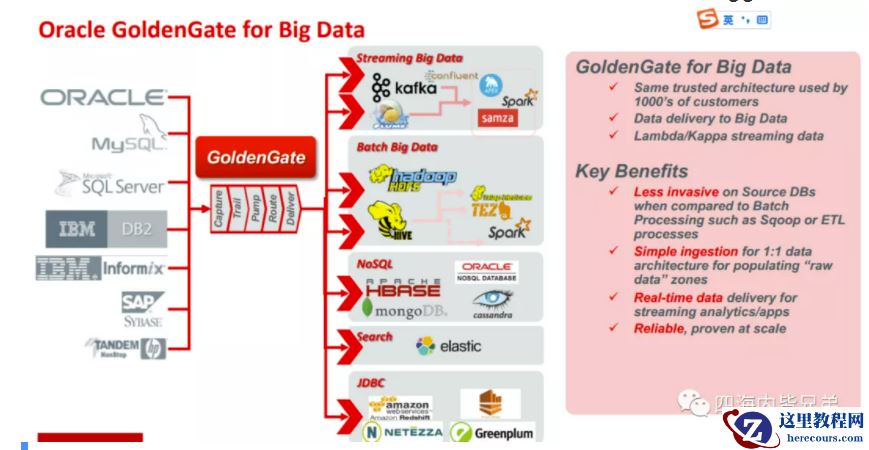
单机是最好的架构之二数据同步
26-03-03 - SQL 汉诺塔
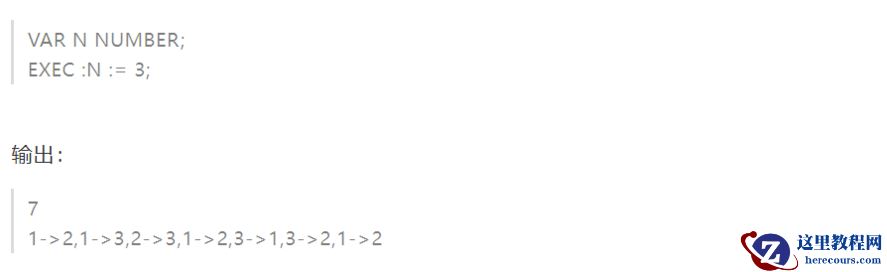
SQL 汉诺塔
26-03-03 - SQL改写

SQL改写
26-03-03 - OGG到hadoop
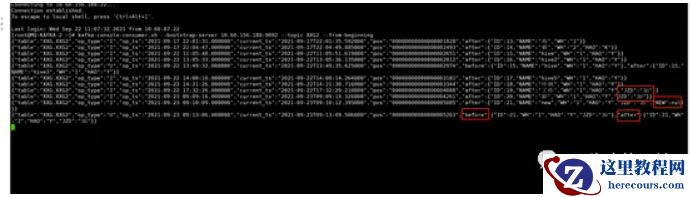
OGG到hadoop
26-03-03 - OGG-2
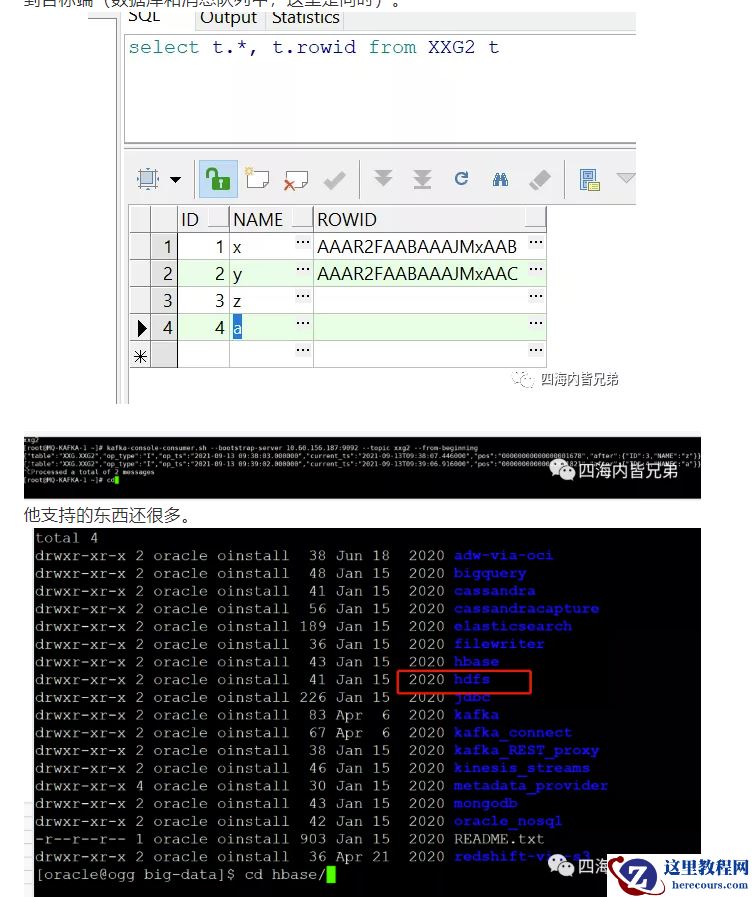
OGG-2
26-03-03 - 错误数据导致优化器不识别(高端优化手法用尽,结果尽然是这样)
错误数据导致优化器不识别(高端优化手法用尽,结果尽然是这样)
26-03-03 - Oracle MYSQL PG体系
Oracle MYSQL PG体系
26-03-03 - 世界数据库史
世界数据库史
26-03-03 - 开发规范是血泪教训
开发规范是血泪教训
26-03-03 - U盘分区损坏了还能恢复吗?双重方法解难题

U盘分区损坏了还能恢复吗?双重方法解难题
26-03-03