
[20230124]12c访问login.sql脚本.txt --//家里笔记本电脑,发现一个奇怪的现象,发现无法访问SQLPATH环境变量定义的路径下login.sql文件. --//找到一个链接: --//https://mikedietrichde.com/2017/04/17/security-change-in-oracle-database-12-2-with-login-sql/ Behavior since Oracle Database 12.2 Since Oracle Database 12.2.0.1 SQL*Plus will only search for the user profile (login.sql) in the directories you specify with the ORACLE_PATH environment variable on Linux (or SQLPATH on Windows). That means, you have a login.sql in your working directory – but it will be silently ignored unless you set explicitly ORACLE_PATH or SQLPATH to point to this directory. I'd just blindly guess that the same behavior change applies to SQLcl as well. --//翻译如下: 由于Oracle数据库12.2.0.1 SQL*Plus将只搜索在Linux上使用ORACLE_PATH环境变量(或)指定的目录中的用户配置文件(login.sql)。这 意味着,您的工作目录中有一个login.sql——但是它将被静默地忽略,除非您显式地设置ORACLE_PATH或SQLPATH指向这个目录。我只是 盲目地猜测,同样的行为改变也适用于SQLcl。 --//https://oracle-base.com/articles/12c/sqlplus-enhancements-12c 12c Release 2 (12.2) login.sql In previous releases, SQL*Plus checked the current working directory for the User Profile (login.sql) file, followed by the directories specified in the ORACLE_PATH environment variable on UNIX/Linux or SQLPATH on Windows. The 12.2 version of SQL*Plus no longer searches in the working, so the location of the "login.sql" file must be referenced in the ORACLE_PATH or SQLPATH environment variable, depending on your operating system. # UNIX/Linux export ORACLE_PATH=/path/to/my/scripts/ Rem Windows set SQLPLATH=C:\path\to\my\scripts Alternatively, include a direct reference to the script at the start of your other scripts. @@/path/to/my/scripts/login.sql The 12.2 behaviour may be back-ported to 12.1 in a future security patch. Check out these resources. --//https://www.dbi-services.com/blog/oracle-12cr2-changes-for-login-sql/ --//按照上面的介绍,如果我按照OS需求定义ORACLE_PATH或者SQLPLATH环境变量,访问应该是没有问题的. --//测试如下: 1.环境: SCOTT@test01p> @ver1 PORT_STRING VERSION BANNER CON_ID ------------------------------ -------------- -------------------------------------------------------------------------------- ---------- IBMPC/WIN_NT64-9.1.0 12.2.0.1.0 Oracle Database 12c Enterprise Edition Release 12.2.0.1.0 - 64bit Production 0 d:\tmp> echo %SQLPATH% d:\tools\sqllaji;d:\tools\sqllaji\tpt d:\tmp> cat D:\tools\sqllaji\tpt\login.sql -- Copyright 2018 Tanel Poder. All rights reserved. More info at http://tanelpoder.com -- Licensed under the Apache License, Version 2.0. See LICENSE.txt for terms & conditions. -- calling init.sql which will set up sqlpus variables prompt Hello from D:\tools\sqllaji\tpt\login.sql @init.sql -- i.sql is the "who am i" script which shows your session/instance info and -- also sets command prompt window/xterm title -- @i.sql -- you can put your own login scripts here d:\tmp> sqlplus -s /nolog quit d:\tmp> sqlplus -s /nolog @ D:\tools\sqllaji\tpt\login.sql Hello from D:\tools\sqllaji\tpt\login quit --//即使我修改定义如下: d:\tmp> set SQLPATH=d:\tools\sqllaji\tpt set SQLPATH=d:\tools\sqllaji\tpt d:\tmp> sqlplus -s /nolog quit d:\tmp> set ORACLE_PATH=d:\tools\sqllaji\tpt set ORACLE_PATH=d:\tools\sqllaji\tpt d:\tmp> sqlplus -s /nolog quit --//都是无法访问d:\tools\sqllaji\tpt\login.sql脚本. --//如果仔细看https://www.dbi-services.com/blog/oracle-12cr2-changes-for-login-sql/,链接给出许多测试. --//测试都应该在linux下进行的,不知道是windoOS版本的问题,或者windows完全取消这样的功能. --//当然手工解决也很简单,自己打入执行: d:\tmp> sqlplus -s /nolog @login Hello from D:\tools\sqllaji\tpt\login.sql quit 2.linux下测试: --//在11g下测试: $ ORACLE_PATH=~/ORACLE_PATH1:~/ORACLE_PATH2 SQLPATH=~/SQLPATH1:~/SQLPATH2 strace -e trace=file -o aa3.txt sqlplus -s /nolog quit $ grep -i login aa3.txt access("/home/oracle/ORACLE_PATH1/login.sql", F_OK) = -1 ENOENT (No such file or directory) access("/home/oracle/ORACLE_PATH2/login.sql", F_OK) = -1 ENOENT (No such file or directory) access("/home/oracle/ORACLE_PATH1/login.sql", F_OK) = -1 ENOENT (No such file or directory) access("/home/oracle/ORACLE_PATH2/login.sql", F_OK) = -1 ENOENT (No such file or directory) access("/home/oracle/ORACLE_PATH1/login.sql", F_OK) = -1 ENOENT (No such file or directory) access("/home/oracle/ORACLE_PATH2/login.sql", F_OK) = -1 ENOENT (No such file or directory) access("/home/oracle/ORACLE_PATH1/login.sql", F_OK) = -1 ENOENT (No such file or directory) access("/home/oracle/ORACLE_PATH2/login.sql", F_OK) = -1 ENOENT (No such file or directory) stat("login.sql", 0x7fff9a9b2f70) = -1 ENOENT (No such file or directory) access("/home/oracle/ORACLE_PATH1/login.sql", F_OK) = -1 ENOENT (No such file or directory) access("/home/oracle/ORACLE_PATH2/login.sql", F_OK) = -1 ENOENT (No such file or directory) access("/home/oracle/ORACLE_PATH1/login.sql", F_OK) = -1 ENOENT (No such file or directory) access("/home/oracle/ORACLE_PATH2/login.sql", F_OK) = -1 ENOENT (No such file or directory) stat("/home/oracle/SQLPATH1/login.sql", 0x7fff9a9acf50) = -1 ENOENT (No such file or directory) ~~~~~~~~~~~~~~~~~~~~~~~~~~~~~~~~~~~~~~~~~~~~~~~ stat("/home/oracle/SQLPATH2/login.sql", 0x7fff9a9acf50) = -1 ENOENT (No such file or directory) stat("/u01/app/oracle/product/11.2.0.4/dbhome_1/sqlplus/admin/glogin.sql", {st_mode=S_IFREG|0644, st_size=1708, ...}) = 0 access("/u01/app/oracle/product/11.2.0.4/dbhome_1/sqlplus/admin/glogin.sql", F_OK) = 0 statfs("/u01/app/oracle/product/11.2.0.4/dbhome_1/sqlplus/admin/glogin.sql", {f_type="EXT2_SUPER_MAGIC", f_bsize=4096, f_blocks=398913534, f_bfree=64408982, f_bavail=43818472, f_files=411828224, f_ffree=411762556, f_fsid={2019274029, -1076953238}, f_namelen=255, f_frsize=4096}) = 0 open("/u01/app/oracle/product/11.2.0.4/dbhome_1/sqlplus/admin/glogin.sql", O_RDONLY) = 7 stat("/u01/app/oracle/product/11.2.0.4/dbhome_1/sqlplus/admin/zzlogin.sql", {st_mode=S_IFREG|0644, st_size=3070, ...}) = 0 access("/u01/app/oracle/product/11.2.0.4/dbhome_1/sqlplus/admin/zzlogin.sql", F_OK) = 0 statfs("/u01/app/oracle/product/11.2.0.4/dbhome_1/sqlplus/admin/zzlogin.sql", {f_type="EXT2_SUPER_MAGIC", f_bsize=4096, f_blocks=398913534, f_bfree=64408982, f_bavail=43818472, f_files=411828224, f_ffree=411762556, f_fsid={2019274029, -1076953238}, f_namelen=255, f_frsize=4096}) = 0 open("/u01/app/oracle/product/11.2.0.4/dbhome_1/sqlplus/admin/zzlogin.sql", O_RDONLY) = 8 --//可以看出linux下oracle仅仅识别环境变量ORACLE_PATH路径下的login.sql文件. --//我不知道为什么出现使用stat打开/home/oracle/SQLPATH1/login.sql的情况.但是并不是acess操作. --//难道如果stat能定位login.sql,接下来的操作是打开吗? 如果按照这个理解11g下会自动定位ORACLE_PATH,然后查找SQLPATH.是否存 --//在login.sql文件. --//在19c下测试: $ ORACLE_PATH=~/ORACLE_PATH1:~/ORACLE_PATH2 SQLPATH=~/SQLPATH1:~/SQLPATH2 strace -e trace=file -o aa3.txt sqlplus -s /nolog quit $ grep -i login aa3.txt access("/home/oracle/ORACLE_PATH1/login.sql", F_OK) = -1 ENOENT (No such file or directory) access("/home/oracle/ORACLE_PATH2/login.sql", F_OK) = -1 ENOENT (No such file or directory) access("/home/oracle/ORACLE_PATH1/login.sql", F_OK) = -1 ENOENT (No such file or directory) access("/home/oracle/ORACLE_PATH2/login.sql", F_OK) = -1 ENOENT (No such file or directory) stat("/u01/app/oracle/product/19/db_1/sqlplus/admin/glogin.sql", {st_mode=S_IFREG|0644, st_size=356, ...}) = 0 access("/u01/app/oracle/product/19/db_1/sqlplus/admin/glogin.sql", F_OK) = 0 statfs("/u01/app/oracle/product/19/db_1/sqlplus/admin/glogin.sql", {f_type=0x58465342, f_bsize=4096, f_blocks=13100545, f_bfree=9352992, f_bavail=9352992, f_files=52427776, f_ffree=52292527, f_fsid={63747, 0}, f_namelen=255, f_frsize=4096, f_flags=ST_VALID|ST_RELATIME}) = 0 open("/u01/app/oracle/product/19/db_1/sqlplus/admin/glogin.sql", O_RDONLY) = 9 stat("/u01/app/oracle/product/19/db_1/sqlplus/admin/zzlogin.sql", {st_mode=S_IFREG|0644, st_size=3020, ...}) = 0 access("/u01/app/oracle/product/19/db_1/sqlplus/admin/zzlogin.sql", F_OK) = 0 statfs("/u01/app/oracle/product/19/db_1/sqlplus/admin/zzlogin.sql", {f_type=0x58465342, f_bsize=4096, f_blocks=13100545, f_bfree=9352992, f_bavail=9352992, f_files=52427776, f_ffree=52292527, f_fsid={63747, 0}, f_namelen=255, f_frsize=4096, f_flags=ST_VALID|ST_RELATIME}) = 0 open("/u01/app/oracle/product/19/db_1/sqlplus/admin/zzlogin.sql", O_RDONLY) = 10 --//同样的情况,19c就不同,oracle仅仅查询ORACLE_PATH环境变量. 3.总结: --//1.windows下至少我的测试版本12c对于ORACLE_PATH,SQLPATH定义无效,指缺省访问login.sql文件,以下情况类似. --//2.linux下11g版本可以定义ORACLE_PATH,SQLPATH有效,建议仅仅使用ORACLE_PATH环境变量. --//3.linux下12c以后版本仅仅定义ORACLE_PATH有效. --//4.也是oracle出于安全的原因做出这样的修改操作. --//4.链接https://blog.dbi-services.com/oracle-12cr2-changes-for-login-sql/给出许多测试. --//5.我个人建立不要ORACLE_PATH或者SQLPATH定义多个访问目录路径,这样容易混乱.
[20230124]12c访问login.sql脚本.txt
来源:这里教程网
时间:2026-03-03 18:21:00
作者:
编辑推荐:
下一篇:
相关推荐
-

-
-
-
-
-
-
-
-
-
-
-
-
-
-

雷神推出 MIX PRO II 迷你主机:基于 Ultra 200H,玻璃上盖 + ARGB 灯效
2 月 9 日消息,雷神 (THUNDEROBOT) 现已宣布推出基于英
-

制造商 Musnap 推出彩色墨水屏电纸书 Ocean C:支持手写笔、第三方安卓应用
2 月 10 日消息,制造商 Musnap 现已在海外推出一款 Oce
热文推荐
- VIAVI唯亚威MAP 可变光衰减器模块 (mVOA)

VIAVI唯亚威MAP 可变光衰减器模块 (mVOA)
26-03-03 - VIAVI唯亚威光纤TeraVM核心测试软件
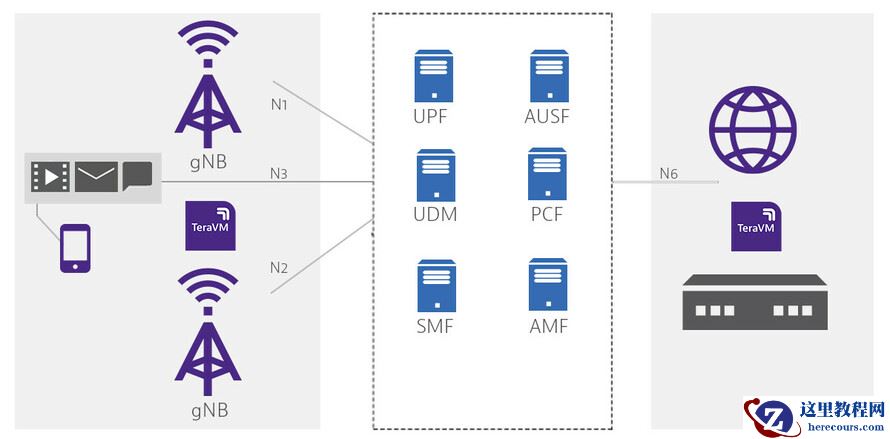
VIAVI唯亚威光纤TeraVM核心测试软件
26-03-03 - 无锡哲讯谈食品行业如何利用SAP信息化方案实现数字化转型?

无锡哲讯谈食品行业如何利用SAP信息化方案实现数字化转型?
26-03-03 - VIAVI唯亚威StrataSync托管式云解决方案
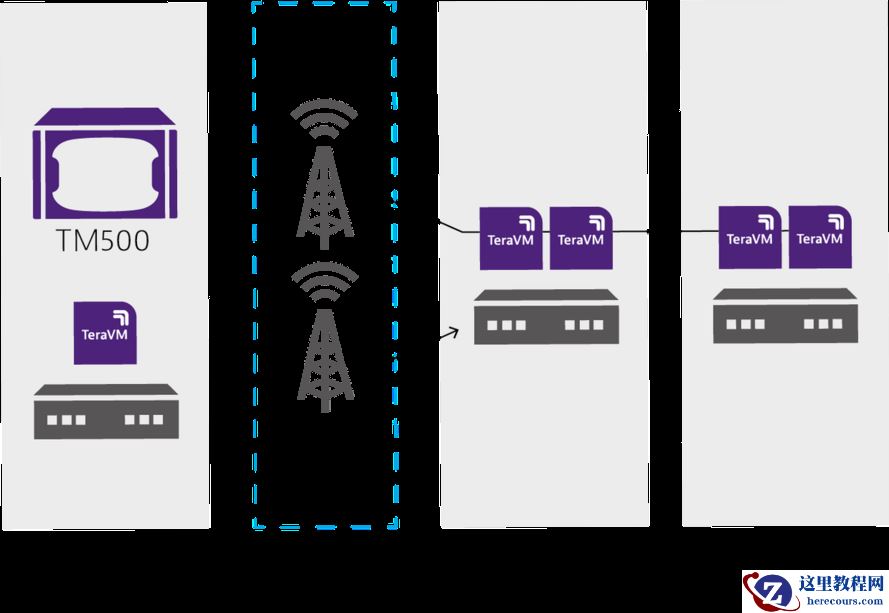
VIAVI唯亚威StrataSync托管式云解决方案
26-03-03 - Oracle11g生成手动的快照报告报错

Oracle11g生成手动的快照报告报错
26-03-03 - 【手摸手玩转 OceanBase 53】OceanBase 为什么支持读写分离部署?
- 11g元数据导入19c分区表创建不成功
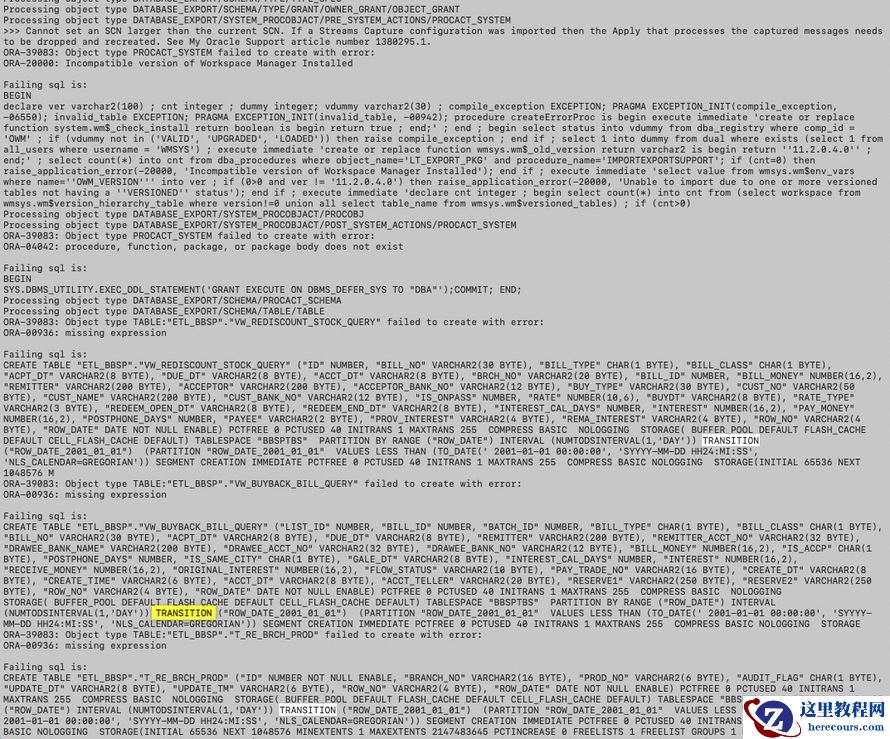
11g元数据导入19c分区表创建不成功
26-03-03 - 5款用过就舍不得删除的电脑软件

5款用过就舍不得删除的电脑软件
26-03-03 - pdb库单库升级文档
pdb库单库升级文档
26-03-03 - 5款非凡的电脑软件,用过才知道好

5款非凡的电脑软件,用过才知道好
26-03-03
