[20230227]tuned-adm简单介绍.txt # man tuned-adm TUNED_ADM(8) tuned TUNED_ADM(8) NAME tuned-adm - command line tool for switching between different tuning profiles SYNOPSIS tuned-adm [list | active | profile [profile] | off | verify | recommend] DESCRIPTION This command line utility allows you to switch between user definable tuning profiles. Several predefined profiles are already included. You can even create your own profile, either based on one of the existing ones by copy-ing it or make a completely new one. The distribution provided profiles are stored in subdirectories below /usr/lib/tuned and the user defined profiles in subdirectories below /etc/tuned. If there are profiles with the same name in both places, user defined profiles have precedence. # tuned-adm list Available profiles: - balanced - General non-specialized tuned profile - desktop - Optimize for the desktop use-case - latency-performance - Optimize for deterministic performance at the cost of increased power consumption - network-latency - Optimize for deterministic performance at the cost of increased power consumption, focused on low latency network performance - network-throughput - Optimize for streaming network throughput, generally only necessary on older CPUs or 40G+ networks - powersave - Optimize for low power consumption - throughput-performance - Broadly applicable tuning that provides excellent performance across a variety of common server workloads - virtual-guest - Optimize for running inside a virtual guest - virtual-host - Optimize for running KVM guests Current active profile: virtual-guest --//简单一点就是修改服务器配置修改一些内核参数.当前选择的是virtual-guest. --//可以根据需要自己修改,例子: # tuned-adm profile balanced # tuned-adm active # ll /usr/lib/tuned/ total 16 drwxr-xr-x. 2 root root 24 2020-11-10 19:43:31 balanced drwxr-xr-x. 2 root root 24 2020-11-10 19:43:31 desktop -rw-r--r--. 1 root root 13963 2017-10-30 03:57:37 functions drwxr-xr-x. 2 root root 24 2020-11-10 19:43:31 latency-performance drwxr-xr-x. 2 root root 24 2020-11-10 19:43:31 network-latency drwxr-xr-x. 2 root root 24 2020-11-10 19:43:31 network-throughput drwxr-xr-x. 2 root root 41 2020-11-10 19:43:31 powersave drwxr-xr-x. 2 root root 27 2020-11-10 19:43:31 recommend.d drwxr-xr-x. 2 root root 24 2020-11-10 19:43:31 throughput-performance drwxr-xr-x. 2 root root 24 2020-11-10 19:43:31 virtual-guest drwxr-xr-x. 2 root root 24 2020-11-10 19:43:31 virtual-host --//查看其中virtual-guest的配置情况: # cat /usr/lib/tuned/virtual-guest/tuned.conf # # tuned configuration # [main] summary=Optimize for running inside a virtual guest include=throughput-performance [sysctl] # If a workload mostly uses anonymous memory and it hits this limit, the entire # working set is buffered for I/O, and any more write buffering would require # swapping, so it's time to throttle writes until I/O can catch up. Workloads # that mostly use file mappings may be able to use even higher values. # # The generator of dirty data starts writeback at this percentage (system default # is 20%) vm.dirty_ratio = 30 # Filesystem I/O is usually much more efficient than swapping, so try to keep # swapping low. It's usually safe to go even lower than this on systems with # server-grade storage. vm.swappiness = 30 --//实际上查看配置文件就是以throughput-performance的配置为蓝本,再改动一些内核参数. # sysctl vm.dirty_ratio vm.dirty_ratio = 30 # sysctl vm.swappiness vm.swappiness = 30
[20230227]tuned-adm简单介绍.txt
来源:这里教程网
时间:2026-03-03 18:26:31
作者:
编辑推荐:
- [20230227]tuned-adm简单介绍.txt03-03
- [20230227][20230109]Oracle Global Temporary Table ORA-01555 and Undo Retention.t03-03
- “奖牌”快跑,keep翻身?03-03
- [20230227]探究v$session.SQL_EXEC_ID在共享池(补充).txt03-03
- alter system set event和set events的区别03-03
- 通过集成行业的光纤认证功能实现光纤认证智能化03-03
- 使用如今更智能的光纤测试工具执行专家级光纤测试和认证03-03
- 基于19C PDB创建方式汇总 标准化文档03-03
下一篇:
相关推荐
-

-
-
-
-
-
-
-
-
-
-
-
-
-
-

雷神推出 MIX PRO II 迷你主机:基于 Ultra 200H,玻璃上盖 + ARGB 灯效
2 月 9 日消息,雷神 (THUNDEROBOT) 现已宣布推出基于英
-

制造商 Musnap 推出彩色墨水屏电纸书 Ocean C:支持手写笔、第三方安卓应用
2 月 10 日消息,制造商 Musnap 现已在海外推出一款 Oce
热文推荐
- “奖牌”快跑,keep翻身?
“奖牌”快跑,keep翻身?
26-03-03 - 通过集成行业的光纤认证功能实现光纤认证智能化
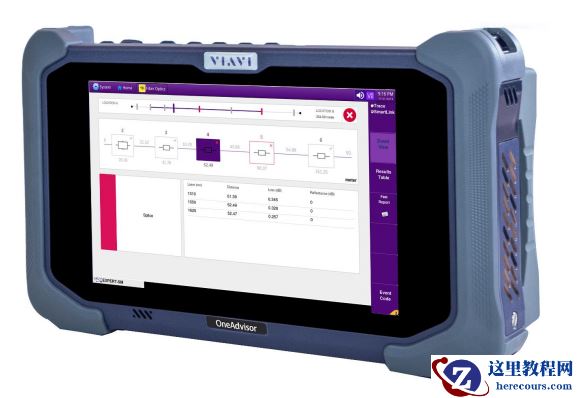
通过集成行业的光纤认证功能实现光纤认证智能化
26-03-03 - 使用如今更智能的光纤测试工具执行专家级光纤测试和认证
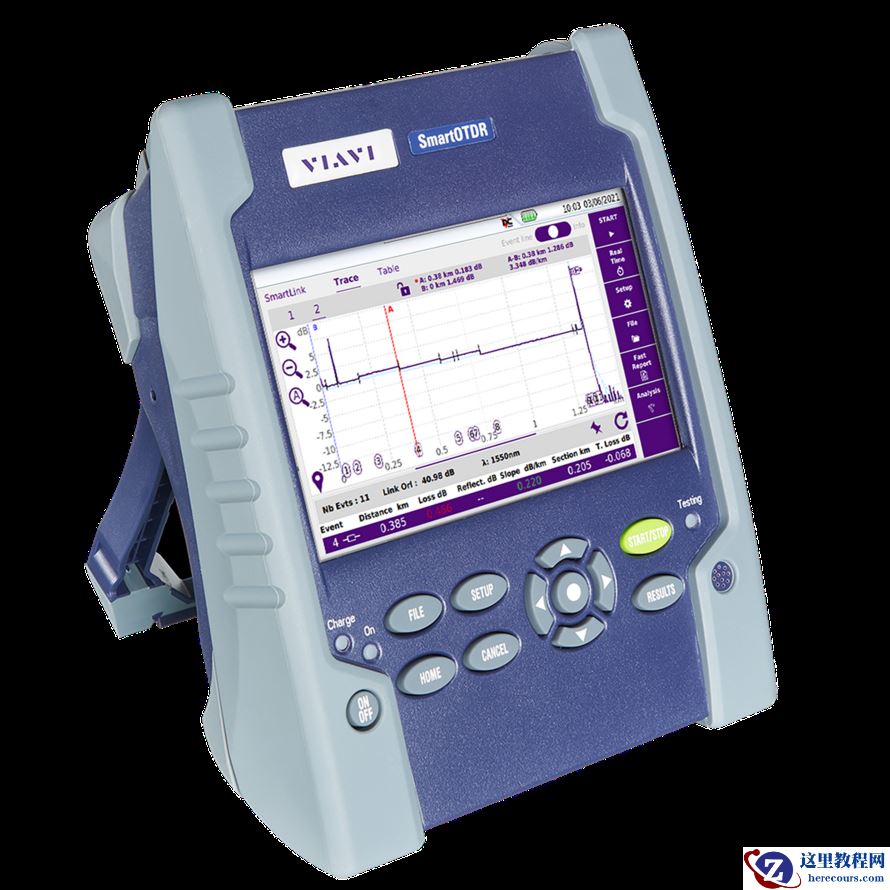
使用如今更智能的光纤测试工具执行专家级光纤测试和认证
26-03-03 - 基于19C PDB创建方式汇总 标准化文档
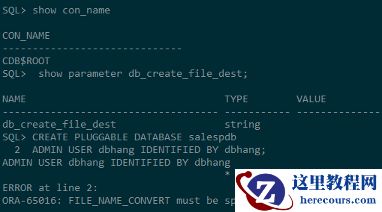
基于19C PDB创建方式汇总 标准化文档
26-03-03 - VIAVI唯亚威WAN性能测试
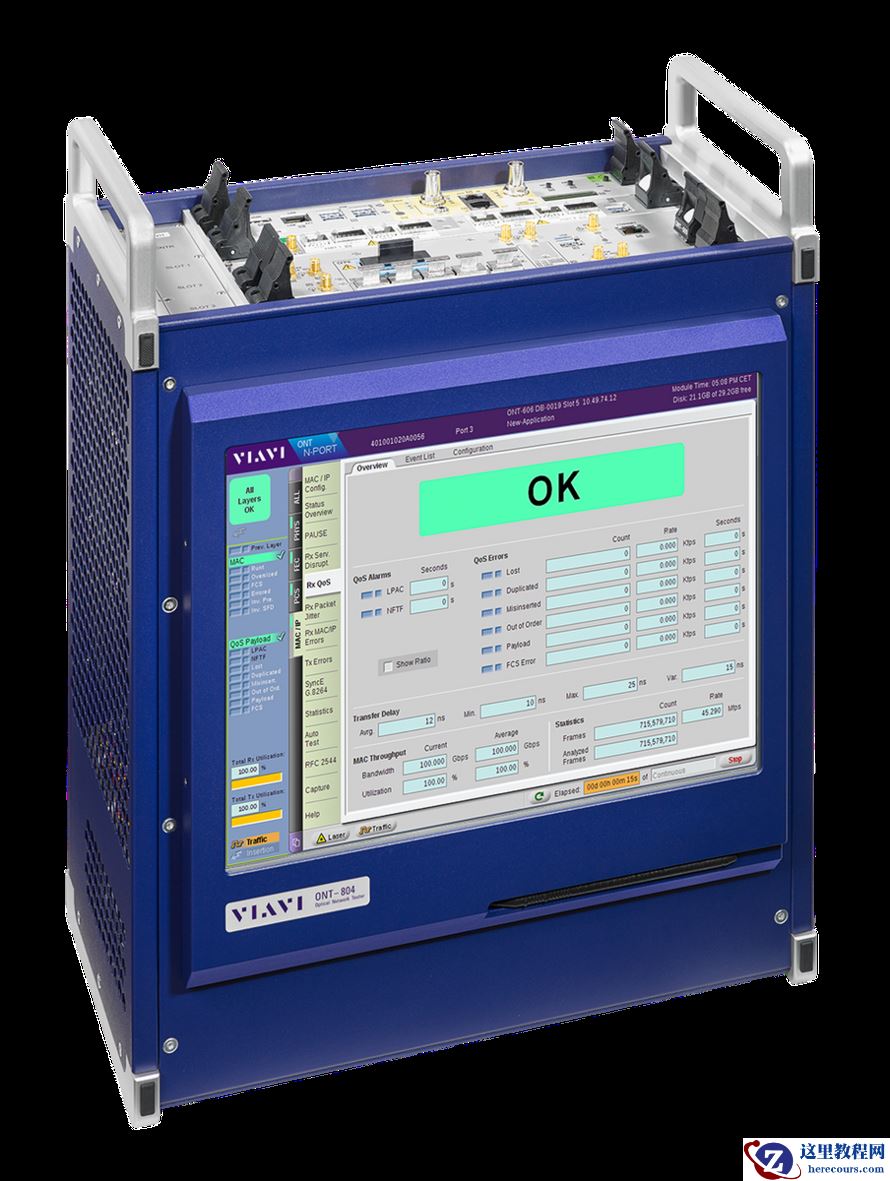
VIAVI唯亚威WAN性能测试
26-03-03 - 利用云端来合理管理您的网线光纤测试认证项目解决方案
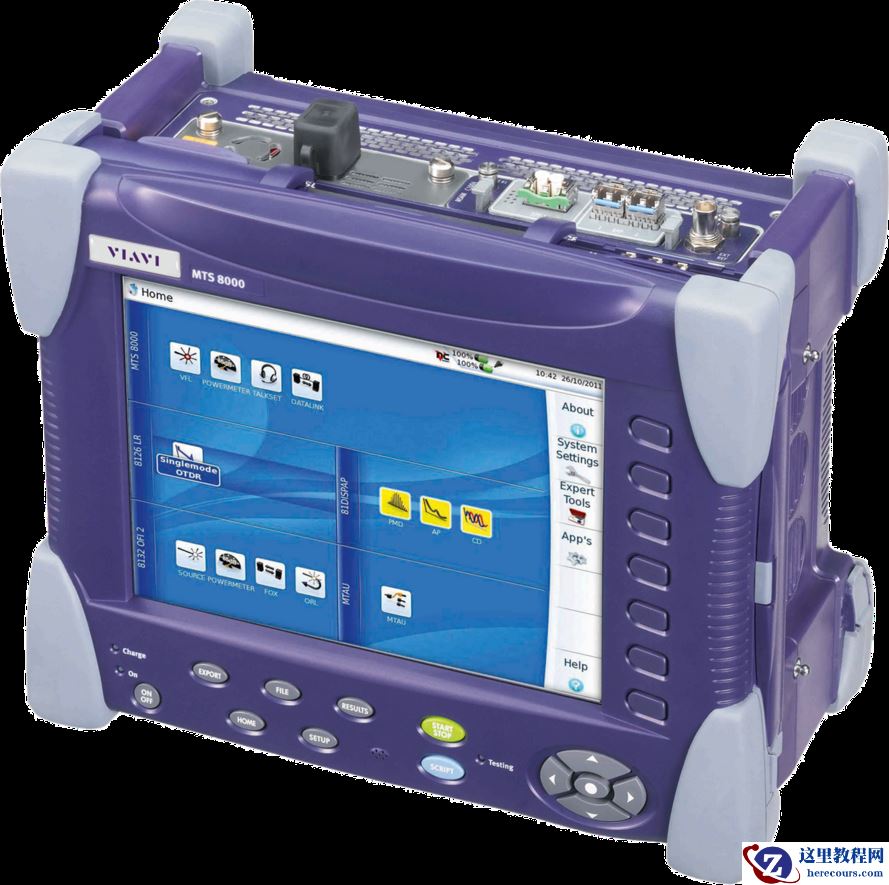
利用云端来合理管理您的网线光纤测试认证项目解决方案
26-03-03 - Oracle 19c安装GI(Standalone Oracle Restart)
- Oracle DB replay性能测试
Oracle DB replay性能测试
26-03-03 - 甲骨文与红帽扩大合作,将Red Hat Enterprise Linux引入 Oracle Cloud Infrastructure
- 甲骨文发布 2023 年云计算领域的五大预测

甲骨文发布 2023 年云计算领域的五大预测
26-03-03