DBMS_REPAIR EXAMPLE SCRIPT WITH PARTITION DBMS_REPAIR EXAMPLE SCRIPT WITH PARTITION (Doc ID 1436664.1) DBMS_REPAIR SCRIPT (Doc ID 556733.1) Run sqlplus with SYS user 1. Run sqlplus. Example: sqlplus '/ as sysdba' Instructions run the script from sqlplus Script 2. Use the DBMS_REPAIR (CHECK_OBJECT/FIX_CORRUPT_BLOCKS/SKIP_CORRUPT_BLOCKS ) to find, mark and skip corrupted blocks. REM Used to create the REPAIR_TABLE from 10g and Above SYSAUX can be used as tablespace BEGIN DBMS_REPAIR.ADMIN_TABLES ( TABLE_NAME => 'REPAIR_TABLE', TABLE_TYPE => dbms_repair.repair_table, ACTION => dbms_repair.create_action, TABLESPACE => '&TABLESPACE_NAME'); END; REM Used to identified the corrupted blocks for Owner.Table (partition_name): set serveroutput on DECLARE num_corrupt INT; BEGIN num_corrupt := 0; DBMS_REPAIR.CHECK_OBJECT ( SCHEMA_NAME => '&OWNER', OBJECT_NAME => '&TABLE', partition_name => '&PARTITION_NAME', REPAIR_TABLE_NAME => 'REPAIR_TABLE', corrupt_count => num_corrupt); DBMS_OUTPUT.PUT_LINE('number corrupt: ' || TO_CHAR (num_corrupt)); END; REM Used to list corrupted blocks (Optional). Select * from REPAIR_TABLE; REM Used to mark the identified blocks as corrupted blocks: DECLARE num_fix INT; BEGIN num_fix := 0; DBMS_REPAIR.FIX_CORRUPT_BLOCKS ( SCHEMA_NAME => '&OWNER', OBJECT_NAME=> '&TABLE', partition_name => '&PARTITION_NAME', OBJECT_TYPE => dbms_repair.table_object, REPAIR_TABLE_NAME => 'REPAIR_TABLE', FIX_COUNT=> num_fix); DBMS_OUTPUT.PUT_LINE('num fix: ' || to_char(num_fix)); END; REM Used to skip the corrupted blocks: BEGIN DBMS_REPAIR.SKIP_CORRUPT_BLOCKS ( SCHEMA_NAME => '&OWNER', OBJECT_NAME => '&TABLE', OBJECT_TYPE => dbms_repair.table_object, FLAGS => dbms_repair.skip_flag); END; / 3. Saving data on the table by skipping the corrupted blocks. Export/Truncate/Import table/partition==> &OWNER.&TABLE_NAME partition==> &PARTITION_NAME To export Table/Partition, run (From OS Prompt) exp userid=<owner>/<password> file=<export_file.dmp> tables=<TABLE_NAME>:<PARTITION_NAME> rows=y log=<export_file.log> To truncate the Table/Partition, run from sqlplus: ALTER TABLE &OWNER.&TABLE_NAME TRUNCATE PARTITION &PARTITION_NAME update global indexes; To import Table/Partition, run (From OS Prompt) imp userid=<owner>/<password> file=<export_file.dmp> tables=<TABLE_NAME>:<PARTITION_NAME> rows=y ignore=y log=<import_file.log> 4. Rebuild any index which might become unusable after the truncate is executed and no maintained by update global indexes option. SQL> select owner, index_name, index_type, status, table_name , table_owner from dba_indexes Where table_owner = '&OWNER' and Table_name = '&TABLE_NAME' and status = 'UNUSABLE'; To rebuild the index, run: SQL> alter index &OWNER.&INDEX_NAME rebuild; 5. Remove the skip flag, run from sqlplus execute DBMS_REPAIR.SKIP_CORRUPT_BLOCKS(SCHEMA_NAME=>'&OWNER',OBJECT_NAME=>'&TABLE_NAME',flags=>sys.dbms_repair.NOSKIP_FLAG);
DBMS_REPAIR EXAMPLE SCRIPT WITH PARTITION
来源:这里教程网
时间:2026-03-03 20:10:50
作者:
编辑推荐:
- DBMS_REPAIR EXAMPLE SCRIPT WITH PARTITION03-03
- 第 27 个全国爱耳日:华为 FreeBuds Pro 5,以三大护耳功能筑牢听力健康防线03-03
- oracle特殊恢复:BBED-find/cocy/modify命令03-03
- Oracle VCS切换及常规操作03-03
- 不止 EUV 光刻机:阿斯麦 ASML 计划进军先进封装赛道,深耕 AI 芯片设备03-03
- 公司巨亏 263 亿美元,Stellantis 新任 CEO 菲洛萨去年薪酬仍高达 540 万欧元03-03
- Avamar 备份恢复 Oracle03-03
- 15年前的Oracle RAC是怎么安装的?03-03
下一篇:
相关推荐
-

-
-
-
-
-
-
-
-
-
-
-
-
-
-

雷神推出 MIX PRO II 迷你主机:基于 Ultra 200H,玻璃上盖 + ARGB 灯效
2 月 9 日消息,雷神 (THUNDEROBOT) 现已宣布推出基于英
-

制造商 Musnap 推出彩色墨水屏电纸书 Ocean C:支持手写笔、第三方安卓应用
2 月 10 日消息,制造商 Musnap 现已在海外推出一款 Oce


热文推荐
- 第 27 个全国爱耳日:华为 FreeBuds Pro 5,以三大护耳功能筑牢听力健康防线
- Oracle VCS切换及常规操作

Oracle VCS切换及常规操作
26-03-03 - 不止 EUV 光刻机:阿斯麦 ASML 计划进军先进封装赛道,深耕 AI 芯片设备
- 公司巨亏 263 亿美元,Stellantis 新任 CEO 菲洛萨去年薪酬仍高达 540 万欧元
- 15年前的Oracle RAC是怎么安装的?
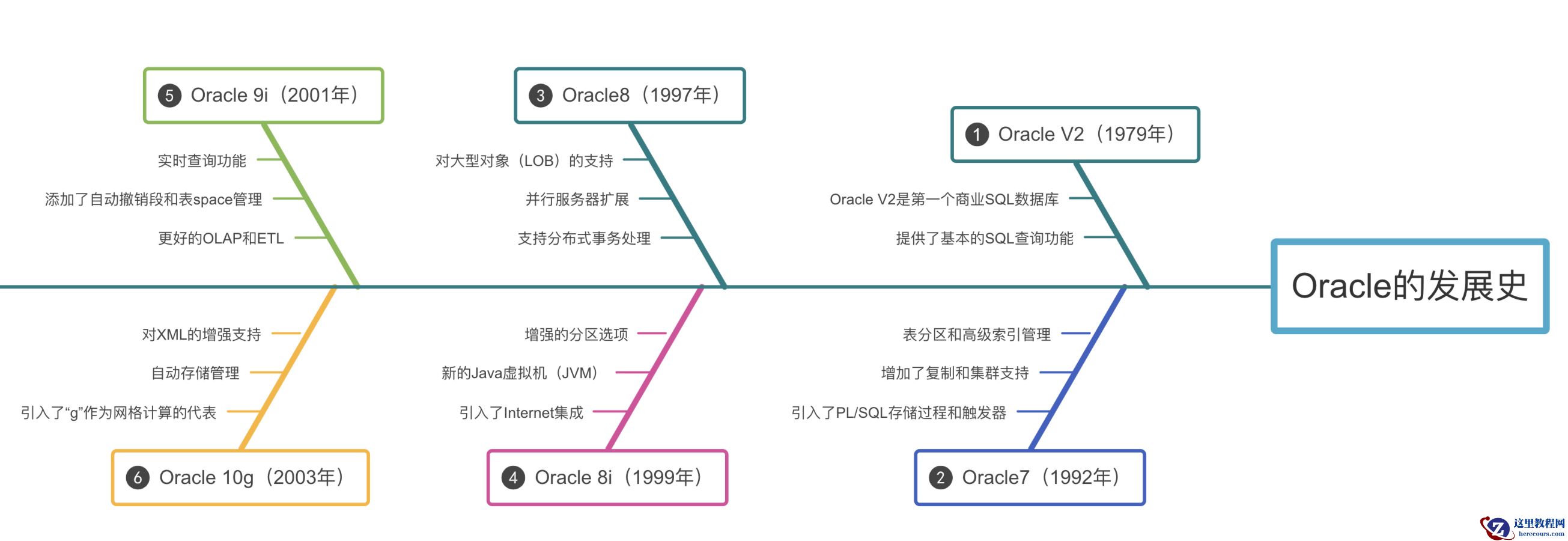
15年前的Oracle RAC是怎么安装的?
26-03-03 - ROHM 罗姆与印度 Suchi 达成战略合作,计划外包半导体后端制造

ROHM 罗姆与印度 Suchi 达成战略合作,计划外包半导体后端制造
26-03-03 - SQL Developer功能又进化了!放眼整个数据库也是炸裂般的存在
SQL Developer功能又进化了!放眼整个数据库也是炸裂般的存在
26-03-03 - 全国政协委员于本宏建议禁止 16 岁以下使用社交平台,国外已有先例

全国政协委员于本宏建议禁止 16 岁以下使用社交平台,国外已有先例
26-03-03 - X 平台推出“披露付费推广”标签:亮明商务合作内容,增强透明度

X 平台推出“披露付费推广”标签:亮明商务合作内容,增强透明度
26-03-03 - 消息称 SK 海力士探索 HBM4 全新封装技术,通过缩小 DRAM 间隙提升性能