[20241012]ora-12526.txt $ rlsql -s -l scott/book@book01p ERROR: ORA-12526: TNS:listener: all appropriate instances are in restricted mode SP2-0751: Unable to connect to Oracle. Exiting SQL*Plus $ oerr ora 12526 12526, 00000, "TNS:listener: all appropriate instances are in restricted mode" // *Cause: Database instances supporting the service requested by the client // were in restricted mode. The Listener does not allow connections to // instances in restricted mode. This condition may be temporary, such as // during periods when database administration is performed. // *Action: Attempt the connection again. If error persists, then contact // the database administrator to change the mode of the instance, // if appropriate. --//很明显开启了restricted mode。 SYS@book> alter system disable restricted session; System altered. $ rlsql -s -l scott/book@book01p quit --//注意这个命令在pdb下无效的。 SYS@book01p> alter system enable restricted session; System altered. $ rlsql -s -l scott/book@book01p <<<@ver2 ============================== PORT_STRING : x86_64/Linux 2.4.xx VERSION : 21.0.0.0.0 BANNER : Oracle Database 21c Enterprise Edition Release 21.0.0.0.0 - Production BANNER_FULL : Oracle Database 21c Enterprise Edition Release 21.0.0.0.0 - Production Version 21.3.0.0.0 BANNER_LEGACY : Oracle Database 21c Enterprise Edition Release 21.0.0.0.0 - Production CON_ID : 0 PL/SQL procedure successfully completed. --//依旧可以登录。
[20241012]ora-12526.txt
来源:这里教程网
时间:2026-03-03 20:40:31
作者:
编辑推荐:
下一篇:
相关推荐
-

-
-
-
-
-
-
-
-
-
-
-
-
-
-

雷神推出 MIX PRO II 迷你主机:基于 Ultra 200H,玻璃上盖 + ARGB 灯效
2 月 9 日消息,雷神 (THUNDEROBOT) 现已宣布推出基于英
-

制造商 Musnap 推出彩色墨水屏电纸书 Ocean C:支持手写笔、第三方安卓应用
2 月 10 日消息,制造商 Musnap 现已在海外推出一款 Oce

热文推荐
- 史上最详细的,Oracle数据库AI落地理论及实践

史上最详细的,Oracle数据库AI落地理论及实践
26-03-03 - 数据库管理-第247期 23ai:全球分布式数据库-Schema对象(20241004)
- Oracle 数据库架构
Oracle 数据库架构
26-03-03 - Oracle + JSON = 王炸!!!
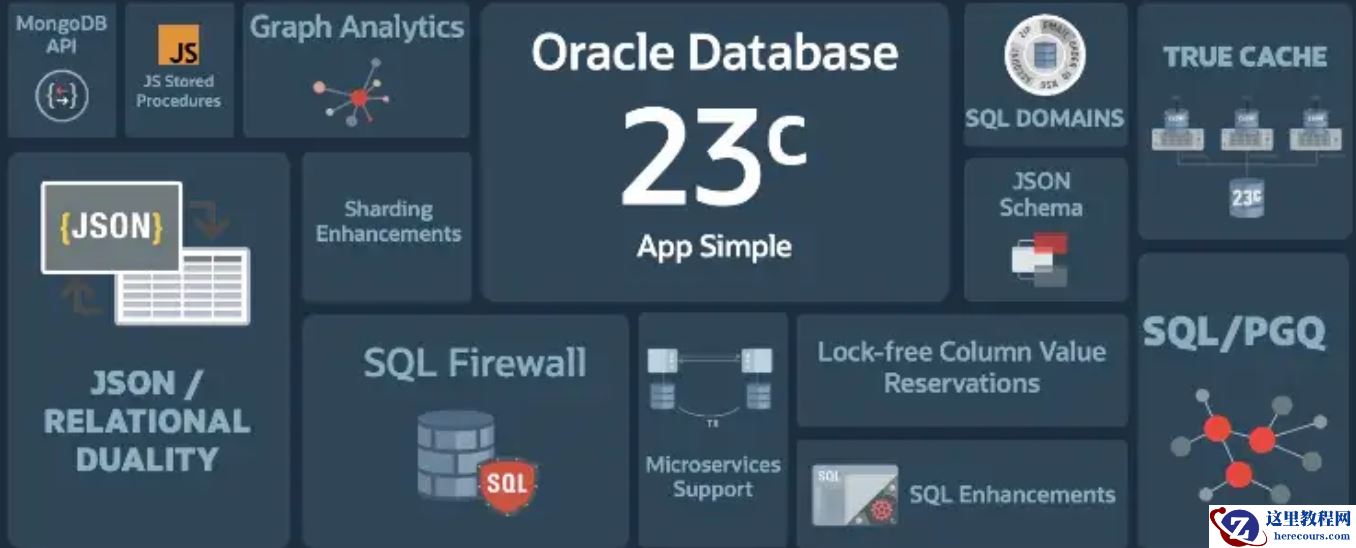
Oracle + JSON = 王炸!!!
26-03-03 - 大事件! Oracle CloudWorld 是"真高光"还是"挤牙膏"?
- 掌握CMD命令:轻松切换IP地址

掌握CMD命令:轻松切换IP地址
26-03-03 - 5大公有云厂商增强很猛~作为DBA的,有点焦虑!
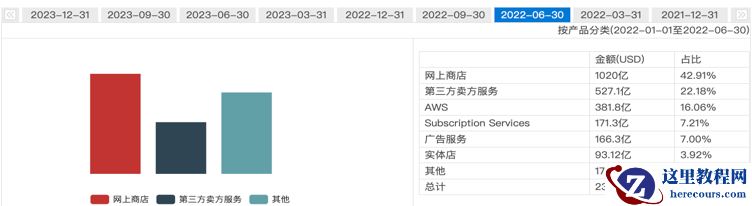
5大公有云厂商增强很猛~作为DBA的,有点焦虑!
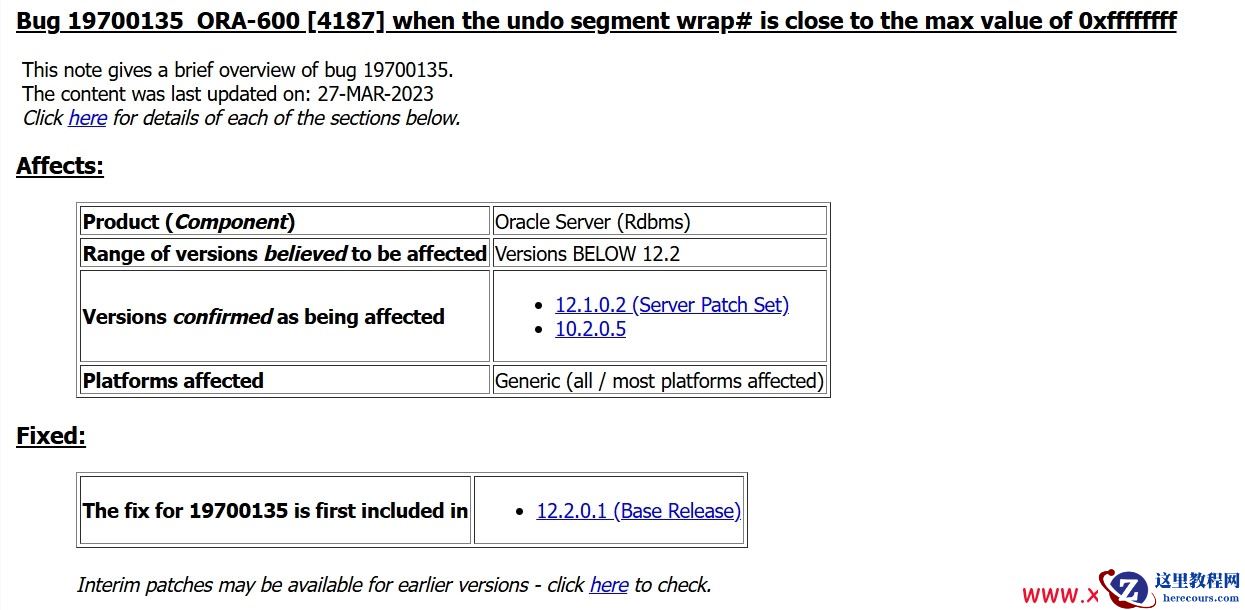
26-03-03 - ORA-01558: out of transaction ID's in rollback segment SYSTEM---惜分飞
- 一个很小的系统为什么负载那么高?
一个很小的系统为什么负载那么高?
26-03-03 - 户外电力柜的新守护者:辐射制冷技术
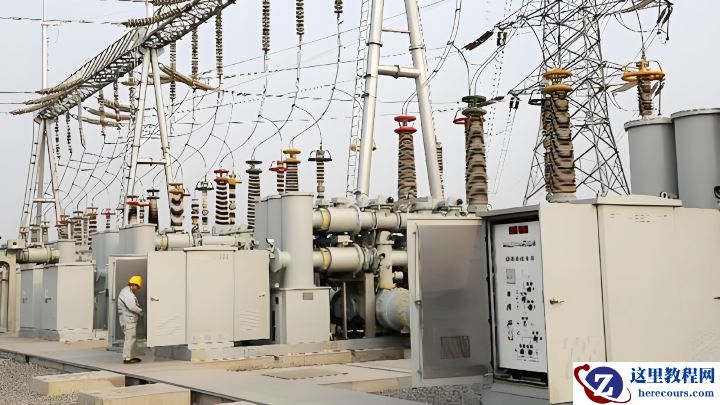
户外电力柜的新守护者:辐射制冷技术
26-03-03