ORA-08104报错处理 参考文档: Customer RecommendedHow to Cleanup and Rebuild an Interrupted Online Index Rebuild - ORA-8104 , ORA-8106 (Doc ID 272735.1) Drop Partition Failed With ORA-08104: This Index Object Is Being Online Built Or Rebuilt (Doc ID 2358693.1) ORA-08104介绍: [19c@test bin]$ oerr ora 08104 08104, 00000, "this index object %s is being online built or rebuilt" // *Cause: the index is being created or rebuild or waited for recovering // from the online (re)build // *Action: wait the online index build or recovery to complete 报错原理: 在进行online rebuild | create 时,Oracle 会修改如下信息: 修改ind$中索引的flags,将该flags+512. 关于flags的含义,在下面进行说明。 在该用户下创建一个临时日志表 (表名为sys_journal_<object_id>)来保存在创建或者重建索引期间产生的日志信息。 如果操作异常结束,而Oracle的SMON进程还没来得及清理journal table和ind$的flags标志位,系统会认为online (re)build操作还在执行。 因此在drop索引时会报错 this index object %s is being online built or rebuilt 关于ind$中的flags字段 Flag字段的说明可以在ind$的sql.bsq脚本中找到: /* mutable flags: anything permanent should go into property */ /* unusable (dls) : 0x01 */ /* analyzed : 0x02 */ /* no logging : 0x04 */ /* index is currently being built : 0x08 */ /* index creation was incomplete : 0x10 */ /* key compression enabled : 0x20 */ /* user-specified stats : 0x40 */ /* secondary index on IOT : 0x80 */ /* index is being online built : 0x100 */ /* index is being online rebuilt : 0x200 */ /* index is disabled : 0x400 */ /* global stats : 0x800 */ /* fake index(internal) : 0x1000 */ /* index on UROWID column(s) : 0x2000 */ /* index with large key : 0x4000 */ /* move partitioned rows in base table : 0x8000 */ /* index usage monitoring enabled : 0x10000 */ 异常终止的情况下,可以发现ind$关于该索引的状态还是online rebuild的。 解决方法: 1. 等待SMON进程清理 根据上面的原理,如果不着急的话,可以等待SMON进程自己去清理 2. 手动清理 首先查询问题索引的object_id select object_id from dba_objects where object_name='问题索引名字'; 执行下述存储过程进行优化 declare isClean boolean; begin isClean := FALSE; while isClean=FALSE loop isClean := dbms_repair.online_index_clean(object_id,dbms_repair.lock_wait); dbms_lock.sleep(2); end loop; exception when others then RAISE; end; / declare done boolean; begin done:=dbms_repair.online_index_clean(275314); end; / 或者 declare isClean boolean; begin isClean := FALSE; while isClean=FALSE loop isClean := dbms_repair.online_index_clean(dbms_repair.all_index_id, dbms_repair.lock_wait); dbms_lock.sleep(2); end loop; exception when others then RAISE; end; / dbms_repair.lock_wait 表示不断寻找资源锁,直到抢到为止(如果一直占不到锁,可能会运行非常长时间)也可以指定 dbms_repair.all_index_id 清理所有问题索引 存储过程 官方介绍: This function performs a manual cleanup of failed or interrupted online index builds or rebuilds. This action is also performed periodically by SMON, regardless of user-initiated cleanup. This function returns TRUE if all indexes specified were cleaned up and FALSE if one or more indexes could not be cleaned up. Syntax: DBMS_REPAIR.ONLINE_INDEX_CLEAN ( object_id IN BINARY_INTEGER DEFAULT ALL_INDEX_ID, wait_for_lock IN BINARY_INTEGER DEFAULT LOCK_WAIT) RETURN BOOLEAN; Parameters ONLINE_INDEX_CLEAN Function Parameters Parameter Description object_id Object id of index to be cleaned up. The default cleans up all object ids that qualify. wait_for_lock This parameter specifies whether to try getting DML locks on underlying table [[sub]partition] object. The default retries up to an internal retry limit, after which the lock get will give up. If LOCK_NOWAIT is specified, then the lock get does not retry.
ORA-08104报错处理
来源:这里教程网
时间:2026-03-03 20:52:43
作者:
编辑推荐:
下一篇:
相关推荐
-

-
-
-
-
-
-
-
-
-
-
-
-
-
-

雷神推出 MIX PRO II 迷你主机:基于 Ultra 200H,玻璃上盖 + ARGB 灯效
2 月 9 日消息,雷神 (THUNDEROBOT) 现已宣布推出基于英
-

制造商 Musnap 推出彩色墨水屏电纸书 Ocean C:支持手写笔、第三方安卓应用
2 月 10 日消息,制造商 Musnap 现已在海外推出一款 Oce
热文推荐
- 破解 ORA-14551:在 PL/SQL 中执行 DML 的陷阱与解决方案
- Oracle 统一审计- Best 实践四
Oracle 统一审计- Best 实践四
26-03-03 - Oracle SQL语句为什么不走索引-场景三
Oracle SQL语句为什么不走索引-场景三
26-03-03 - 数据库去O搞了个寂寞!甲骨文股价翻倍,市值突破5200亿美金!
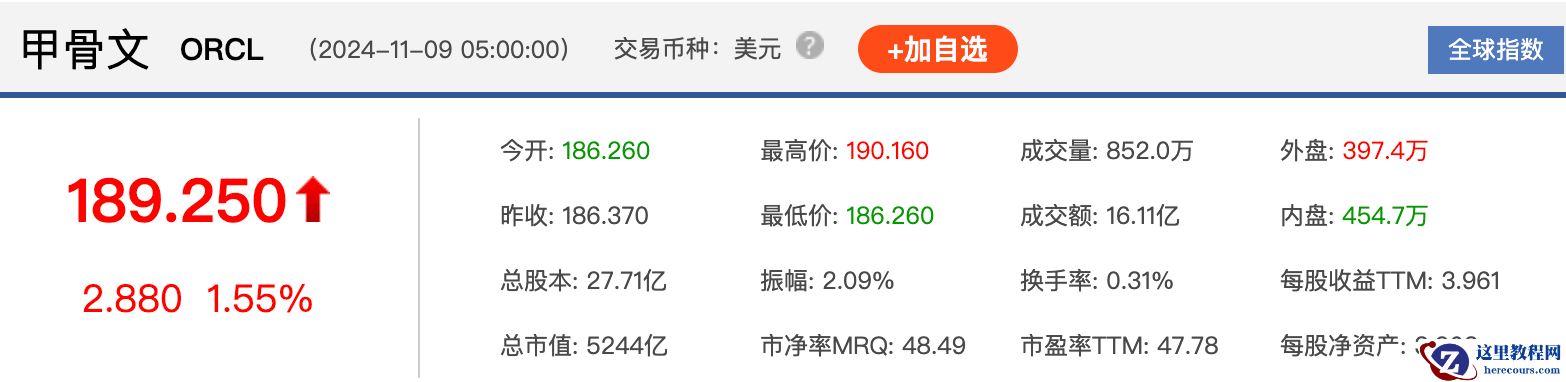
数据库去O搞了个寂寞!甲骨文股价翻倍,市值突破5200亿美金!
26-03-03 - Oracle 统一审计- Best 实践五
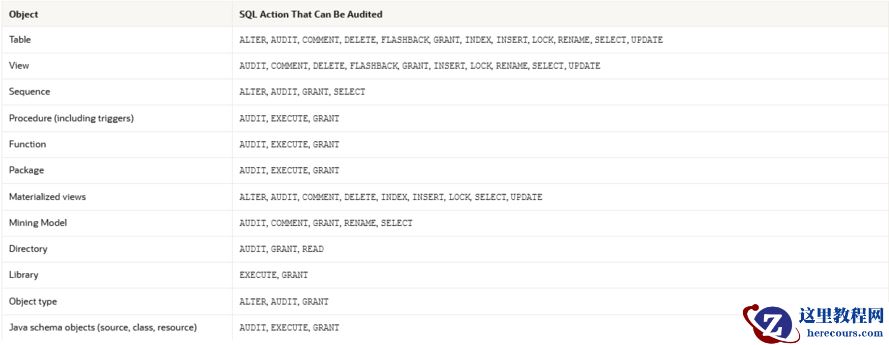
Oracle 统一审计- Best 实践五
26-03-03 - 查询DBA_FREE_SPACE缓慢问题
查询DBA_FREE_SPACE缓慢问题
26-03-03 - Oracle Linux 8.10 图形化安装 Oracle Database 21c
- 长沙岳麓区家具馆:邂逅高颜值餐桌,开启优雅用餐时光

长沙岳麓区家具馆:邂逅高颜值餐桌,开启优雅用餐时光
26-03-03 - 芯片行业ERP系统设计需要考虑哪些因素

芯片行业ERP系统设计需要考虑哪些因素
26-03-03 - 软件签名添加时间戳
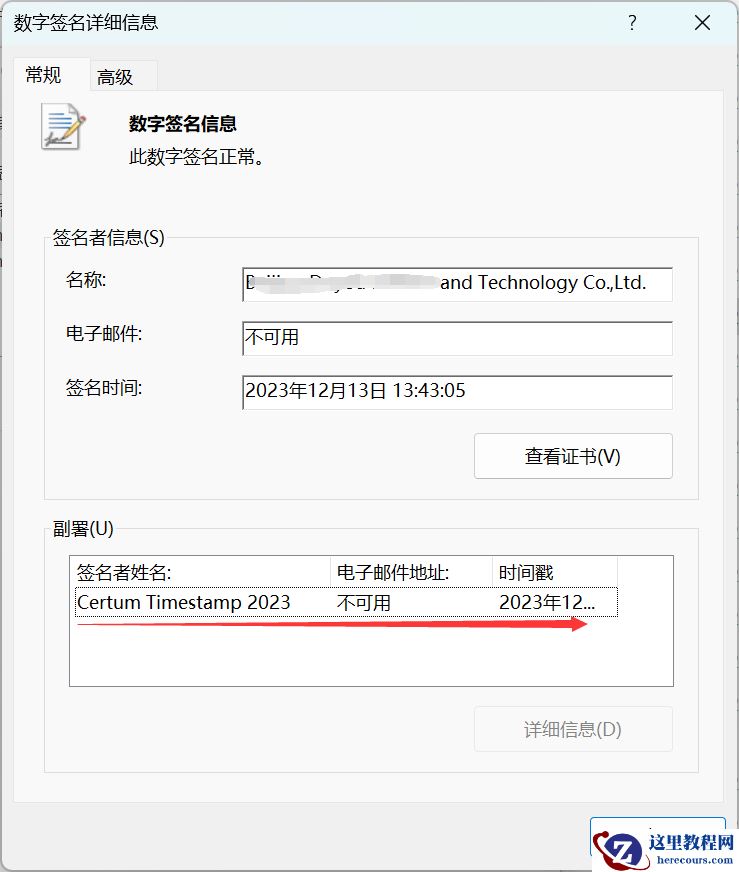
软件签名添加时间戳
26-03-03