参加官方文档
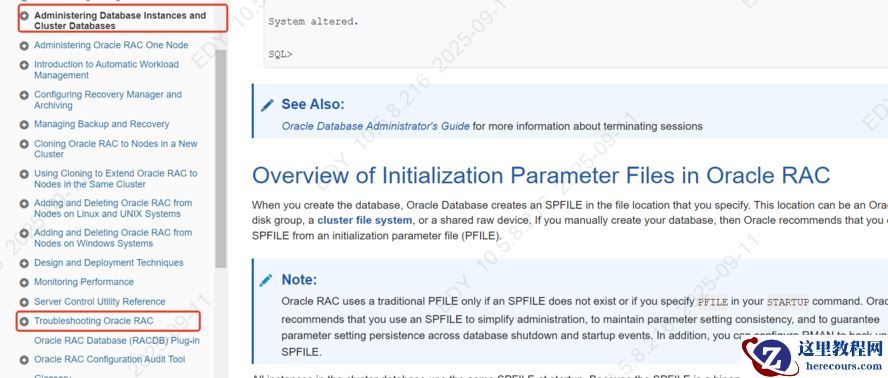
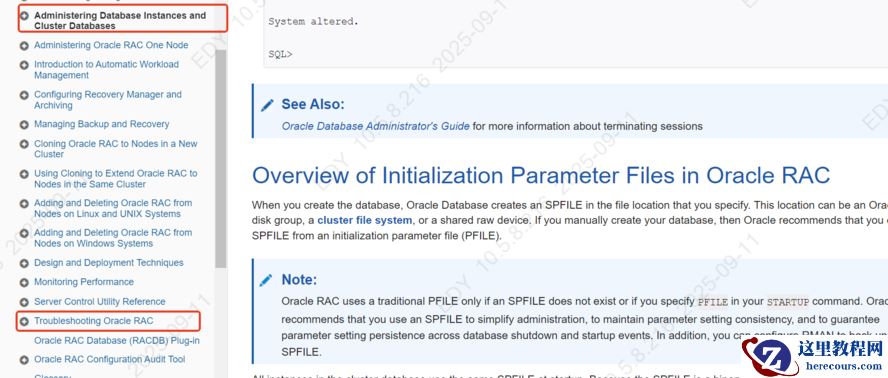
Administering Database Instances and Cluster Databases (oracle.com)
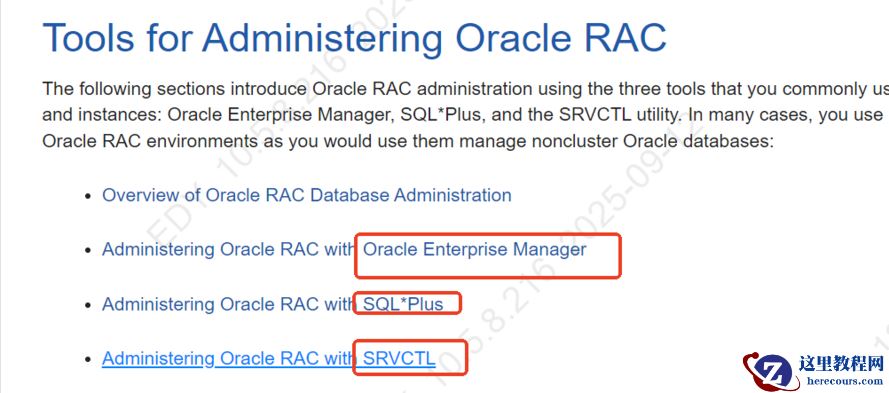
 管理rac 三种方式(工具) OEM,sql*plus,srvctl
Starting and Stopping Instances and Oracle RAC Databases
三种方式1
   CONNECT /@db1 AS SYSDBA
   SHUTDOWN TRANSACTIONAL
Then connect to and shutdown the second instance by entering the following from your SQL*Plus session:
   CONNECT /@db2 AS SYSDBA
   SHUTDOWN TRANSACTIONAL
2
Starting Up and Shutting Down with SRVCTL
srvctl start instance -d db_unique_name -i instance_name_list
srvctl start instance -d orcl -i orcl1
To stop one or more instances, enter the following SRVCTL syntax from the command line:
$ srvctl stop instance -d db_unique_name [ -i "instance_name_list" |
  -n node_name ] [ -o stop_options ]
例如:以下关闭两个实例orcl3 orcl4
srvctl stop instance -d orcl -i "orcl3,orcl4" -o immediate
The following SRVCTL command, for example, mounts all of the non-running instances of an Oracle RAC database:
$ srvctl start database -d orcl -o mount
确认运行的实例
V$ACTIVE_INSTANCES;
Verifying That Instances are Running
To verify that instances are running, on any node from a SQL*Plus prompt enter the following, where
password is the password:
CONNECT SYS/as SYSDBA
Enter password: password
SELECT * FROM V$ACTIVE_INSTANCES;
This query returns output similar to the following:
INST_NUMBER INST_NAME
-----------  -----------------
1            db1-sun:db1
2            db2-sun:db2
3            db3-sun:db3
集群中杀掉会话,例如:
SQL> SELECT SID, SERIAL#, INST_ID FROM GV$SESSION WHERE USERNAME='SCOTT';

       SID    SERIAL#    INST_ID
---------- ---------- ----------
        80          6          2

SQL> ALTER SYSTEM KILL SESSION '80, 6, @2';
ALTER SYSTEM KILL SESSION '80, 8, @2' IMMEDIATE;
修改参数: sid='' scope=both or scope=memory
ALTER SYSTEM SET OPEN_CURSORS=1500 sid='*' SCOPE=MEMORY;
2 查看数据库配置
- Example 1 Display the Current Policy
-
For example, use the following command syntax to display the current policy where
db_unique_name is the name of the database for which you want to change policies:srvctl config database -d db_unique_name -a
二
Troubleshooting Oracle RAC
1 日志
The alert log and all trace files for background and server processes are written to the Automatic Diagnostic Repository, the location of which you can specify with the
DIAGNOSTIC_DEST initialization parameter. For example:
diagnostic_dest=/oracle/11.1/diag/rdbms/rac/RAC2/trace
2 使用adrcl命令行查看错误
Managing Diagnostic Data in Oracle RAC
Problems that span Oracle RAC instances can be the most difficult types of problems to diagnose. For example, you may need to correlate the trace files from across multiple instances, and merge the trace files. Oracle Database 11 g includes an advanced fault diagnosability infrastructure for collecting and managing diagnostic data, and uses the Automatic Diagnostic Repository (ADR) file-based repository for storing the database diagnostic data. When you create the ADR base on a shared disk, you can place ADR homes for all instances of the same Oracle RAC database under the same ADR Base. With shared storage:
You can use the ADRCI command-line tool to correlate diagnostics across all instances.
ADRCI is a command-line tool that enables you to view diagnostic data in the ADR and package incident and problem information into a zip file for transmission to Oracle Support. The diagnostic data includes incident and problem descriptions, trace files, dumps, health monitor reports, alert log entries, and so on.
3
Using Instance-Specific Alert Files in Oracle RAC
类似oracle 单实例日志 4 srvctl 与crsctl 区别 srvctl顾名思义 是service 服务端的管理工具,管理对象是instance,database,listener,vip,asm,vip,asm(偏向于更上层,oracle或者grid执行) crsctl顾名思义是cluster resource service,是更底层的集群资源,所以是root用户执行
Using Comma-Delimited Lists
When specifying a comma-delimited list as part of a SRVCTL command, there should not be any spaces between the items in the list. For example:
srvctl add database -g serverpool1,serverpool3
crsctl state res -t(查看所有资源状态)
(参见其他博客Oracle 11gR2 RAC 集群服务启动与关闭总结 - chengxuyonghu - 博客园 (cnblogs.com))
关闭集群服务 ①oracle用户关闭数据库,②root用户关闭cluster资源
[oracle@rac1 ~]$ srvctl stop database -d racdb -停止所有节点上的实例
srvctl status database -d racdb
2.停止HAS(High Availability Services),必须以root用户操作
[root@rac1 oracle]# cd /u01/grid/11.2.0/grid/bin
[root@rac1 bin]# ./crsctl stop has -f [root@rac1 bin]
                  ./crsctl stop crs -f
3.停止节点集群服务,必须以root用户:
[root@rac1 oracle]# cd /u01/grid/11.2.0/grid/bin [root@rac1 bin]#
./crsctl stop cluster  ----停止本节点集群服务  [root@rac1 bin]#
./crsctl stop cluster -all   ---停止所有节点服务 也可以如下控制所停节点: