
一、创建psotgres用户 groupadd postgres useradd -g postgres postgres 二、创建必须目录 下载路径https://www.enterprisedb.com/download-postgresql-binaries wget https://get.enterprisedb.com/postgresql/postgresql-9.6.4-1-linux-x64-binaries.tar.gz 进入下载目录 tar -xzf postgresql-9.6.4-1-linux-x64-binaries.tar.gz -C /data/service 创建data目录: mkdir -p /data/service/postgresql/data mkdir -p /data/service/postgresql/log 授权: chown -R postgres.postgres pgsql (解压目录) chown -R postgres.postgres postgresql 三、初始化 cd /data/service/pgsql/ su postgres ./bin/initdb -E utf8 -D /data/service/postgresql/data 四、启动 ./postgres -D /data/service/postgresql/data/ > /data/service/postgresql/log/postgres.log & 关闭 ./pg_ctl -D /data/service/postgresql/data stop 登录 ./psql -U pg -d mydb ---------------------- 远程连接 1 修改pg_hba.conf文件 host all all 127.0.0.1/32 trust host all all 192.168.1.0/24 md5 其中,数字24是子网掩码,表示允许192.168.1.0--192.168.1.255的计算机访问!
postgresql Linux 二进制文件安装
来源:这里教程网
时间:2026-03-14 19:37:22
作者:
编辑推荐:
- postgresql Linux 二进制文件安装03-14
- Word2013怎么去掉所有文字下面的波浪线03-14
- PostgreSQL 源码解读(190)- 查询#106(聚合函数#11 - finalize_aggregate)03-14
- PostgreSQL 源码解读(191)- 查询#107(聚合函数#12 - agg_retrieve_direct)03-14
- Word竖排文字的排版步骤图解教程03-14
- PostgreSQL 源码解读(192)- 查询#108(排序#1 - ExecInitSort)03-14
- MathType真的可以输入音乐简谱吗?03-14
- Word2013中如何创建、使用并修改新样式03-14
下一篇:
相关推荐
-

-
-
-
-
-
-
-
-
-
-
-
-
-
-

雷神推出 MIX PRO II 迷你主机:基于 Ultra 200H,玻璃上盖 + ARGB 灯效
2 月 9 日消息,雷神 (THUNDEROBOT) 现已宣布推出基于英
-

制造商 Musnap 推出彩色墨水屏电纸书 Ocean C:支持手写笔、第三方安卓应用
2 月 10 日消息,制造商 Musnap 现已在海外推出一款 Oce

热文推荐
- 新手电脑入门基础知识大全

新手电脑入门基础知识大全
26-03-14 - RockyLinux文件共享高可用配置(基于DRBD+Pacemaker+NFS实现企业级高可用存储)
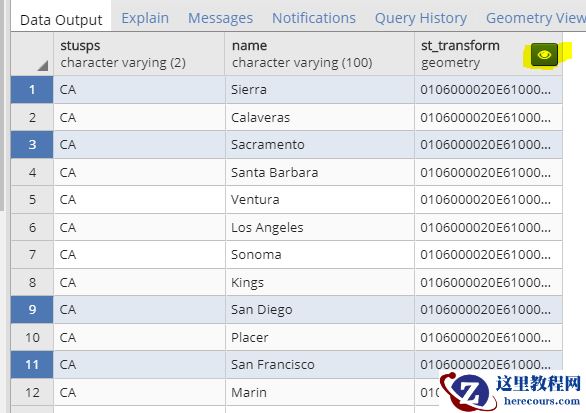
- PostgreSQL GUI pgadmin4 v3.3 支持 gis geometry 数据编辑、显示
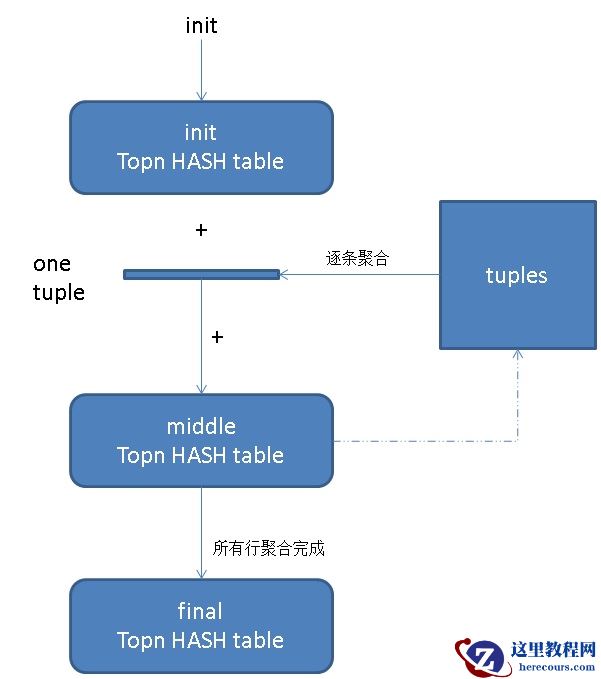
- citus 系列7 - topn 加速(count(*) group by order by count(*) de
- PostgreSQL存储引擎之page结构

PostgreSQL存储引擎之page结构
26-03-14 - 重磅发布!阿里云推PostgreSQL 10 高可用版
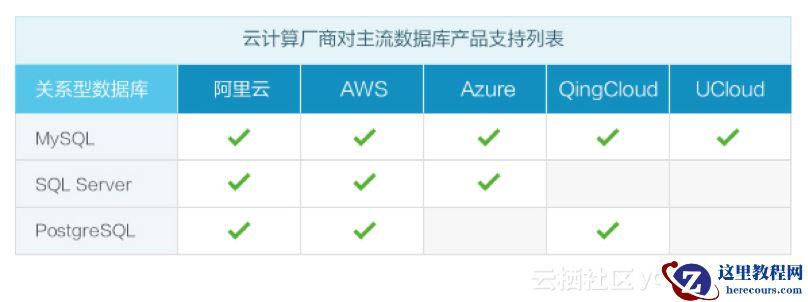
重磅发布!阿里云推PostgreSQL 10 高可用版
26-03-14 - windows下源码安装调试postgresql

windows下源码安装调试postgresql
26-03-14 - PostgreSQL 源码解读(83)- 查询语句#68(PortalStart函数)
- PostgreSQL存储引擎之heap tuple结构
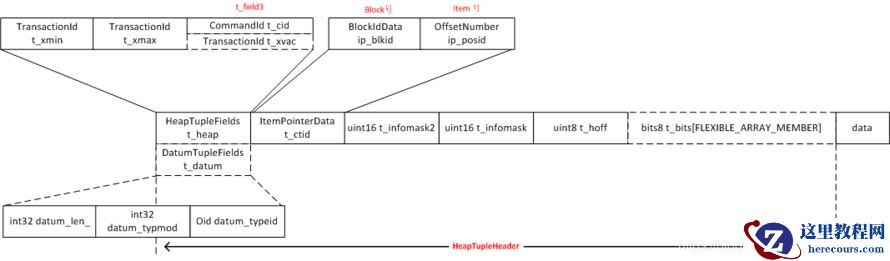
PostgreSQL存储引擎之heap tuple结构
26-03-14 - RockyLinux监控报告生成方法

RockyLinux监控报告生成方法
26-03-14
