
db 表示数据库名称 sch 表示schema名称 tab 表示表名称 col 表示字段名称 user 表示用户 退出 \q 查看当前库 \l 切换库 \c db 查看插件 \dx 查看某个表结构 \d sch.tab 查看某个schema下面所有的表,序列,索引(包括所有者等信息) \d 查看schema的权限FF \dn 按列展示 \x 执行计划 explain analyze 也可以 explain 查看当前库下面的schema SELECT * FROM information_schema.schemata limit 5; 得到当前db中所有表的信息(这里pg_tables是系统视图) select * from pg_tables 加索引 btree concurrently create index sys_user_role_rel_role_id_index on sch.tab (col); 加索引 jsonb create index idx_jsonb_gin on sch.tabusing gin (col); 不锁表加索引 create index concurrently idx_co1_col2_col3 on sch.tab(col1,col2,col3); create index idx_time_status on sch.tab (col1,col2); jsonb 索引使用方法 explain analyze SELECT col1,col2FROM sch.tabWHERE is_deleted = false and col@> '[{"10655":"9B025FDEFD5C34EA8BB6A07D67769261"}]'; 修改数组类型字段 update sch.tabset col=array['湖南省_湘潭市123','dddd'] where id=20983; 修改表的所有者 需要高权限账户操作 ALTER TABLE sch.tab OWNER TO user; #查询会话中 未提交的事务 select * from pg_stat_activity where (state = 'idle in transaction') and xact_start is not null;
postgresql笔记
来源:这里教程网
时间:2026-03-14 20:53:47
作者:
编辑推荐:
- 前%的处理--PostgreSQL03-14
- postgresql笔记03-14
- GPDB-疑难杂症-使用资源组入库OOM03-14
- RockyLinux反向DNS解析配置(手把手教你设置PTR记录实现IP到域名的反向解析)03-14
- 关于PostgreSQL的系统信息函数的OID03-14
- postgresql空闲连接以及连接有效性检查的参数小结03-14
- PostgreSQL 16 三则 “新功能更新”03-14
- PostgreSQL15.2数据库安装03-14
下一篇:
相关推荐
-

-
-
-
-
-
-
-
-
-
-
-
-
-
-

雷神推出 MIX PRO II 迷你主机:基于 Ultra 200H,玻璃上盖 + ARGB 灯效
2 月 9 日消息,雷神 (THUNDEROBOT) 现已宣布推出基于英
-

制造商 Musnap 推出彩色墨水屏电纸书 Ocean C:支持手写笔、第三方安卓应用
2 月 10 日消息,制造商 Musnap 现已在海外推出一款 Oce

热文推荐
- 前%的处理--PostgreSQL
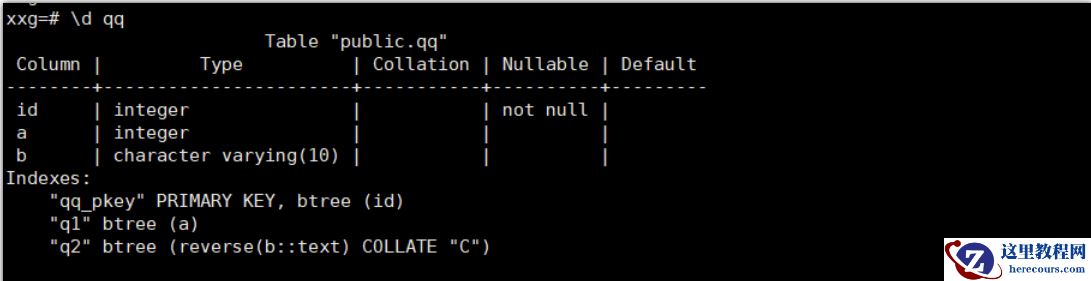
前%的处理--PostgreSQL
26-03-14 - GPDB-疑难杂症-使用资源组入库OOM

GPDB-疑难杂症-使用资源组入库OOM
26-03-14 - RockyLinux反向DNS解析配置(手把手教你设置PTR记录实现IP到域名的反向解析)
- 关于PostgreSQL的系统信息函数的OID
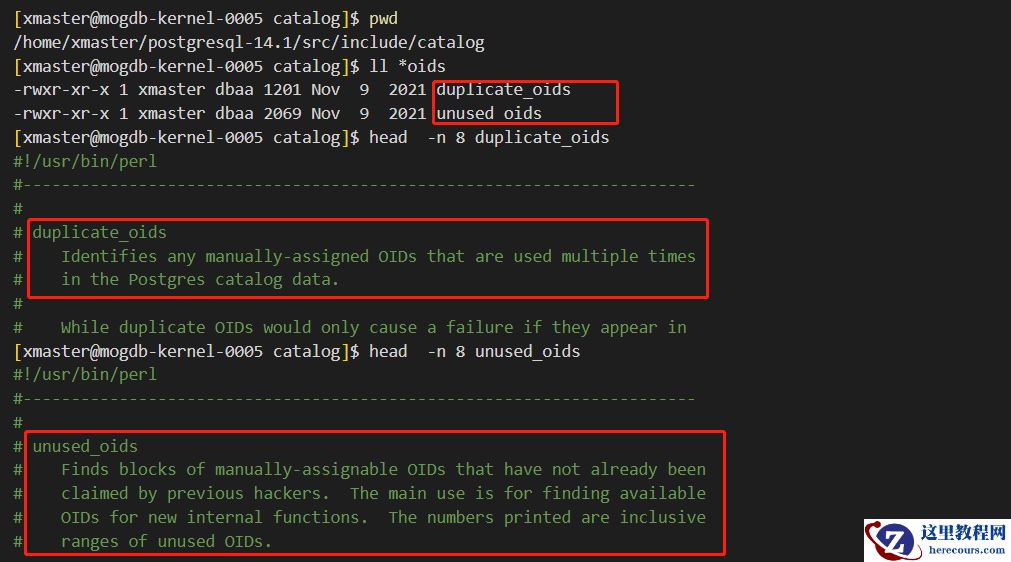
关于PostgreSQL的系统信息函数的OID
26-03-14 - postgresql空闲连接以及连接有效性检查的参数小结
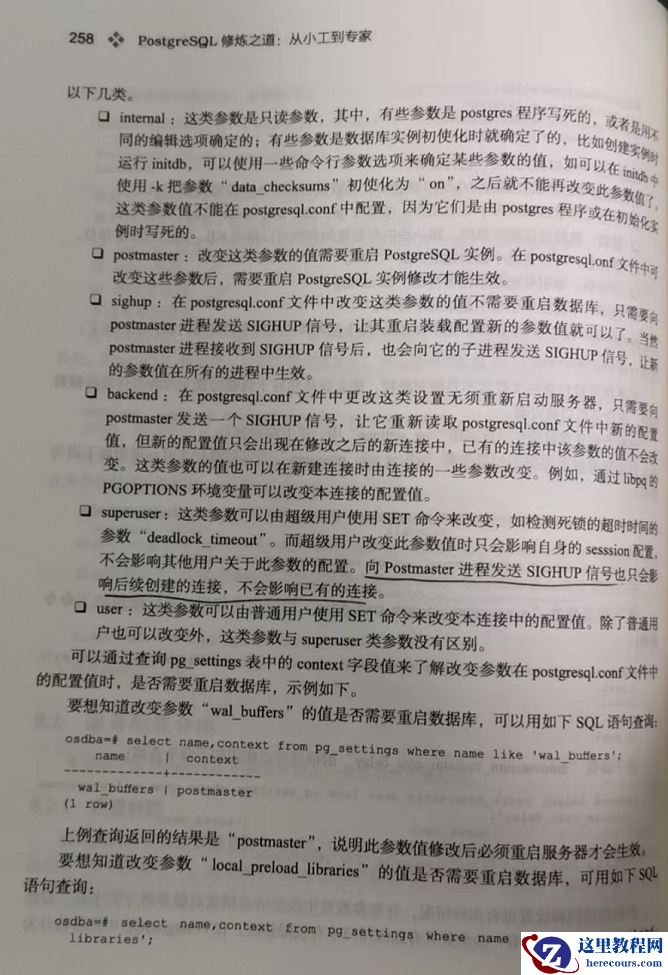
postgresql空闲连接以及连接有效性检查的参数小结
26-03-14 - PostgreSQL 16 三则 “新功能更新”
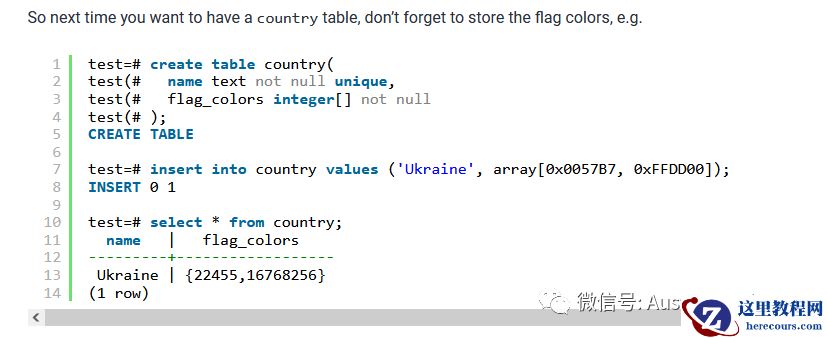
PostgreSQL 16 三则 “新功能更新”
26-03-14 - pg14数据库参数修改方式小结
pg14数据库参数修改方式小结
26-03-14 - PostgreSQL 15发布 HashData贡献关键力量
PostgreSQL 15发布 HashData贡献关键力量
26-03-14 - PostgreSQL IO优化技巧

PostgreSQL IO优化技巧
26-03-14 - PostgreSQL-14版本snapshot的几点优化
PostgreSQL-14版本snapshot的几点优化
26-03-14