下面简单介绍下如果使用ogg同步postgresql数据库
一、软件部署
1.1 安装 OGG 软件
ogg从12c开始可以采用图形界面安装(前面的安装文档中有详细展示),按照步骤一步步下去即可,图片太多,这里不做展示。
解压并安装ogg软件
unzip ogg23.4_pg.zip
export DISPLAY=192.168.98.217:0.0
./runInstaller
……
图片省略。
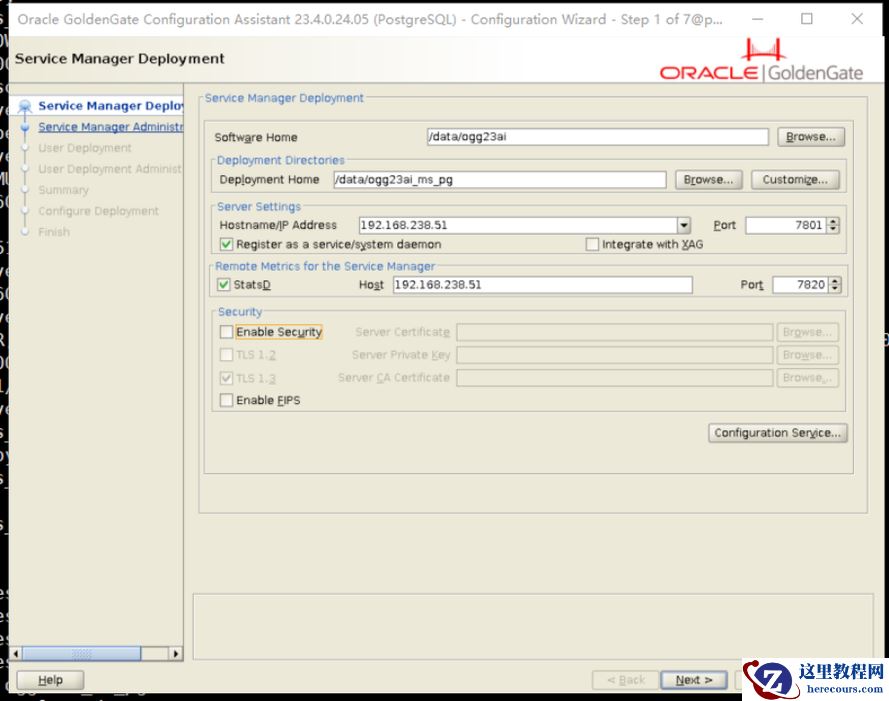
1.2 部署 OGG 微服务
[root@pgdb1 data]# mkdir ogg23ai_ms_pg
[root@pgdb1 data]# mkdir ogg23ai_ms_deploy
[root@pgdb1 data]# chown postgres:postgres ogg23ai_ms_*
[postgres@pgdb1 bin]$ sh oggca.sh
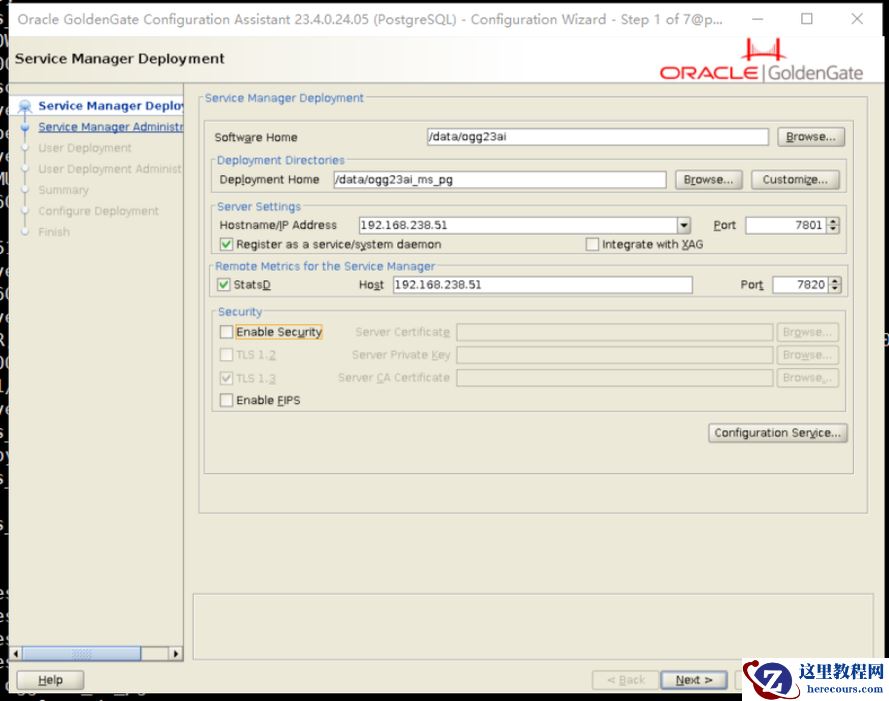
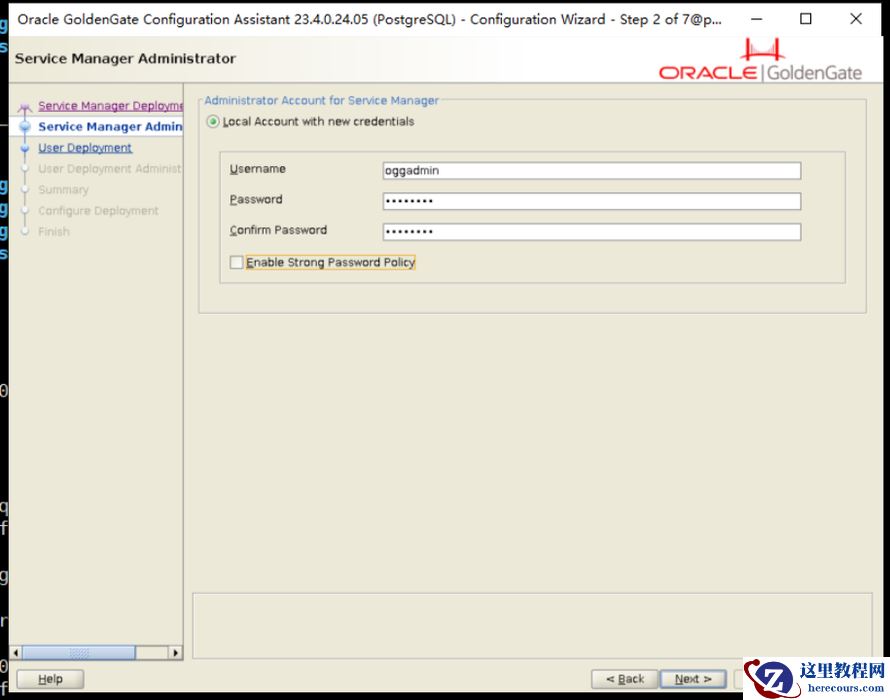
自己记录下账号密码。
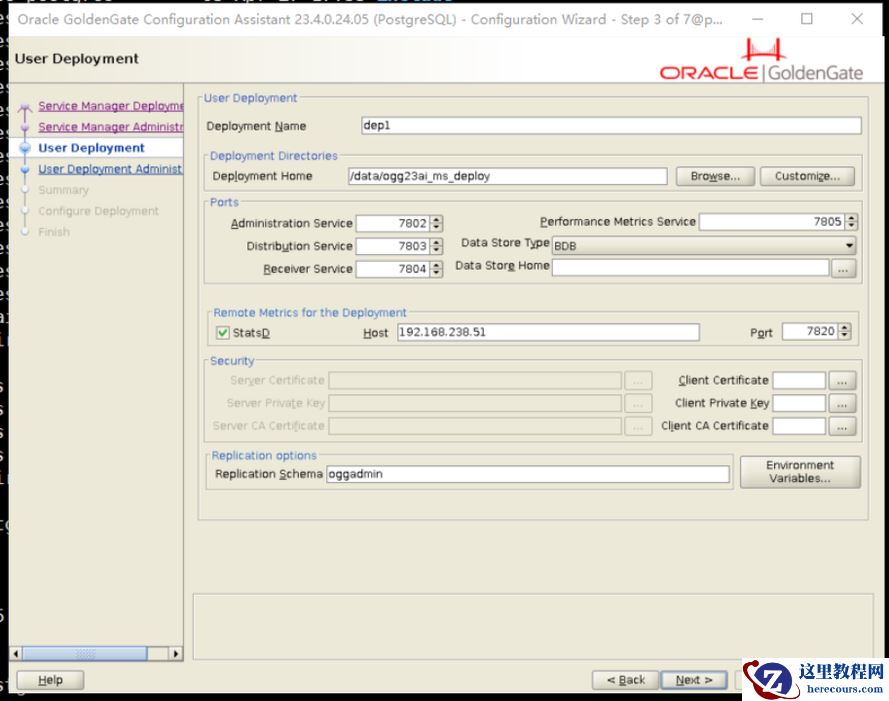
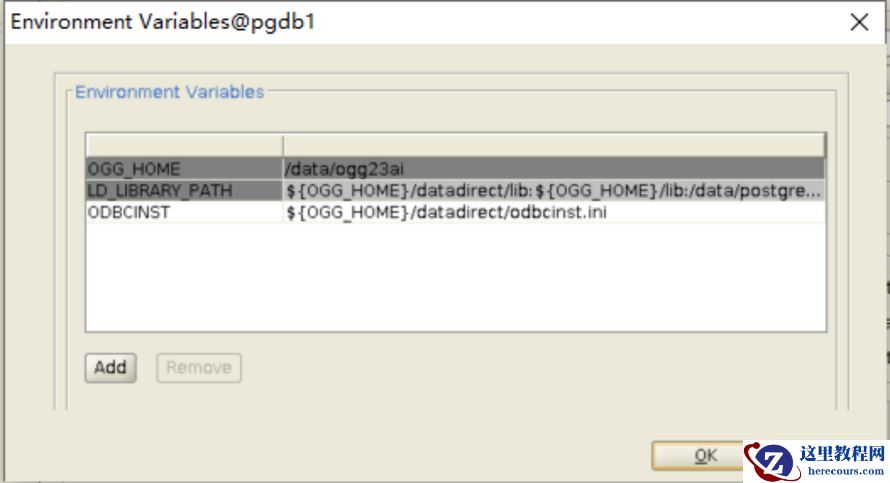
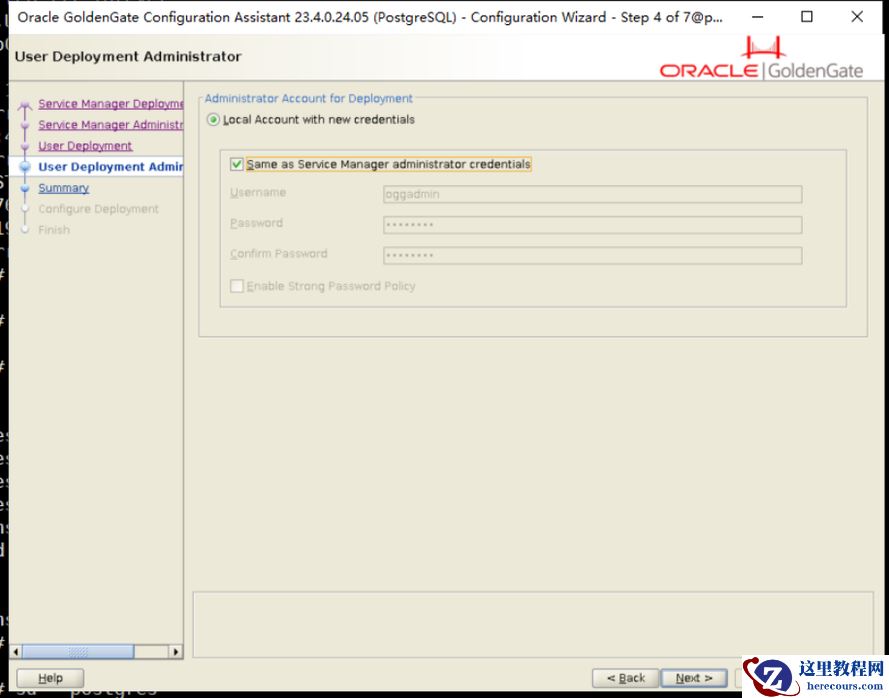
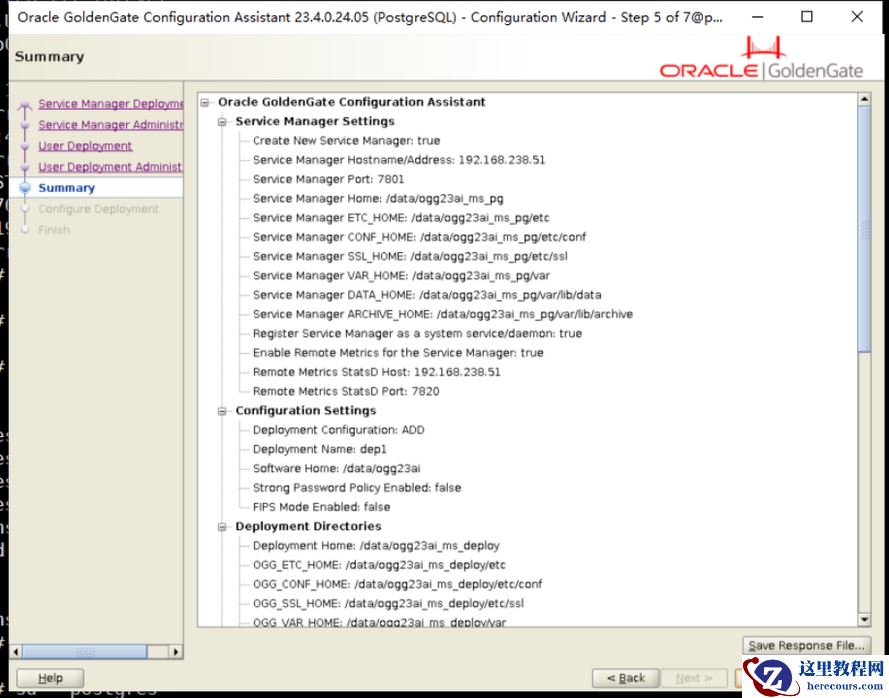
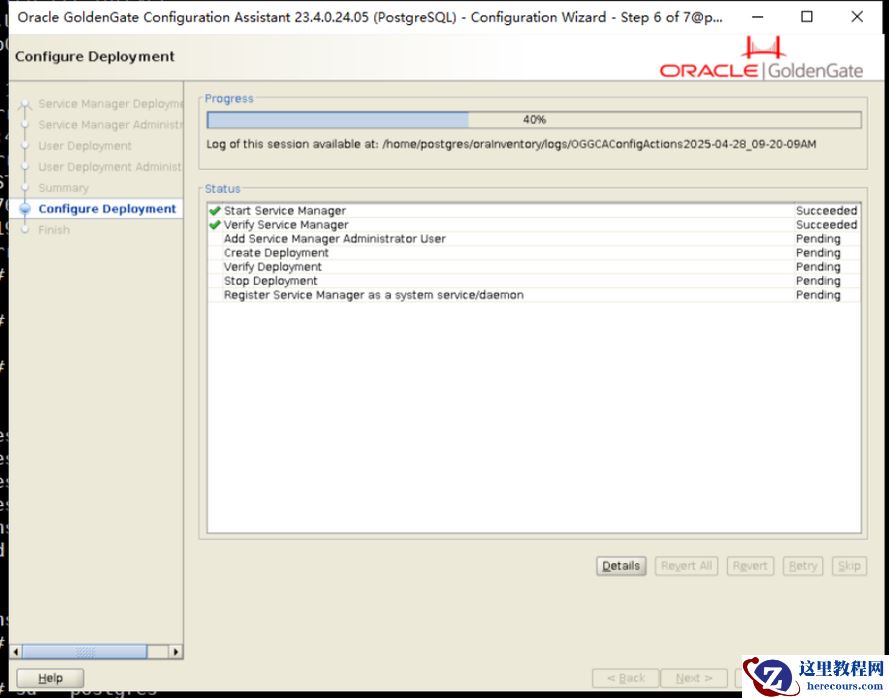
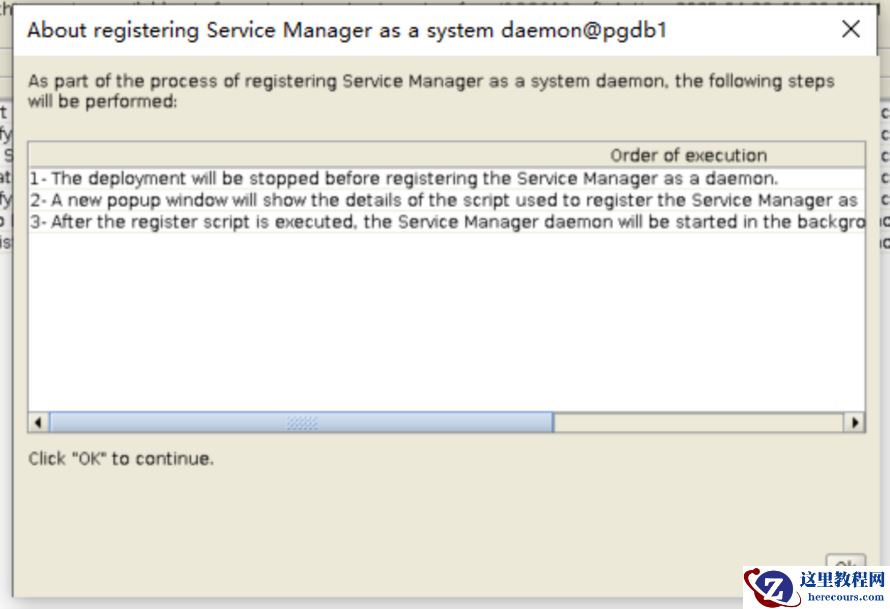
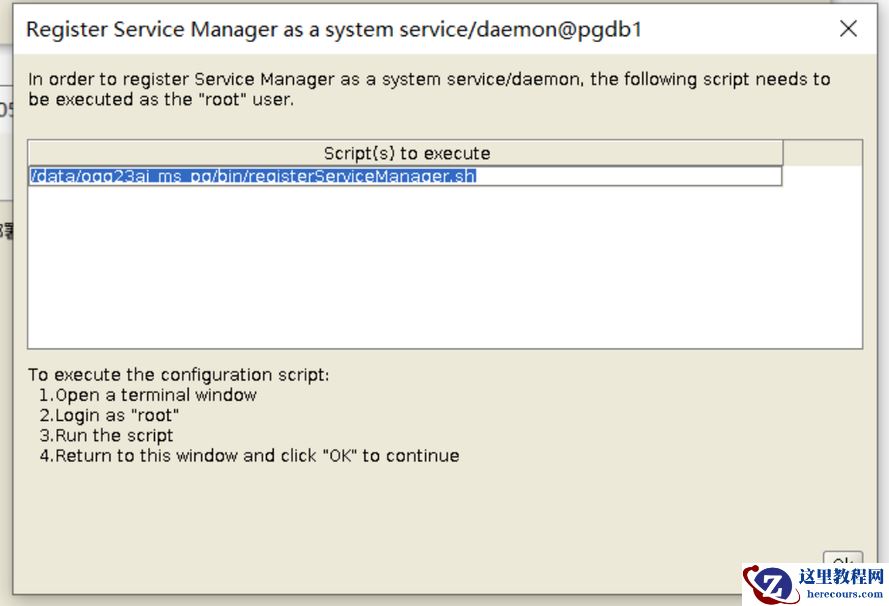
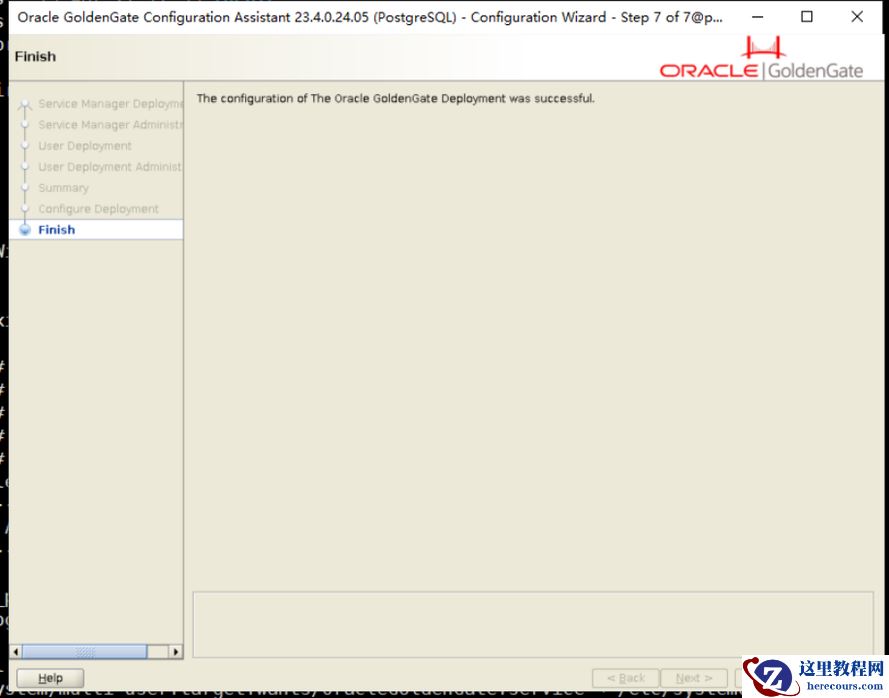


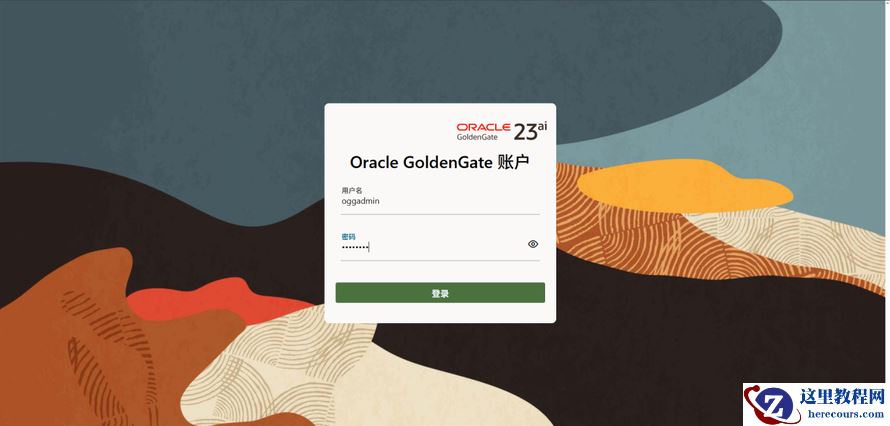
可以打开界面微服务安装成功。
二、操作准备
2.1 OGG USERS 创建
create user oggadmin superuser password 'oggadmin'; -- 可以在创建时直接赋予 superuser 权限, add trandata 需要。
GRANT CONNECT ON DATABASE source_db TO oggadmin;
ALTER USER oggadmin WITH REPLICATION;
ALTER USER oggadmin WITH SUPERUSER; -- 可以回收
GRANT USAGE ON SCHEMA tableschema TO oggadmin;
GRANT SELECT ON ALL TABLES IN SCHEMA tableschema TO oggadmin;
GRANT INSERT,UPDATE, DELETE,TRUNCATE ON TABLE tablename TO oggadmin;
或使用下面语句
-- GRANT INSERT,UPDATE, DELETE,TRUNCATE ON ALL TABLES IN SCHEMA TO oggadmin ;
GRANT CREATE ON DATABASE dbname TO oggadmin;
CREATE SCHEMA AUTHORIZATION oggadmin;
-- 如果 GGSCHEMA 和用户相同,则可以使用 CREATE SCHEMA AUTHORIZATION oggadmin;
GRANT CREATE, USAGE ON SCHEMA ggschema TO oggadmin;
GRANT EXECUTE ON ALL FUNCTIONS IN SCHEMA ggschema TO oggadmin;
GRANT SELECT,INSERT, UPDATE,DELETE, ON ALL TABLES IN SCHEMA ggschema TO oggadmin;
2.2 D atabase Connection
PgBouncer is not supported for Oracle GoldenGate connections.
Oracle GoldenGate does not support connections to PostgreSQL that use Pgpool.
安装 pg 插件 test_decoding
cd /data/postgres/postgresql-16.3/contrib/test_decoding
[postgres@pgdb1 test_decoding]$ make && make install
修改 postgresql.conf(restart)
listen_addresses=remotehost_ip_address
wal_level = logical ## 必须使用 logical
max_replication_slots = 1 0 ## 允许创建多少个进程
max_wal_senders = 1 0
track_commit_timestamp = on
使用 DNS Connection
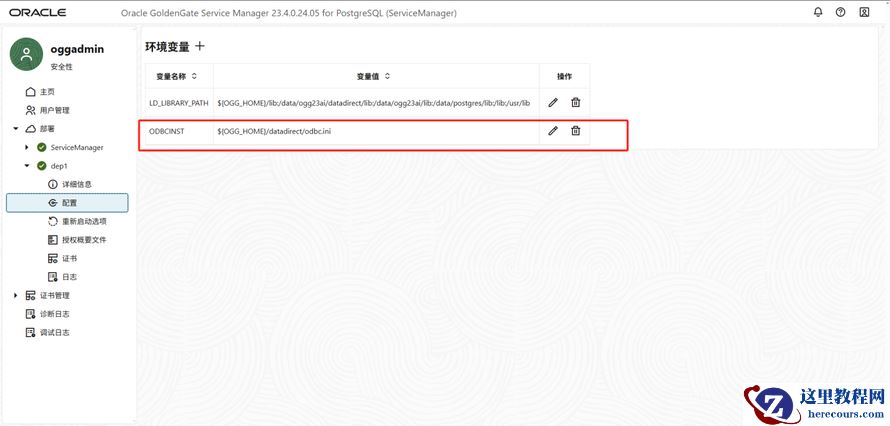
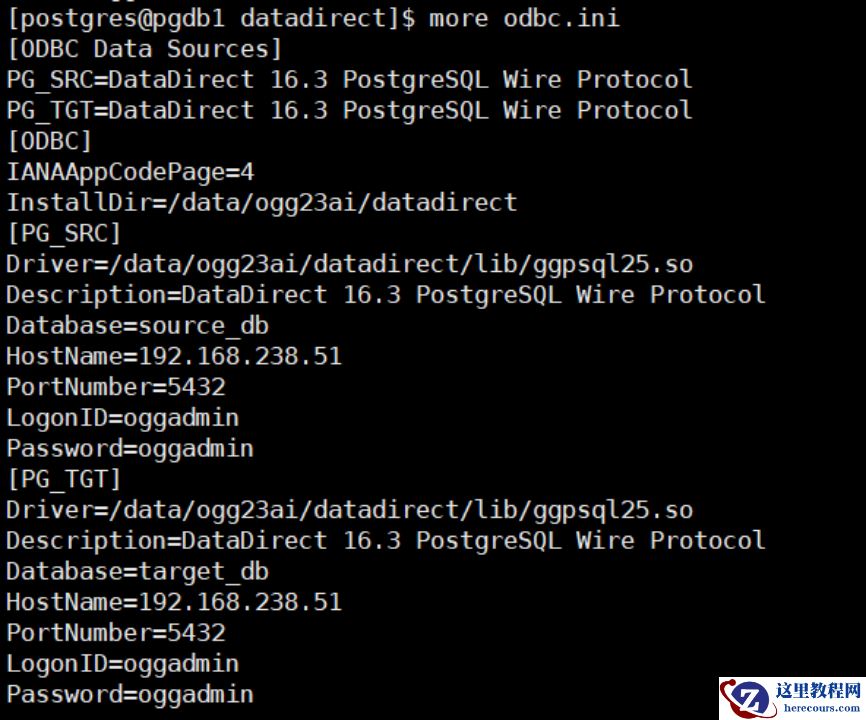
尝试连接,提示报错
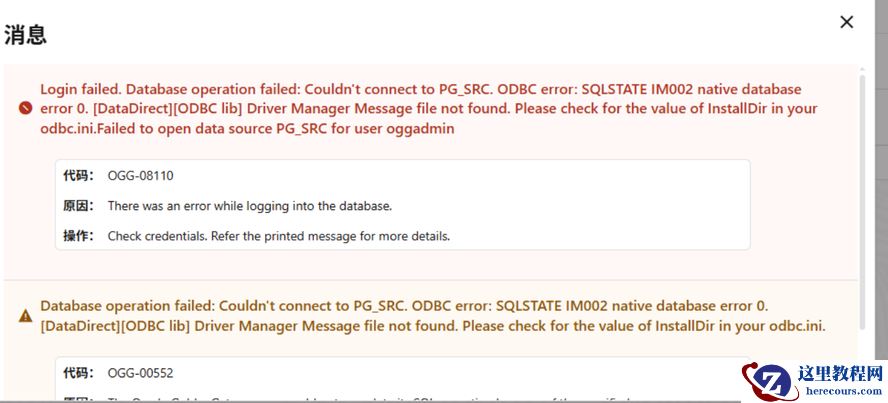
于是更换连接方式
使用其他方式连接
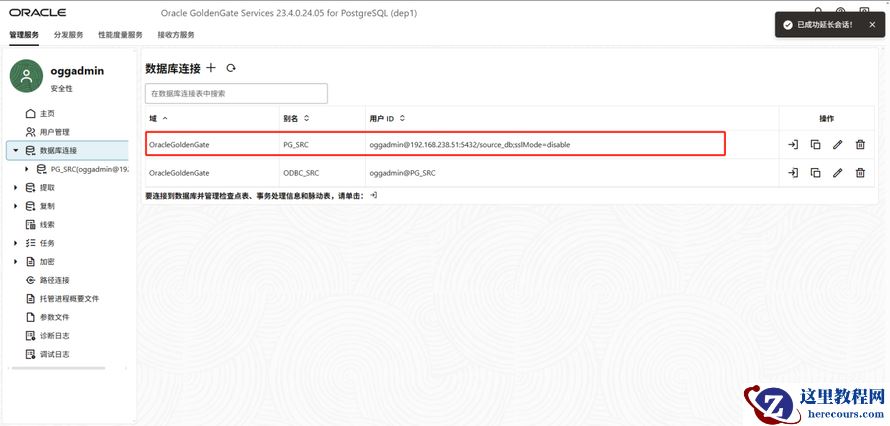
成功。
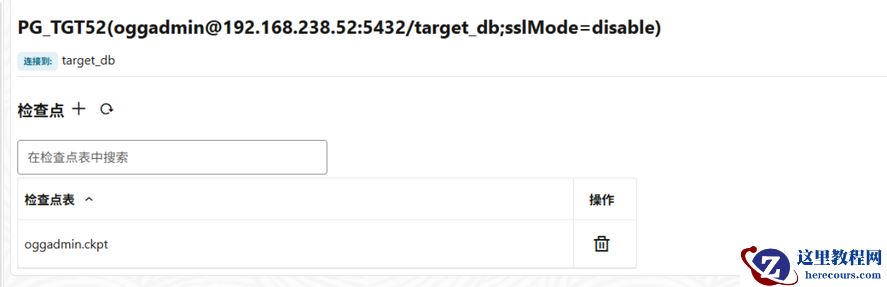
在目标端创建检查点时,需要额外建立一个 GGSCHEMA
target_db=# create schema oggadmin;
## 注意需要在目标 database 中创建 schema 。
2.3 Enabling Table-Level Supplemental Logging
connect http://192.168.238.51:7801 deployment dep1 as oggadmin password oggadmin
DBLOGIN USERIDALIAS PG_SRC
add trandata public.test1 allcols
2025-04-28T07:09:52Z INFO OGG-30374 Connected to the database server, 192.168.238.51:5432.
2025-04-28T07:09:52Z INFO OGG-08100 Logging of supplemental log data is enabled for table public.test1. REPLICA IDENTITY was DEFAULT and is changed to FULL
info trandata public.test1
2025-04-28T07:10:07Z INFO OGG-30374 Connected to the database server, 192.168.238.51:5432.
2025-04-28T07:10:07Z INFO OGG-08100 Logging of supplemental log data is enabled for table public.test1 with REPLICA IDENTITY set to FULL
Logging of supplemental transaction log data is enabled for table public.test1.
Columns supplementally logged for table public.test1:
2.4 Supported Databases
Only user databases are supported for capture and delivery.
Oracle GoldenGate does not support capture from archived logs.
Delivery is not supported against replica, standby databases.
Capture is also supported from replica, standby databases.
High Availability.
2.5 Supported PostgreSQL Data Types
• array
• bigint
• bigserial
• bit(n)
• bit varying(n)
• boolean
• bytea
• char (n)
• cidr
• citext
• date
• decimal
• double precision
• Enumerated Types
• inet
• integer
• interval
• json
• jsonb
• macaddr
• macaddr8
• money
• numeric
• pgvector extension
• real
• serial
• smallint
• smallserial
• text
• time with/without timezone
• timestamp with/without timezone
• tsquery
• tsvector
• uuid
• varchar(n)
• varbit
• xml
2.6 Non-Supported PostgreSQL Data Types
• box
• bpchar
• circle
• Composite Types
• Domain Types
• line
• lseq
• Object Identifiers Types
• path
• pg_lsn
• pg_snapshot
Chapter 4
Prepare Databases
4-115• point
• polygon
• Pseudo-Types
• Range Types
• User-defined Types (UDTs)
2.7 Supported Objects and Operations for PostgreSQL
• Oracle GoldenGate for PostgreSQL only supports DML operations (Insert/Update/Deletes).
DDL replication is not supported .
• Oracle GoldenGate for PostgreSQL supports replication of truncate operations beginning with PostgreSQL 11 and above, and requires the GETTRUNCATES parameter in Extract and Replicat.
• Case-Sensitive/Insensitive names Usage:
– Unquoted names are case-insensitive and are implicitly lowercase. For example,
CREATE TABLE MixedCaseTable and SELECT * FROM mixedcasetable are equivalent. ## 未引用的表名是不区分大小写的
– Quoted table and column names are case-sensitive and need to be listed correctly in Extracts and Replicats and with Oracle GoldenGate commands.
For example, TABLE appschema.”MixedCaseTable” and ADD TRANDATA appschema.”MixedCaseTable” would be required to support a case-sensitive table name. ## 引用的表名是区分大小写的
2.8 Tables, Views, and Materialized Views
• Oracle GoldenGate for PostgreSQL does not support capture and delivery for views.
• Oracle GoldenGate for PostgreSQL does not support capture from individual partitions of a partitioned table
三、页面操作配置(主库抽取)
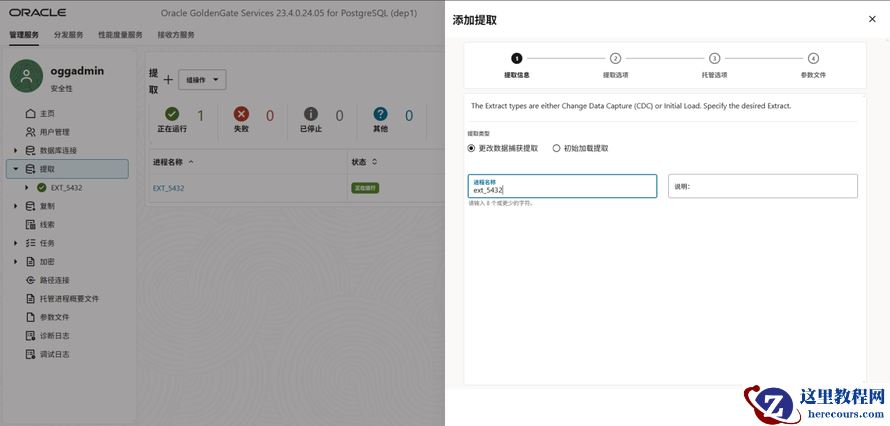
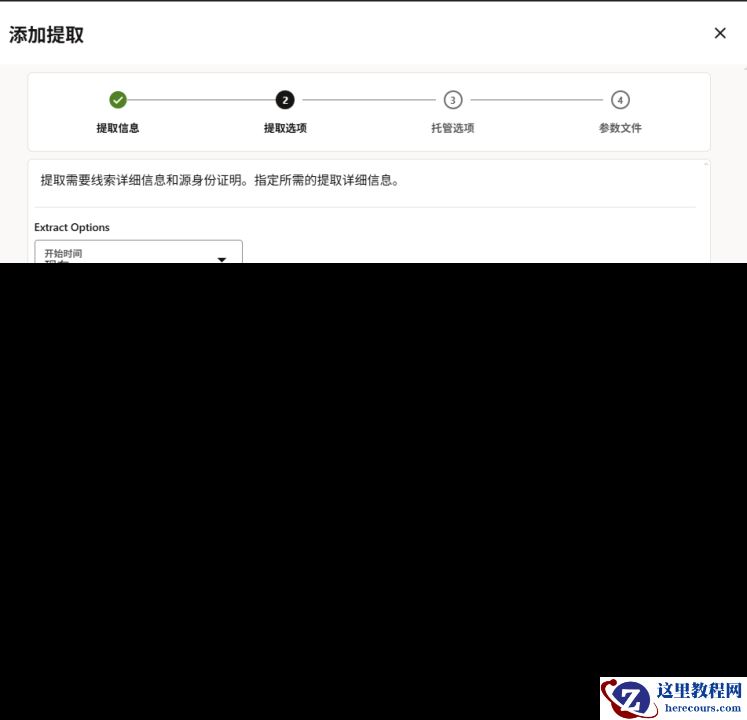
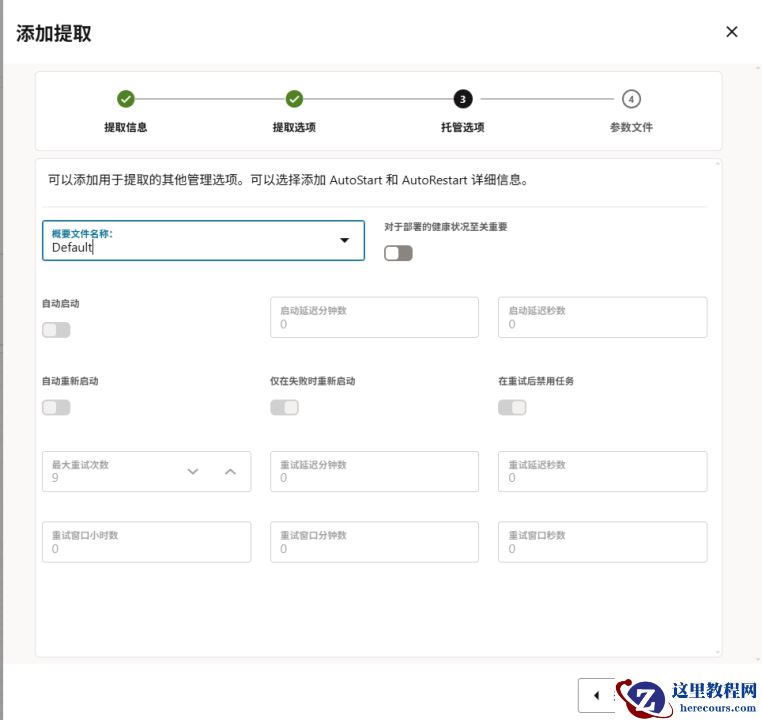
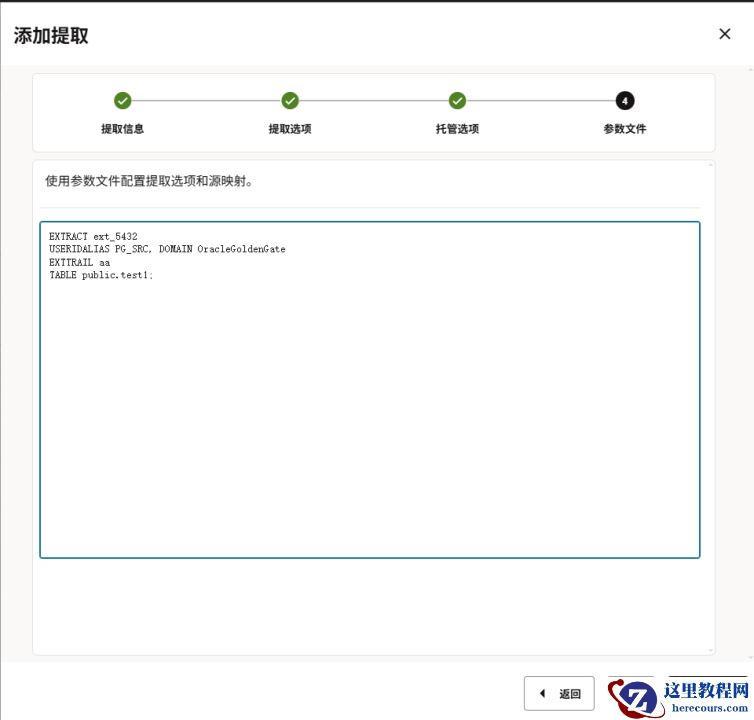
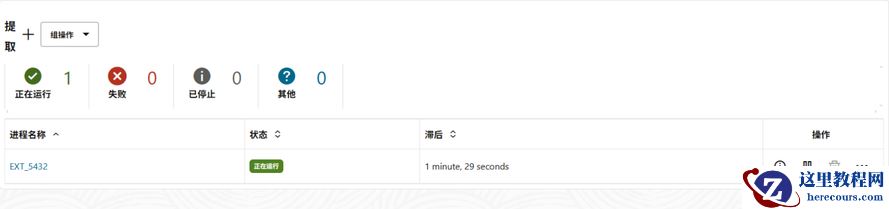
3.1 创建提取进程
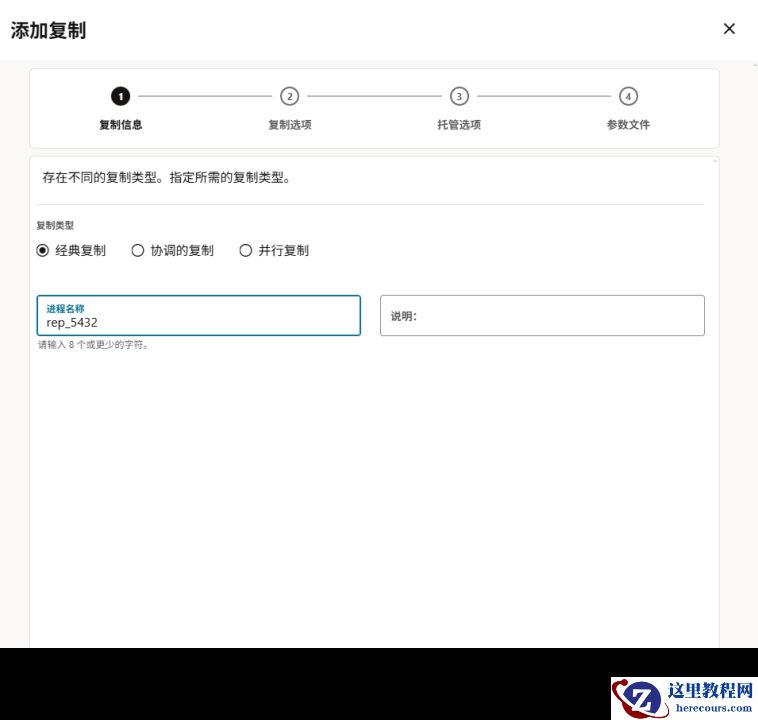
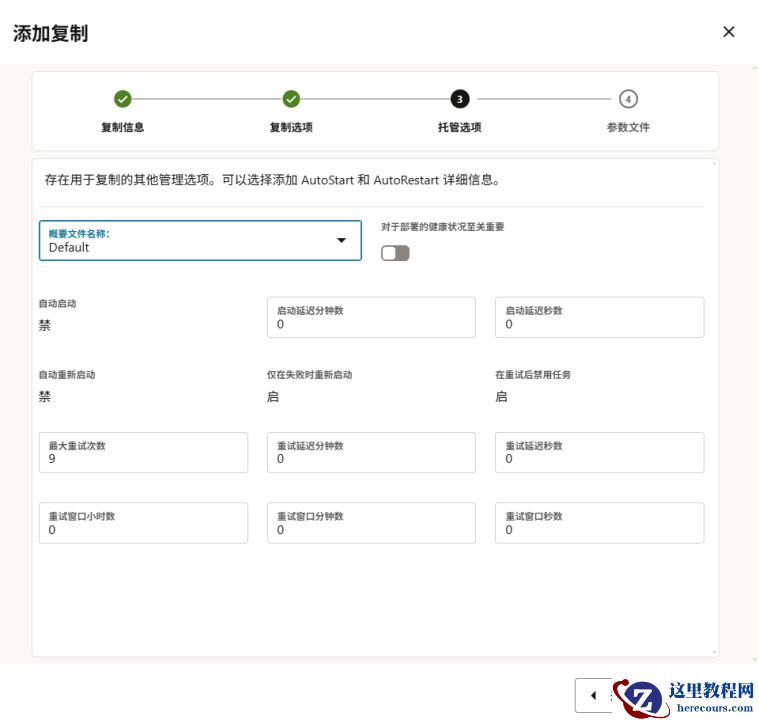
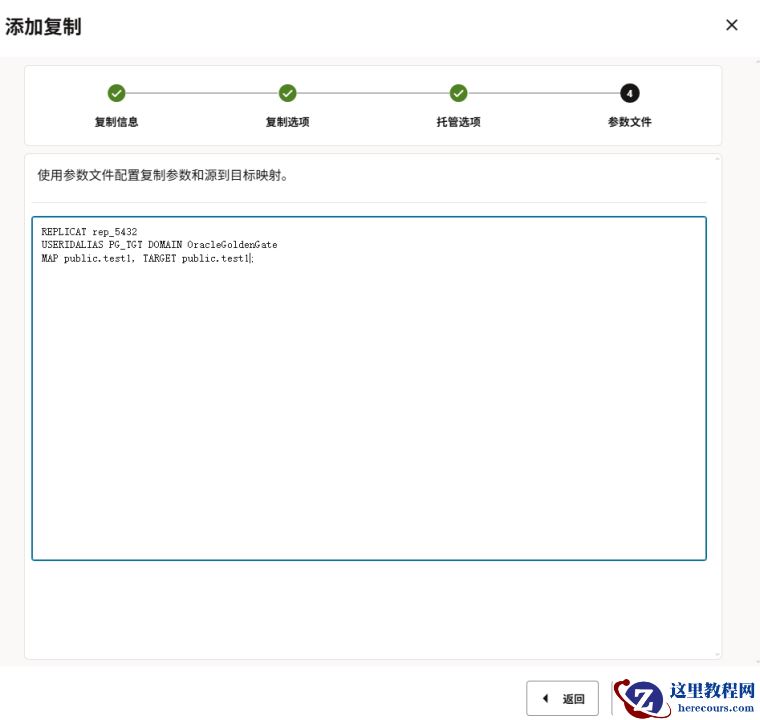
3.2 创建复制进程

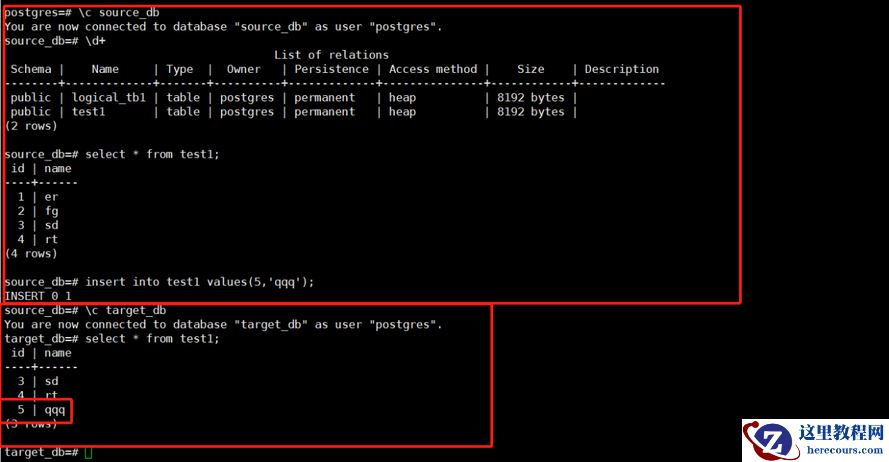
3.3 数据测试