
[20181029]避免表达式在sql语句中(10g).txt --//前一段时间的测试,避免表达式在语句中.链接http://blog.itpub.net/267265/viewspace-2215206/ --//在10g存在很明显的差距,别人也重复了我的测试,给我一些建议.我自己按照自己的想法重新做了1次. 1.环境: SCOTT@test> @ &r/ver1 PORT_STRING VERSION BANNER ------------------------------ -------------- ---------------------------------------------------------------- x86_64/Linux 2.4.xx 10.2.0.4.0 Oracle Database 10g Enterprise Edition Release 10.2.0.4.0 - 64bi SCOTT@test> show sga Total System Global Area 486539264 bytes Fixed Size 2084872 bytes Variable Size 360714232 bytes Database Buffers 113246208 bytes Redo Buffers 10493952 bytes --//sga仅仅480M. $ env | grep NLS NLS_LANG=AMERICAN_AMERICA.zhs16gbk NLS_TIMESTAMP_TZ_FORMAT=YYYY-MM-DD HH24:MI:SS.FF TZH:TZM NLS_TIMESTAMP_FORMAT=YYYY-MM-DD HH24:MI:SS.FF NLS_DATE_FORMAT=YYYY-MM-DD HH24:MI:SS --//注:我日期格式定义如上,这样我下面使用字符串变量不会出现问题. create table t as with a as (select rownum from dual connect by level<=1e4) select rownum id ,sysdate-rownum/1440 dd_date from a,a ; exec sys.dbms_stats.gather_table_stats ( OwnName => user,TabName => 't',Estimate_Percent => NULL,Method_Opt => 'FOR ALL COLUMNS SIZE 1 ',Cascade => True ,No_Invalidate => false); --//时间有点长,耐心...或者不用全部取样. SCOTT@test> select owner, num_rows, blocks, last_analyzed from dba_tables where owner=user and table_name ='T'; OWNER NUM_ROWS BLOCKS LAST_ANALYZED ------ ---------- ---------- ------------------- SCOTT 100000000 263203 2018-10-29 09:20:10 2.测试: SCOTT@test> select sysdate+10 from dual; SYSDATE+10 ------------------- 2018-11-08 09:21:46 --//测试各种情况: set timing on variable v_dd varchar2(20); exec :v_dd := '2018-11-08 09:21:46' select count(*) from t where dd_date>=sysdate+10; select count(*) from t where dd_date>='2018-11-08 09:21:46'; select count(*) from t where dd_date>= (select sysdate+10 from dual); select count(*) from t where dd_date>= (select sysdate from dual); select count(*) from t where dd_date>=trunc(sysdate+10); select count(*) from t where dd_date>=trunc(sysdate); select count(*) from t where dd_date>=trunc(sysdate); select count(*) from t where trunc(dd_date)=trunc(sysdate+10); select count(*) from t where dd_date>=:v_dd; --// 测试使用等于的情况 select count(*) from t where dd_date='2018-11-08 09:21:46'; select count(*) from t where dd_date=:v_dd; --//注每条sql语句测试4次,第1次不算. --//测试sql语句 时间 -------------------------------------------------------------------------------------------------------------------- select count(*) from t where dd_date>=sysdate+10; 00:00:14.28 00:00:14.22 00:00:14.23 select count(*) from t where dd_date>='2018-11-08 09:21:46'; 00:00:03.96 00:00:03.93 00:00:03.96 select count(*) from t where dd_date>= (select sysdate+10 from dual); 00:00:07.64 00:00:07.63 00:00:07.62 select count(*) from t where dd_date>= (select sysdate from dual); 00:00:07.60 00:00:07.61 00:00:07.59 select count(*) from t where dd_date>=trunc(sysdate+10); 00:00:38.58 00:00:38.58 00:00:38.57 select count(*) from t where dd_date>=trunc(sysdate); 00:00:38.58 00:00:38.58 00:00:38.57 select count(*) from t where dd_date>=trunc(sysdate); 00:00:30.02 00:00:30.04 00:00:30.01 select count(*) from t where trunc(dd_date)=trunc(sysdate+10); 00:01:05.22 00:01:05.22 00:01:05.23 select count(*) from t where dd_date>=:v_dd; 00:00:04.89 00:00:04.90 00:00:04.83 --// 测试使用等于的情况 select count(*) from t where dd_date='2018-11-08 09:21:46'; 00:00:03.92 00:00:03.90 00:00:03.93 select count(*) from t where dd_date=:v_dd; 00:00:04.88 00:00:04.90 00:00:04.85 -------------------------------------------------------------------------------------------------------------------- 3.结果分析: --//1.大于 与 等于 类似的语句执行时间差别不大.比如: select count(*) from t where dd_date>='2018-11-08 09:21:46'; 00:00:03.96 00:00:03.93 00:00:03.96 select count(*) from t where dd_date='2018-11-08 09:21:46'; 00:00:03.92 00:00:03.90 00:00:03.93 --//而且使用常量情况要快于使用绑定变量的情况: select count(*) from t where dd_date>='2018-11-08 09:21:46'; 00:00:03.96 00:00:03.93 00:00:03.96 select count(*) from t where dd_date>=:v_dd; 00:00:04.89 00:00:04.90 00:00:04.83 --//使用标量子查询有缓存结果的作用,但是测试效果并不明显. select count(*) from t where dd_date>= (select sysdate+10 from dual); 00:00:07.64 00:00:07.63 00:00:07.62 select count(*) from t where dd_date>= (select sysdate from dual); 00:00:07.49 00:00:07.48 00:00:07.47 --//2.你可以发现在10g下,如果谓词里面存在表达式,如果运算次数很多的情况下,执行时间差距很明显: --//3.对比如下: select count(*) from t where dd_date>=trunc(sysdate); 00:00:30.02 00:00:30.04 00:00:30.01 select count(*) from t where dd_date>=trunc(sysdate+10); 00:00:38.58 00:00:38.58 00:00:38.57 select count(*) from t where trunc(dd_date)=trunc(sysdate+10); 00:01:05.22 00:01:05.22 00:01:05.23 --//可以推测select count(*) from t where trunc(dd_date)=trunc(sysdate+10);,trunc 两边都参与运算. 4.继续分析: --//建立索引看看. SCOTT@test> create index i_t_dd_data on t(dd_date) tablespace users_index; Index created. SCOTT@test> select min(dd_date) from t; MIN(DD_DATE) ------------------- 1828-09-10 22:34:03 SCOTT@test> select sysdate - to_date('1828-09-10 22:34:03','yyyy-mm-dd hh24:mi:ss') from dual ; SYSDATE-TO_DATE('1828-09-1022:34:03','YYYY-MM-DDHH24:MI:SS') ------------------------------------------------------------ 69444.4784 SCOTT@test> select segment_name,bytes,blocks from dba_segments where owner=user and segment_name in ('T','I_T_DD_DATA'); SEGMENT_NAME BYTES BLOCKS -------------------- ---------- ---------- T 2214592512 270336 I_T_DD_DATA 2183135232 266496 --//表比索引仅仅大一点点,索引包含rowid,可以发现索引与表大小相近. set timing on --//使用提示保证使用索引范围扫描. select /*+ INDEX_RS_ASC(@"SEL$1" "T"@"SEL$1" ("T"."DD_DATE")) */ count(*) from t where dd_date>=sysdate-70000; SCOTT@test> select /*+ INDEX_RS_ASC(@"SEL$1" "T"@"SEL$1" ("T"."DD_DATE")) */ count(*) from t where dd_date>=sysdate-70000; COUNT(*) ---------- 100000000 Elapsed: 00:00:10.79 --//使用时间 00:00:10.79 00:00:10.83 select /*+ INDEX_RS_ASC(@"SEL$1" "T"@"SEL$1" ("T"."DD_DATE")) */ count(*) from t where dd_date>='1828-09-10 22:34:02'; SCOTT@test> select /*+ INDEX_RS_ASC(@"SEL$1" "T"@"SEL$1" ("T"."DD_DATE")) */ count(*) from t where dd_date>='1828-09-10 22:34:02'; COUNT(*) ---------- 100000000 Elapsed: 00:00:10.77 --//使用时间 00:00:10.77 00:00:10.77 --//可以两者执行时间很接近.我估计这里根本没有进行比较,因为只要确定左侧,一直扫描到右端就ok了. --//执行时间主要使用单块读方面.可以看出2者执行时间相差不大. --//修改提示使用索引快速全扫描看看( INDEX FAST FULL SCAN). SCOTT@test> select /*+ INDEX_FFS(T) */ count(*) from t where dd_date>=sysdate-70000; COUNT(*) ---------- 100000000 Elapsed: 00:00:15.01 SCOTT@test> select /*+ INDEX_FFS(T) */ count(*) from t where dd_date>='1828-09-10 22:34:02'; COUNT(*) ---------- 100000000 Elapsed: 00:00:05.75 --//INDEX FAST FULL SCAN是乱序读取的,这样必须比较.你可以发现使用表达式以及常量存在10秒的差距. 4.总结: --//10g下,在执行sql语句时,先snapshot scn取得当日期(sysdate),并且把它当作变量,每次比较都执行sysdate+10 计算.这样耗费了大量cpu. --//在谓词中使用函数问题更加严重. --//当然现在使用10g的越来越少,这样极端的情况很少见,仅仅通过测试说明问题. --//实际上如果计算,函数出现在select里面,如果返回结果集的话,情况也是一样的.特别有一些开发喜欢自定义的函数. --//另外在11g以后,这个问题已经不明显.我仅仅在12c做了测试.
[20181029]避免表达式在sql语句中(10g).txt
来源:这里教程网
时间:2026-03-03 12:08:44
作者:
编辑推荐:
- 如何修改Word2010文件的位置03-03
- [20181029]避免表达式在sql语句中(10g).txt03-03
- 如何手动设置双面打印Word2010文档03-03
- Oracle 12CR2查询转换之cursor-duration临时表03-03
- 教你使用Word2010的打印预览功能03-03
- Word2010如何为直线图形加上箭头03-03
- [20181020]lob字段的索引段.txt03-03
- EXTRACT() 函数03-03
下一篇:
相关推荐
-

-
-
-
-
-
-
-
-
-
-
-
-
-
-

雷神推出 MIX PRO II 迷你主机:基于 Ultra 200H,玻璃上盖 + ARGB 灯效
2 月 9 日消息,雷神 (THUNDEROBOT) 现已宣布推出基于英
-

制造商 Musnap 推出彩色墨水屏电纸书 Ocean C:支持手写笔、第三方安卓应用
2 月 10 日消息,制造商 Musnap 现已在海外推出一款 Oce

热文推荐
- oracle 12c 列式存储
oracle 12c 列式存储
26-03-03 - Oracle Database 12cR2多租户权威指南
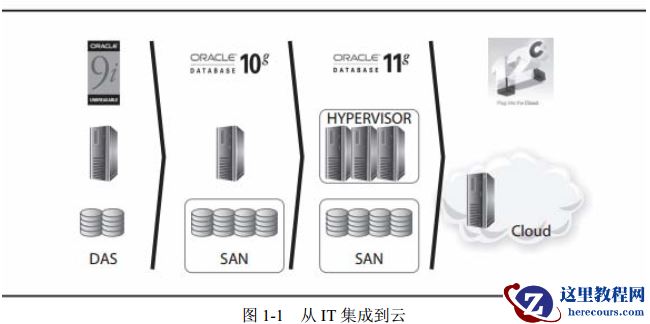
Oracle Database 12cR2多租户权威指南
26-03-03 - 怀疑私网网卡多播问题导致crs无法正常启动
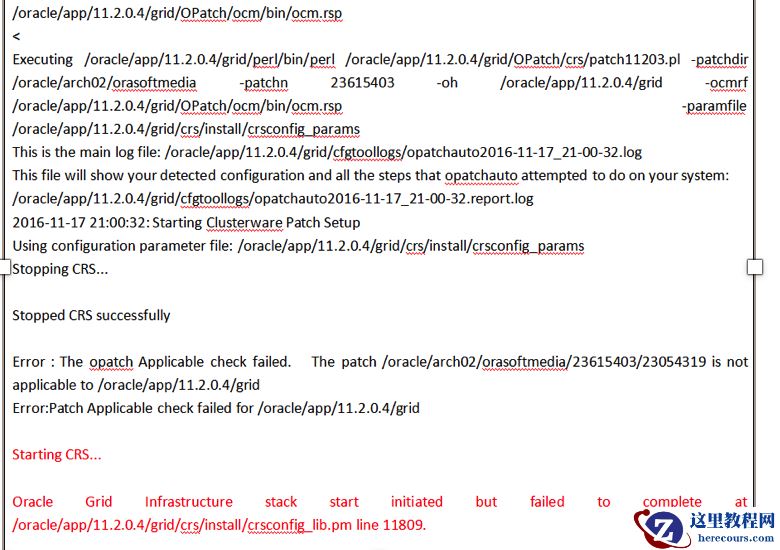
怀疑私网网卡多播问题导致crs无法正常启动
26-03-03 - 学懂、练会、一次过,不做Paper OCP

学懂、练会、一次过,不做Paper OCP
26-03-03 - restore database误操作恢复
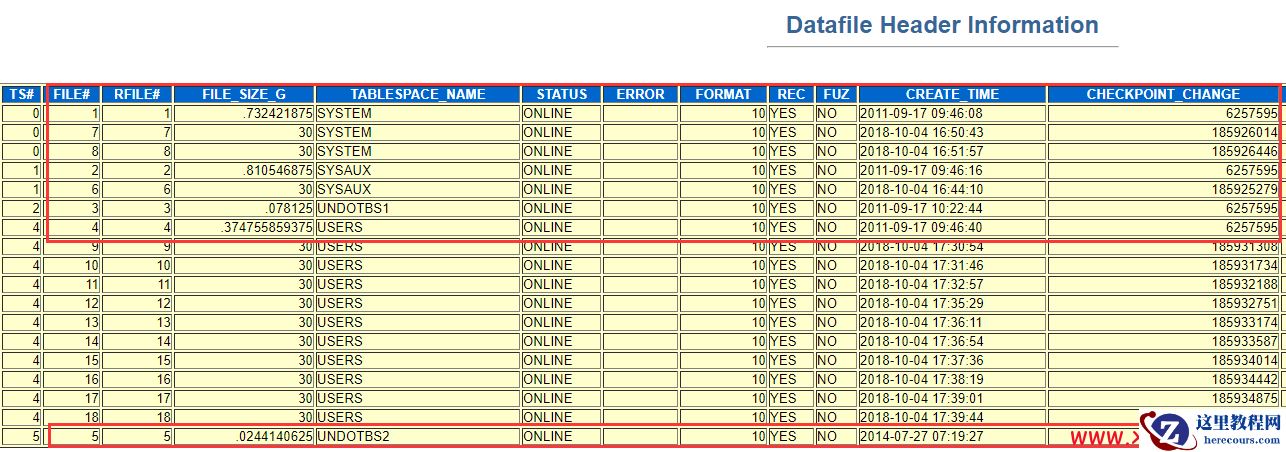
restore database误操作恢复
26-03-03 - 1024程序员节/探讨ORACLE环境故障的解决方法

1024程序员节/探讨ORACLE环境故障的解决方法
26-03-03 - oracle视图
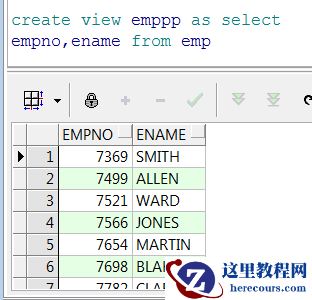
oracle视图
26-03-03 - oralce简单条件查询练习
oralce简单条件查询练习
26-03-03 - oracle实例名查询、实例状态查询等

oracle实例名查询、实例状态查询等
26-03-03 - ORA-1122/ORA-1208 数据文件头写丢失故障
ORA-1122/ORA-1208 数据文件头写丢失故障
26-03-03