https://www.oracle.com/webfolder/technetwork/tutorials/obe/cloud/dbaas/obe_dbaas_QS/oracle_database_cloud_service_dbaas_quick_start.html#section2
Invoking the Create Database Cloud Service Wizard
Log in to the Oracle Database Cloud Service (DBaaS) console using the credentials provided by your Oracle Cloud account administrator. For details on accessing the console, see the documentation on Accessing the Database Cloud Service (DBaaS) Console .
-
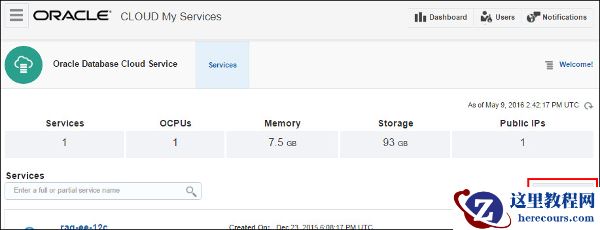
To create a new database instance, in the Database Cloud Service console click Create Service .
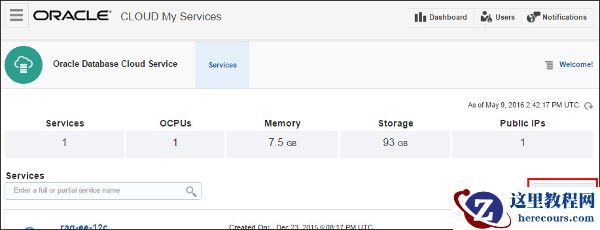 Description of this image
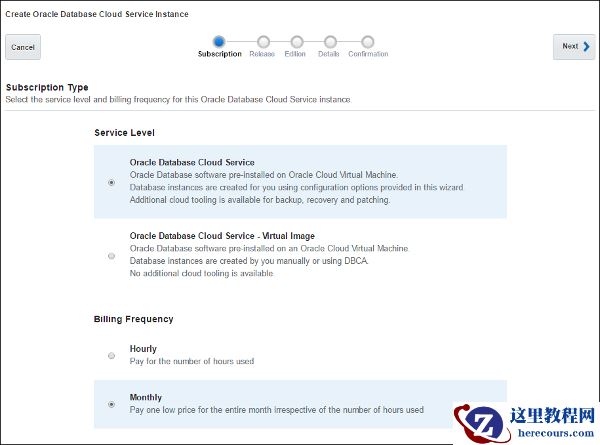
The Create Database Cloud Service Instance wizard is invoked, displaying the Subscription Type page.
编辑推荐:
- Word怎么才能快速删除回车符03-03
- Oracle Database Cloud - Database as a Service Quick Start03-03
- 关于Word表格的跨页断行操作03-03
- Word标题如何快速换粗细字体03-03
- word中如何多次使用格式刷03-03
- 如何删除word文档中的属性和个人信息03-03
- 怎么用Word设置背景图片03-03
- word中标题变黑怎么解决03-03
下一篇:相关推荐
-

-
-
-
-
-
-
-
-
-
-
-
-
-
-

雷神推出 MIX PRO II 迷你主机:基于 Ultra 200H,玻璃上盖 + ARGB 灯效
2 月 9 日消息,雷神 (THUNDEROBOT) 现已宣布推出基于英
-

制造商 Musnap 推出彩色墨水屏电纸书 Ocean C:支持手写笔、第三方安卓应用
2 月 10 日消息,制造商 Musnap 现已在海外推出一款 Oce
热文推荐
- Oracle Database Cloud - Database as a Service Quick Start
- 关于Word表格的跨页断行操作
关于Word表格的跨页断行操作
26-03-03 - ORACLE分区表梳理系列(一)- 分区表概述、分类、使用方法及注意事项

ORACLE分区表梳理系列(一)- 分区表概述、分类、使用方法及注意事项
26-03-03 - oracle一个listener侦听多个实例的配置
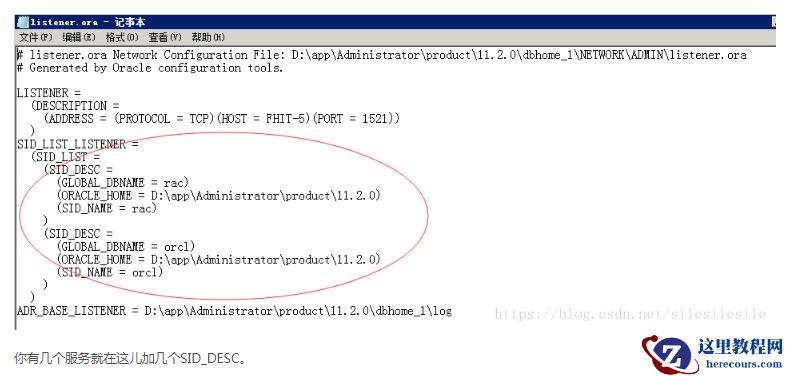
oracle一个listener侦听多个实例的配置
26-03-03 - Oracle 18.3 Resize operation completed for file#
- word文档打不开怎么办?

word文档打不开怎么办?
26-03-03 - 使用set autotrace on 查看数据库执行计划
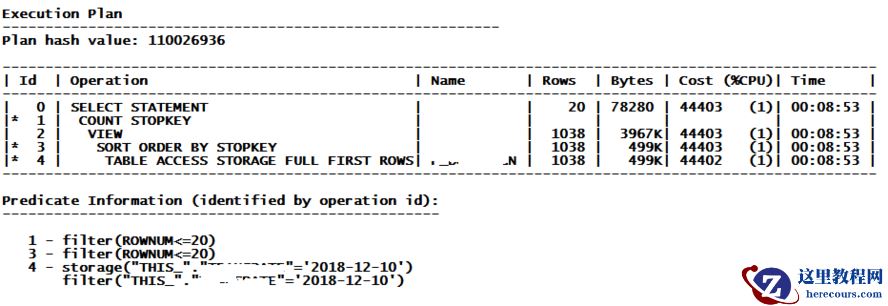
使用set autotrace on 查看数据库执行计划
26-03-03 - Debian性能问题诊断方法(小白也能掌握的Linux系统优化技巧)

Debian性能问题诊断方法(小白也能掌握的Linux系统优化技巧)
26-03-03 - sqlplus连接数据库的几种方法
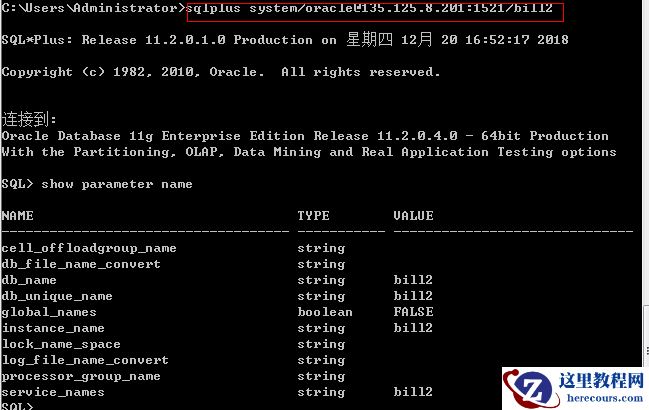
sqlplus连接数据库的几种方法
26-03-03 - 关于oracle数据库信号量的问题
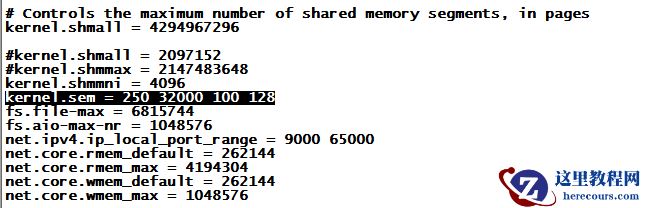
关于oracle数据库信号量的问题
26-03-03