
Oracle restart 执行root.sh报错 [root@asm01 11.2.0.4]# ./root.sh Performing root user operation for Oracle 11g The following environment variables are set as: ORACLE_OWNER= grid ORACLE_HOME= /u01/app/grid/11.2.0.4 Enter the full pathname of the local bin directory: [/usr/local/bin]: The contents of "dbhome" have not changed. No need to overwrite.The contents of "oraenv" have not changed. No need to overwrite.The contents of "coraenv" have not changed. No need to overwrite. Entries will be added to the /etc/oratab file as needed byDatabase Configuration Assistant when a database is createdFinished running generic part of root script.Now product-specific root actions will be performed.Using configuration parameter file: /u01/app/grid/11.2.0.4/crs/install/crsconfig_paramsCreating trace directoryLOCAL ADD MODE Creating OCR keys for user 'grid', privgrp 'oinstall'..Operation successful.LOCAL ONLY MODE Successfully accumulated necessary OCR keys.Creating OCR keys for user 'root', privgrp 'root'..Operation successful.CRS-4664: Node asm01 successfully pinned.Adding Clusterware entries to inittabohasd failed to startFailed to start the Clusterware. Last 20 lines of the alert log follow: 2019-03-23 21:33:32.447: [client(10642)]CRS-2101:The OLR was formatted using version 3.2019-03-23 21:33:38.163: [client(10669)]CRS-1001:The OCR was formatted using version 3. ohasd failed to start at /u01/app/grid/11.2.0.4/crs/install/roothas.pl line 377, <ALERTLOG> line 4./u01/app/grid/11.2.0.4/perl/bin/perl -I/u01/app/grid/11.2.0.4/perl/lib -I/u01/app/grid/11.2.0.4/crs/install /u01/app/grid/11.2.0.4/crs/install/roothas.pl execution failed 本报错是由bug 18370031 - 18370031 RC SCRIPTS (ETC RC.D RC , ETC INIT.D ) ON OL7 FOR CLUSTERWARE 导致的,由于rhel 7中systemd运行原理不同于/etc/inittab导致 解决以下报错有两个方法 ################################# 方法一、 ################################# 方法一不需要重新安装grid,仅对grid重新配置即可 1.回退grid 配置 使用grid中perl绝对路径执行 [root@asm01 11.2.0.4]# /u01/app/grid/11.2.0.4/perl/bin/perl /u01/app/grid/11.2.0.4/crs/install/roothas.pl -deconfig -forceUsing configuration parameter file: /u01/app/grid/11.2.0.4/crs/install/crsconfig_paramsCRS-4639: Could not contact Oracle High Availability ServicesCRS-4000: Command Stop failed, or completed with errors.CRS-4639: Could not contact Oracle High Availability ServicesCRS-4000: Command Delete failed, or completed with errors.CRS-4544: Unable to connect to OHASCRS-4000: Command Stop failed, or completed with errors.Successfully deconfigured Oracle Restart stack 2.重新执行root.sh [root@asm01 11.2.0.4]# ./root.sh Performing root user operation for Oracle 11g The following environment variables are set as: ORACLE_OWNER= grid ORACLE_HOME= /u01/app/grid/11.2.0.4 Enter the full pathname of the local bin directory: [/usr/local/bin]: The contents of "dbhome" have not changed. No need to overwrite.The contents of "oraenv" have not changed. No need to overwrite.The contents of "coraenv" have not changed. No need to overwrite. Entries will be added to the /etc/oratab file as needed byDatabase Configuration Assistant when a database is createdFinished running generic part of root script.Now product-specific root actions will be performed.Using configuration parameter file: /u01/app/grid/11.2.0.4/crs/install/crsconfig_paramsLOCAL ADD MODE Creating OCR keys for user 'grid', privgrp 'oinstall'..Operation successful.LOCAL ONLY MODE Successfully accumulated necessary OCR keys.Creating OCR keys for user 'root', privgrp 'root'..Operation successful.CRS-4664: Node asm01 successfully pinned.Adding Clusterware entries to inittab asm01 2019/03/23 21:58:33 /u01/app/grid/11.2.0.4/cdata/asm01/backup_20190323_215833.olrSuccessfully configured Oracle Grid Infrastructure for a Standalone Server 3.执行root.sh同时新开一个窗口,执行root.sh脚本出现Adding Clusterware entries to inittab时 在新窗口执行以下命令[root@asm01 ~]# dd if=/var/tmp/.oracle/npohasd of=/dev/nullbs=1024 count=1^C0+0 records in0+0 records out0 bytes (0 B) copied, 40.3934 s, 0.0 kB/s root.sh脚本执行成功完毕后,ctrl-c 取消命令 #################################### 方法二、打补丁修复 #################################### 安装补丁法由以下步骤思路构成 (1)删除grid(2)重新安装grid(3)下载并安装补丁p18370031_112040_Linux-x86-64.zip(4)重新执行root.sh 1.删除grid [root@asm01 deinstall]# ./deinstallYou must not be logged in as root to run ./deinstall.Log in as Oracle user and rerun ./deinstall.[root@asm01 deinstall]# pwd/u01/app/grid/11.2.0.4/deinstall[root@asm01 deinstall]# su - gridLast login: Sat Mar 23 21:58:25 CST 2019 on pts/1[grid@asm01 ~]$ cd /u01/app/grid/11.2.0.4/deinstall[grid@asm01 deinstall]$ ./deinstallChecking for required files and bootstrapping ...Please wait ...Location of logs /u01/app/oraInventory/logs/ ############ ORACLE DEINSTALL & DECONFIG TOOL START ############ ######################### CHECK OPERATION START ########################### [START] Install check configuration ## Checking for existence of the Oracle home location /u01/app/grid/11.2.0.4Oracle Home type selected for deinstall is: Oracle Grid Infrastructure for a Standalone ServerOracle Base selected for deinstall is: /u01/app/gridChecking for existence of central inventory location /u01/app/oraInventoryChecking for existence of the Oracle Grid Infrastructure home /u01/app/grid/11.2.0.4Checking for sufficient temp space availability on node(s) : 'asm01' ## [END] Install check configuration ## Traces log file: /u01/app/oraInventory/logs//crsdc.log Network Configuration check config START Network de-configuration trace file location: /u01/app/oraInventory/logs/netdc_check2019-03-23_10-19-18-PM.log Specify all Oracle Restart enabled listeners that are to be de-configured [LISTENER]: Network Configuration check config END Asm Check Configuration START ASM de-configuration trace file location: /u01/app/oraInventory/logs/asmcadc_check2019-03-23_10-19-20-PM.log Automatic Storage Management (ASM) instance is detected in this Oracle home /u01/app/grid/11.2.0.4.ASM Diagnostic Destination : /u01/app/gridASM Diskgroups : +DATAASM diskstring : /dev/asm*Diskgroups will be droppedDe-configuring ASM will drop all the diskgroups and it's contents at cleanup time. This will affect all of the databases and ACFS that use this ASM instance(s). If you want to retain the existing diskgroups or if any of the information detected is incorrect, you can modify by entering 'y'. Do you want to modify above information (y|n) [n]: ySpecify the ASM Diagnostic Destination [/u01/app/grid]: Specify the diskstring [/dev/asm*]: Specify the diskgroups that are managed by this ASM instance [+DATA]: De-configuring ASM will drop the diskgroups at cleanup time. Do you want deconfig tool to drop the diskgroups y|n [y]: ######################### CHECK OPERATION END ################################################ CHECK OPERATION SUMMARY #######################Oracle Grid Infrastructure Home is: /u01/app/grid/11.2.0.4The cluster node(s) on which the Oracle home deinstallation will be performed are:nullOracle Home selected for deinstall is: /u01/app/grid/11.2.0.4Inventory Location where the Oracle home registered is: /u01/app/oraInventoryFollowing Oracle Restart enabled listener(s) will be de-configured: LISTENERASM instance will be de-configured from this Oracle homeDo you want to continue (y - yes, n - no)? [n]: yA log of this session will be written to: '/u01/app/oraInventory/logs/deinstall_deconfig2019-03-23_10-19-16-PM.out'Any error messages from this session will be written to: '/u01/app/oraInventory/logs/deinstall_deconfig2019-03-23_10-19-16-PM.err'######################## CLEAN OPERATION START ########################ASM de-configuration trace file location: /u01/app/oraInventory/logs/asmcadc_clean2019-03-23_10-19-32-PM.logASM Clean Configuration STARTASM Clean Configuration ENDNetwork Configuration clean config STARTNetwork de-configuration trace file location: /u01/app/oraInventory/logs/netdc_clean2019-03-23_10-20-08-PM.logDe-configuring Oracle Restart enabled listener(s): LISTENERDe-configuring listener: LISTENER Stopping listener: LISTENER Listener stopped successfully. Unregistering listener: LISTENER Listener unregistered successfully. Deleting listener: LISTENER Listener deleted successfully.Listener de-configured successfully.De-configuring Listener configuration file...Listener configuration file de-configured successfully.De-configuring Naming Methods configuration file...Naming Methods configuration file de-configured successfully.De-configuring backup files...Backup files de-configured successfully.The network configuration has been cleaned up successfully.Network Configuration clean config END---------------------------------------->Run the following command as the root user or the administrator on node "asm01"./tmp/deinstall2019-03-23_10-19-13PM/perl/bin/perl -I/tmp/deinstall2019-03-23_10-19-13PM/perl/lib -I/tmp/deinstall2019-03-23_10-19-13PM/crs/install /tmp/deinstall2019-03-23_10-19-13PM/crs/install/roothas.pl -force -deconfig -paramfile "/tmp/deinstall2019-03-23_10-19-13PM/response/deinstall_Ora11g_gridinfrahome1.rsp"Press Enter after you finish running the above commands<----------------------------------------Setting the force flag to falseSetting the force flag to cleanup the Oracle BaseOracle Universal Installer clean STARTDetach Oracle home '/u01/app/grid/11.2.0.4' from the central inventory on the local node : DoneDelete directory '/u01/app/grid/11.2.0.4' on the local node : DoneDelete directory '/u01/app/grid' on the local node : DoneOracle Universal Installer cleanup was successful.Oracle Universal Installer clean END## [START] Oracle install clean ##Clean install operation removing temporary directory '/tmp/deinstall2019-03-23_10-19-13PM' on node 'asm01'## [END] Oracle install clean ########################### CLEAN OPERATION END ################################################ CLEAN OPERATION SUMMARY #######################ASM instance was de-configured successfully from the Oracle homeFollowing Oracle Restart enabled listener(s) were de-configured successfully: LISTENEROracle Restart was already stopped and de-configured on node "asm01"Oracle Restart is stopped and de-configured successfully.Successfully detached Oracle home '/u01/app/grid/11.2.0.4' from the central inventory on the local node.Successfully deleted directory '/u01/app/grid/11.2.0.4' on the local node.Successfully deleted directory '/u01/app/grid' on the local node.Oracle Universal Installer cleanup was successful.Oracle deinstall tool successfully cleaned up temporary directories.#################################################################################### ORACLE DEINSTALL & DECONFIG TOOL END #############2.删除完毕后,重新安装grid软件,在出现执行root.sh脚本前已grid用户对grid进行达补丁3.下载完p18370031_112040_Linux-x86-64.zip补丁后,对grid打补丁修复[grid@asm01 OPatch]$ ./opatch napply -local 18370031/Oracle Interim Patch Installer version 11.2.0.3.4Copyright (c) 2012, Oracle Corporation. All rights reserved.Oracle Home : /u01/app/grid/11.2.0.4Central Inventory : /u01/app/oraInventory from : /u01/app/grid/11.2.0.4/oraInst.locOPatch version : 11.2.0.3.4OUI version : 11.2.0.4.0Log file location : /u01/app/grid/11.2.0.4/cfgtoollogs/opatch/opatch2019-03-23_22-31-46PM_1.logVerifying environment and performing prerequisite checks...OPatch continues with these patches: 18370031 Do you want to proceed? [y|n]yUser Responded with: YAll checks passed.Please shutdown Oracle instances running out of this ORACLE_HOME on the local system.(Oracle Home = '/u01/app/grid/11.2.0.4')Is the local system ready for patching? [y|n]yUser Responded with: YBacking up files...Applying interim patch '18370031' to OH '/u01/app/grid/11.2.0.4'Patching component oracle.crs, 11.2.0.4.0...Verifying the update...Patch 18370031 successfully applied.Log file location: /u01/app/grid/11.2.0.4/cfgtoollogs/opatch/opatch2019-03-23_22-31-46PM_1.logOPatch succeeded.[grid@asm01 OPatch]$ [grid@asm01 OPatch]$ ./opatch napply -local 18370031/Oracle Interim Patch Installer version 11.2.0.3.4Copyright (c) 2012, Oracle Corporation. All rights reserved.Oracle Home : /u01/app/grid/11.2.0.4Central Inventory : /u01/app/oraInventory from : /u01/app/grid/11.2.0.4/oraInst.locOPatch version : 11.2.0.3.4OUI version : 11.2.0.4.0Log file location : /u01/app/grid/11.2.0.4/cfgtoollogs/opatch/opatch2019-03-23_22-31-46PM_1.logVerifying environment and performing prerequisite checks...OPatch continues with these patches: 18370031 Do you want to proceed? [y|n]yUser Responded with: YAll checks passed.Please shutdown Oracle instances running out of this ORACLE_HOME on the local system.(Oracle Home = '/u01/app/grid/11.2.0.4')Is the local system ready for patching? [y|n]yUser Responded with: YBacking up files...Applying interim patch '18370031' to OH '/u01/app/grid/11.2.0.4'Patching component oracle.crs, 11.2.0.4.0...Verifying the update...Patch 18370031 successfully applied.Log file location: /u01/app/grid/11.2.0.4/cfgtoollogs/opatch/opatch2019-03-23_22-31-46PM_1.logOPatch succeeded.4.补丁安装成功后,执行root.sh脚本[root@asm01 11.2.0.4]# ./root.sh Performing root user operation for Oracle 11g The following environment variables are set as: ORACLE_OWNER= grid ORACLE_HOME= /u01/app/grid/11.2.0.4Enter the full pathname of the local bin directory: [/usr/local/bin]: The contents of "dbhome" have not changed. No need to overwrite.The contents of "oraenv" have not changed. No need to overwrite.The contents of "coraenv" have not changed. No need to overwrite.Entries will be added to the /etc/oratab file as needed byDatabase Configuration Assistant when a database is createdFinished running generic part of root script.Now product-specific root actions will be performed.Using configuration parameter file: /u01/app/grid/11.2.0.4/crs/install/crsconfig_paramsCreating trace directoryLOCAL ADD MODE Creating OCR keys for user 'grid', privgrp 'oinstall'..Operation successful.LOCAL ONLY MODE Successfully accumulated necessary OCR keys.Creating OCR keys for user 'root', privgrp 'root'..Operation successful.CRS-4664: Node asm01 successfully pinned.Adding Clusterware entries to oracle-ohasd.serviceasm01 2019/03/23 22:34:17 /u01/app/grid/11.2.0.4/cdata/asm01/backup_20190323_223417.olrSuccessfully configured Oracle Grid Infrastructure for a Standalone Server
Oracle Restart 单实例执行root.sh报错roothas.pl line 377【转载】
来源:这里教程网
时间:2026-03-03 17:42:45
作者:
编辑推荐:
- Oracle Restart 单实例执行root.sh报错roothas.pl line 377【转载】03-03
- Oracle 19c OCP 1Z0-082认证考试题库(19-23)03-03
- Oracle 19c OCP 1Z0-082认证考试题库(24-29)03-03
- Oracle 19c OCP 1Z0-082认证考试题库(30-35)03-03
- Oracle 19c OCP 1Z0-082认证考试题库(36-41)03-03
- 你们想过未来自己会进入养老院吗?03-03
- Oracle 19c OCP 1Z0-082认证考试题库(51-60)03-03
- Oracle 19c OCP 1Z0-083题库(7-12)03-03
下一篇:
相关推荐
-

-
-
-
-
-
-
-
-
-
-
-
-
-
-

雷神推出 MIX PRO II 迷你主机:基于 Ultra 200H,玻璃上盖 + ARGB 灯效
2 月 9 日消息,雷神 (THUNDEROBOT) 现已宣布推出基于英
-

制造商 Musnap 推出彩色墨水屏电纸书 Ocean C:支持手写笔、第三方安卓应用
2 月 10 日消息,制造商 Musnap 现已在海外推出一款 Oce
热文推荐
- FITURE 、百度、咕咚“围猎”智能健身镜
FITURE 、百度、咕咚“围猎”智能健身镜
26-03-03 - Oracle 19c OCP 1Z0-082认证考试题库1
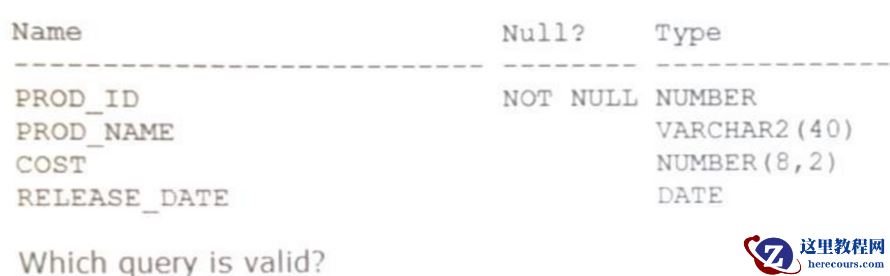
Oracle 19c OCP 1Z0-082认证考试题库1
26-03-03 - expdp导出报ORA-31693、ORA-02354、ORA-01466
- 在电脑上不同位置的文件怎么同时统一复制
在电脑上不同位置的文件怎么同时统一复制
26-03-03 - OGG微服务版(图形化)
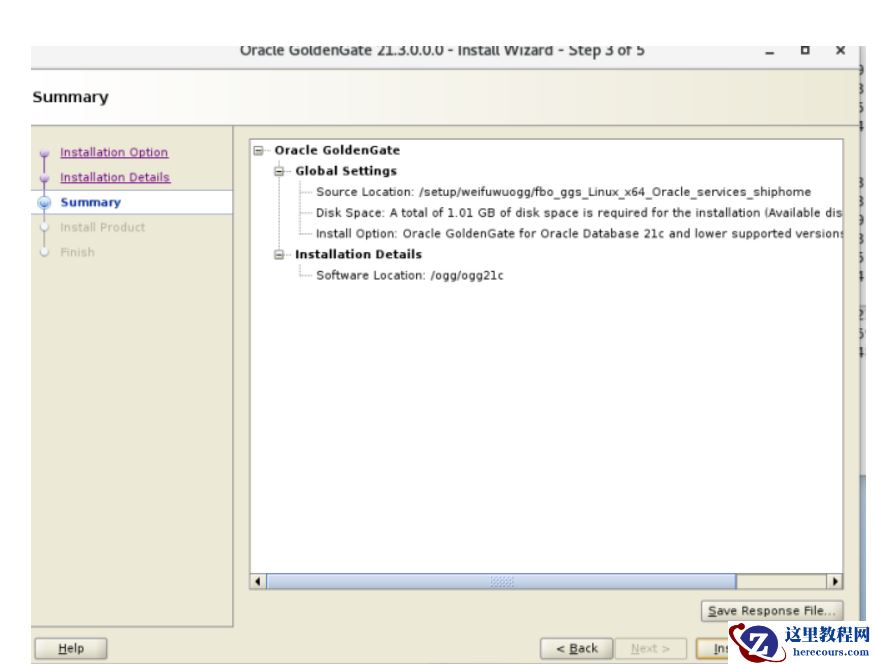
OGG微服务版(图形化)
26-03-03 - 对话甲骨文副总裁吴承杨:云时代DBA生存攻略 有危机才有生机

对话甲骨文副总裁吴承杨:云时代DBA生存攻略 有危机才有生机
26-03-03 - IPO治不了威马的杂症?
IPO治不了威马的杂症?
26-03-03 - 一次inmemory丢失引起的问题分析
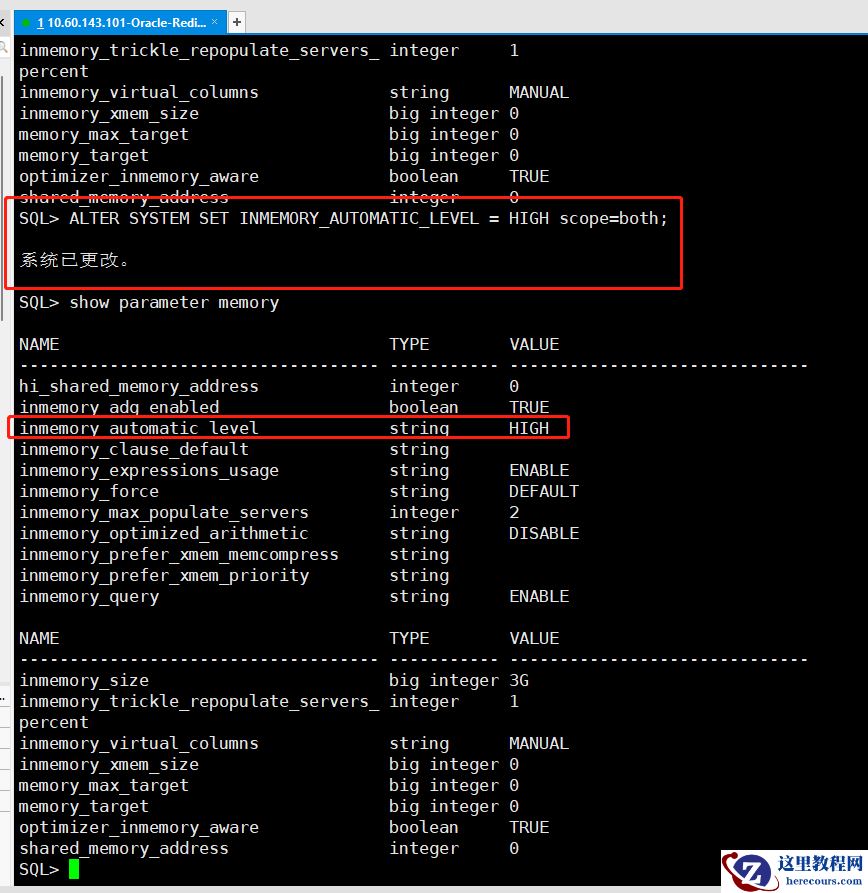
一次inmemory丢失引起的问题分析
26-03-03 - [重庆思庄每日技术分享]-安装GI时报错“Oracle Restart Integrity”
- 怎么样可以快速同时修改多个视频的标题
怎么样可以快速同时修改多个视频的标题
26-03-03
![[重庆思庄每日技术分享]-安装GI时报错“Oracle Restart Integrity”](https://www.herecours.com/d/file/efpub/2026/03-03/20260303162215844267.jpg?x-oss-process=style/bb "[重庆思庄每日技术分享]-安装GI时报错“Oracle Restart Integrity”")