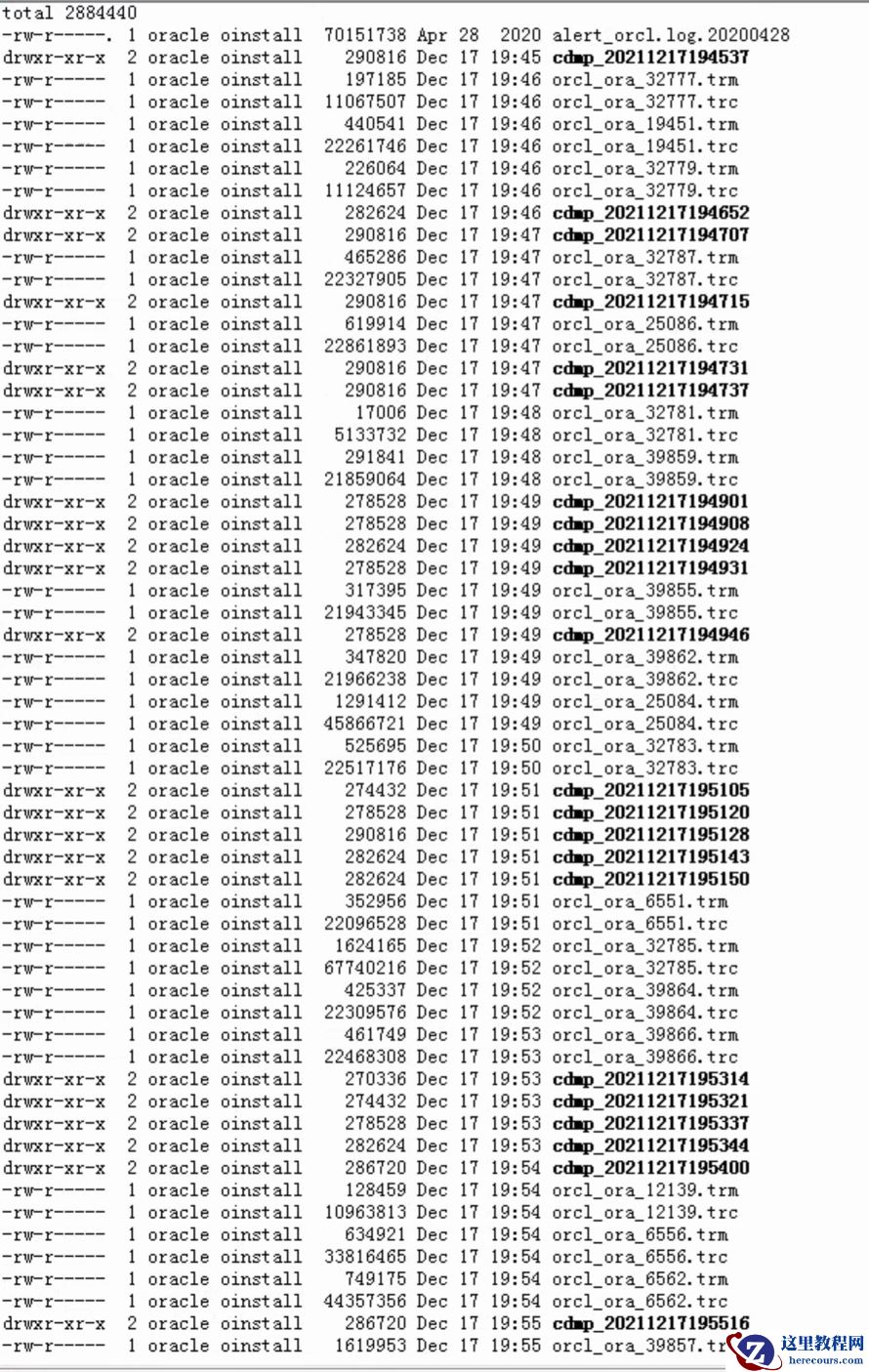
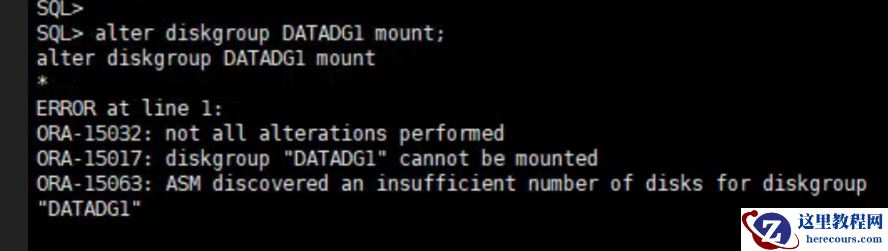
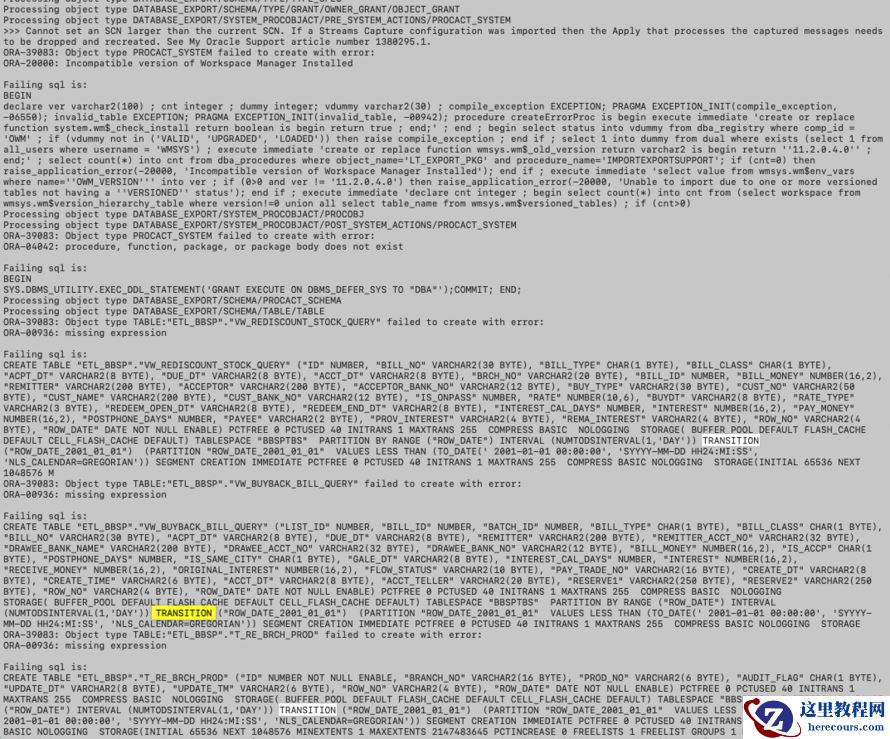
故障日志

Fast Refresh Of Materialized View Reported Non Critical Error ORA-48913 in Alert log file (Doc ID 2430894.1)
In this Document
Symptoms
Changes
Cause
Solution
References
APPLIES TO:
Oracle Database - Standard Edition - Version 12.1.0.2 and later
Oracle Database Cloud Service - Version N/A and later
Oracle Cloud Infrastructure - Database Service - Version N/A and later
Oracle Database Cloud Schema Service - Version N/A and later
Oracle Database Backup Service - Version N/A and later
Information in this document applies to any platform.
SYMPTOMS
NOTE: In the images and/or the document content below, the user information and data used represents fictitious data from the Oracle sample schema(s) or Public Documentation delivered with an Oracle database product. Any similarity to actual persons, living or dead, is purely coincidental and not intended in any manner.
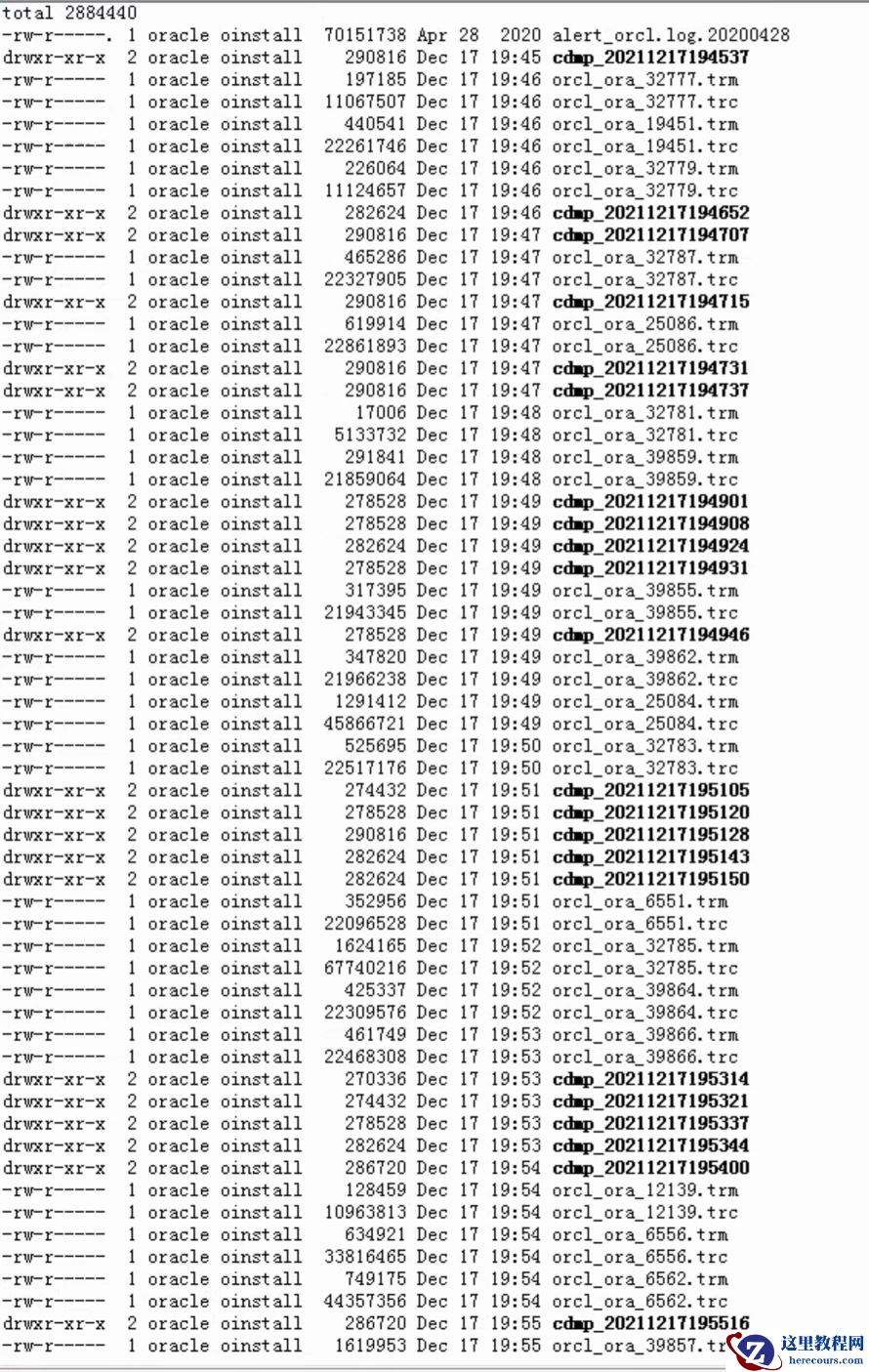
A materialized view exists on a database which is refreshed regularly by fast refresh all 10 minutes. At the primary site, delete from or update operation of the mview log causes regular core dumps which consume a lot of space on disk.
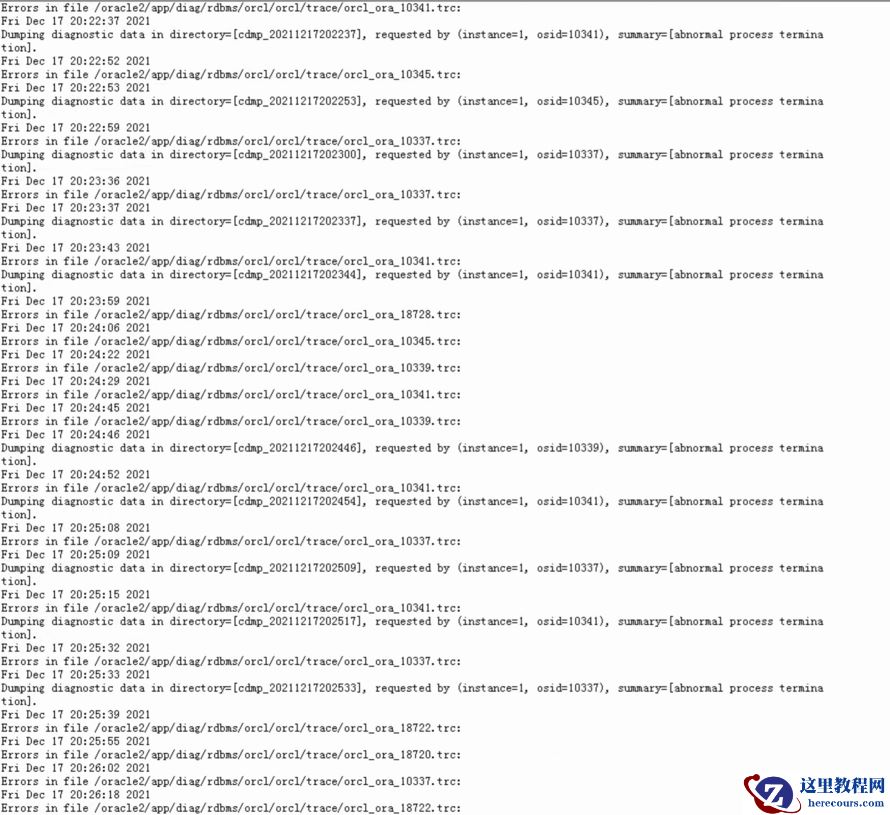
Alert log reported with Non Critical error:
Mon Jul 16 05:02:22 2018
Errors in file <trace file path/xxx_ora_23940.trc:
Non critical error ORA-48913 caught while writing to trace file "<trace file path>/<service>_ora_23940.trc"
Error message: ORA-48913
Writing to the above trace file is disabled for now on...
Mon Jul 16 05:02:24 2018
Dumping diagnostic data in directory=[cdmp_yyyyyyyy], requested by (instance=1, osid=zzzzzzzzz), summary=[abnormal process termination].
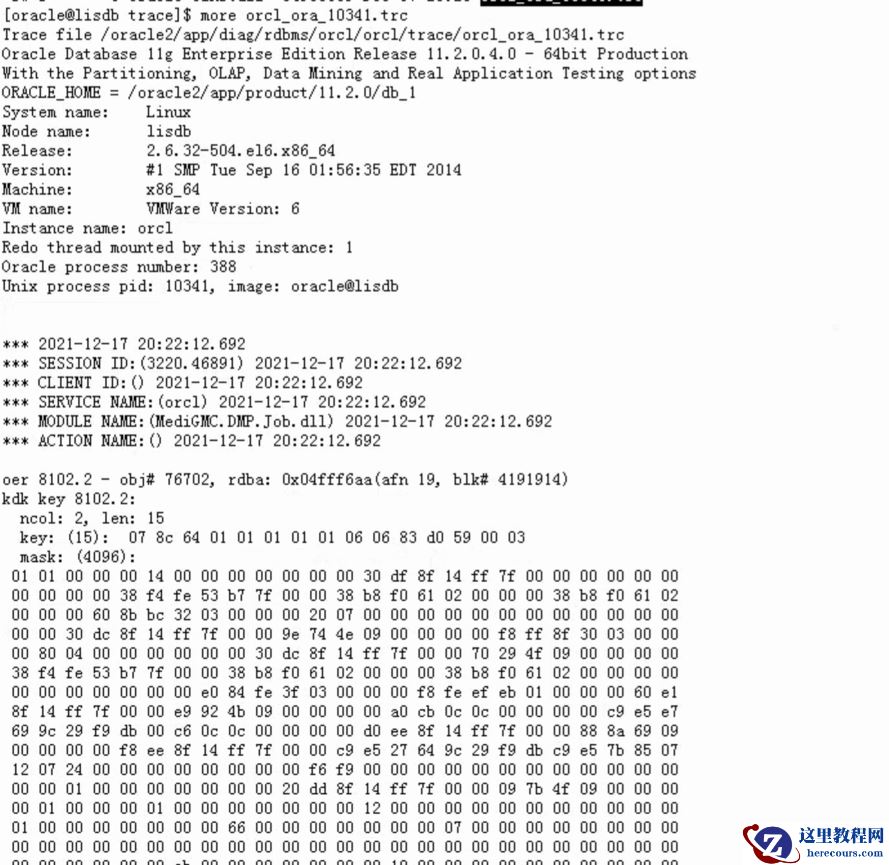
Object ID information can be obtained from the trace file. Like below
oer 8102.2 - obj# <object id>, rdba: 0x07cfe434(afn 5, blk# 131064884)
kdk key 8102.2:
CHANGES
If there are changes in the environment, product, account and hardware that trigger the problem describe them.
CAUSE
Error: ORA-08102 (ORA-8102)
Text: index key not found, obj# %s, file %s, block %s (%s)
---------------------------------------------------------------------------
Cause: Internal error: possible inconsistency in index
Action: Send trace file to your customer support representative, along
with information on reproducing the error
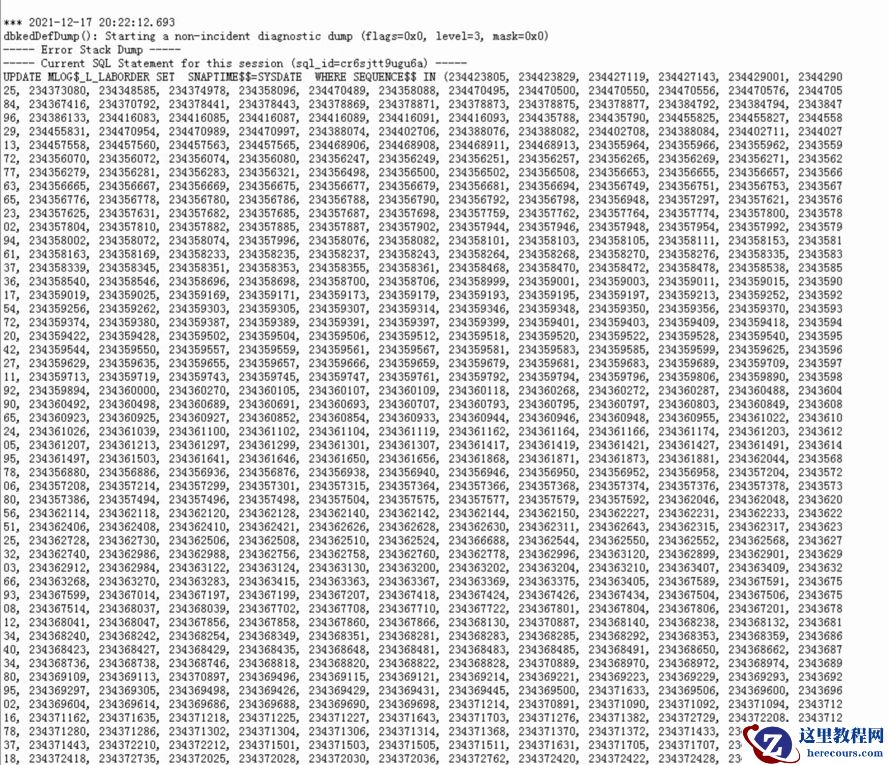
All core dumps indicate a delete operation of "SCHEMA_NAME"."MLOG$_TABLE_NAME" (mview log)
*** 2018-07-27 05:59:46.624
dbkedDefDump(): Starting a non-incident diagnostic dump (flags=0x0, level=3, mask=0x0)
----- Error Stack Dump -----
----- Current SQL Statement for this session (sql_id=1ygjjjgm132wm) -----
delete from "SCHEMA_NAME"."MLOG$_TABLE_NAME" where snaptime$$ <= :1
----- PL/SQL Stack -----
----- PL/SQL Call Stack -----
object line object
handle number name
0x34cb5ca30 747 package body SYS.DBMS_SNAPSHOT_UTL
SOLUTION
Please run this to check whether it is related to Materialized View Index
SELECT *
FROM dba_objects
WHERE object_id = < obj_id from core dump>;
If we confirm this is related to the mlog index, you can analyze the mview log table as follows:
ANALYZE TABLE VALIDATE STRUCTURE CASCADE;
When an inconsistency is identified between the table and the index caused by ORA-8102, dropping and recreating or rebuilding the index can be the appropriate action most of the times.
Example:
alter index <index_name> rebuild;
or
alter index <index_name> rebuild online;
If there is any issue in MLOG Purging, please refer
Materialized View Refresh : Log Population and Purge (Doc ID 236233.1)
ANALYZE
{ { TABLE [ schema. ] table
| INDEX [ schema. ] index
} [ partition_extension_clause ]
| CLUSTER [ schema. ] cluster
}
{ validation_clauses
| LIST CHAINED ROWS [ into_clause ]
| DELETE [ SYSTEM ] STATISTICS
} ;
当我们收集统计信息时,如果表或索引上有大量的数据被删除,那么如果采用compute或者 estimage 来收集,可以会进行full table scan,因此会使用很多的时间
为了验证表,索引,cluster 物化视图的结构完整性,可以 用analyze语句加上validate structure 选项来验证,如果是有效的则不返回错误,如果结构有问题,就是返回错误
https://docs.oracle.com/cd/E11882_01/server.112/e25494/general.htm#ADMIN11526
To verify the integrity of the structure of a table, index, cluster, or materialized view, use the ANALYZE statement with the VALIDATE STRUCTURE option. If the structure is valid, no error is returned. However, if the structure is corrupt, you receive an error message.
For example, in rare cases such as hardware or other system failures, an index can become corrupted and not perform correctly. When validating the index, you can confirm that every entry in the index points to the correct row of the associated table. If the index is corrupt, you can drop and re-create it.
If a table, index, or cluster is corrupt, you should drop it and re-create it. If a materialized view is corrupt, perform a complete refresh and ensure that you have remedied the problem. If the problem is not corrected, drop and re-create the materialized view.
The following statement analyzes the emp table:
ANALYZE TABLE emp VALIDATE STRUCTURE;
You can validate an object and all dependent objects (for example, indexes) by including the CASCADE option. The following statement validates the emp table and all associated indexes:
ANALYZE TABLE emp VALIDATE STRUCTURE CASCADE;
By default the CASCADE option performs a complete validation. Because this operation can be resource intensive, you can perform a faster version of the validation by using the FAST clause. This version checks for the existence of corruptions using an optimized check algorithm, but does not report details about the corruption. If the FAST check finds a corruption, you can then use the CASCADE option without the FAST clause to locate it. The following statement performs a fast validation on the emp table and all associated indexes:
ANALYZE TABLE emp VALIDATE STRUCTURE CASCADE FAST;
You can specify that you want to perform structure validation online while DML is occurring against the object being validated. Validation is less comprehensive with ongoing DML affecting the object, but this is offset by the flexibility of being able to perform ANALYZE online. The following statement validates the emp table and all associated indexes online:
ANALYZE TABLE emp VALIDATE STRUCTURE CASCADE ONLINE;