今天,我们来讲一下在19c中添加了一个新的功能——自动备库闪回
首先,需要DG主、备库都开启闪回功能
alter system set db_recovery_file_dest_size=8G scope=both;
alter system set db_recovery_file_dest='/oracle/flash/' scope=both;
alter system set db_flashback_retention_target=4320 scope=both;
alter database flashback on;
主库查询状态
 备库查询状态
 主库中创建一个表
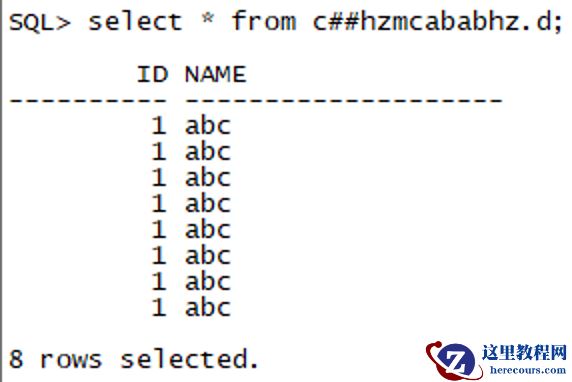 开始创建闪回点
SQL> create restore point p111 guarantee flashback database;
Restore point created.
此时,主库可以看到已经创建成功了闪回点
开始创建闪回点
SQL> create restore point p111 guarantee flashback database;
Restore point created.
此时,主库可以看到已经创建成功了闪回点
 再来看下备库,发现没变化,
主库切几个归档,再查看备库,发现备库生成了一个主库闪回点名_PRIMARY的闪回点
再来看下备库,发现没变化,
主库切几个归档,再查看备库,发现备库生成了一个主库闪回点名_PRIMARY的闪回点
 再回到主库,删除刚才创建的那张实验表,切几个归档
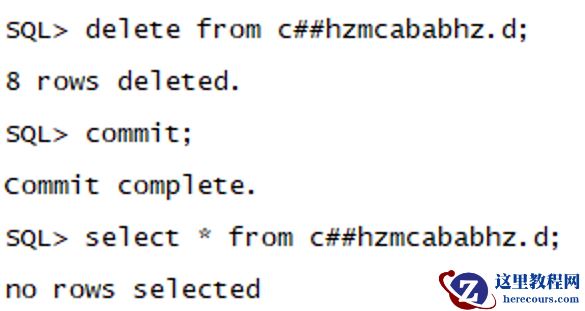 备库查看实验表,已经不存在了
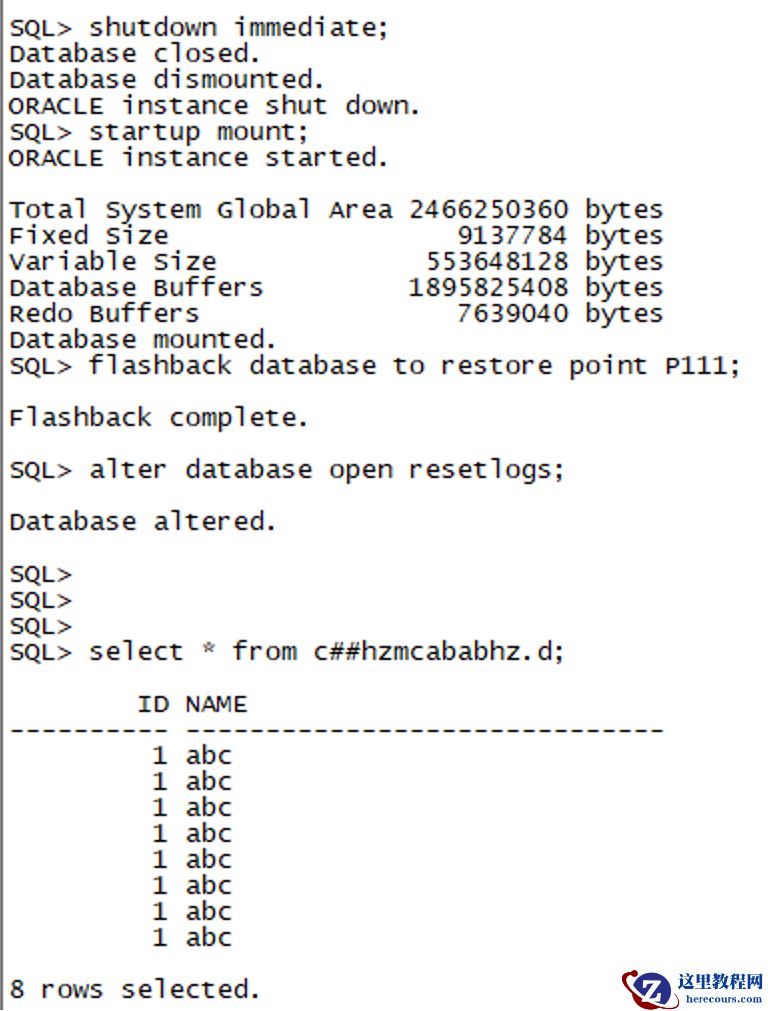
 主库关库,起到mount下,闪回至p111, resetlog起库,查看,删除了的表存在
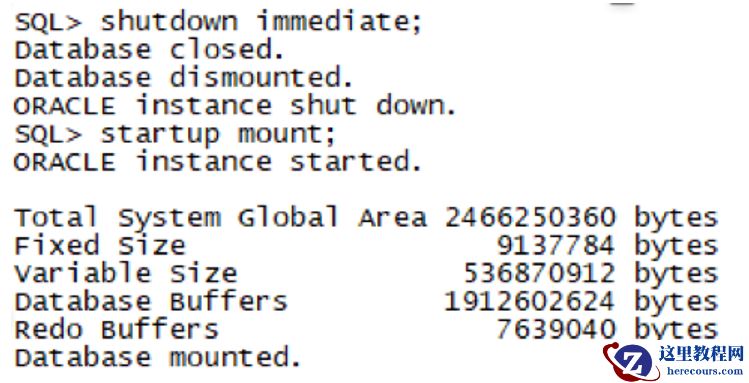
 备库关库,起到mount状态
 开启mrp应用归档
alter database recover managed standby database disconnect from session;
查看备库日志发现flashback restore complete后,将备库起到read only状态,发现已经可以查看到删除了的表
开启mrp应用归档
alter database recover managed standby database disconnect from session;
查看备库日志发现flashback restore complete后,将备库起到read only状态,发现已经可以查看到删除了的表
 开mrp
alter database recover managed standby database disconnect from session;
开mrp
alter database recover managed standby database disconnect from session;
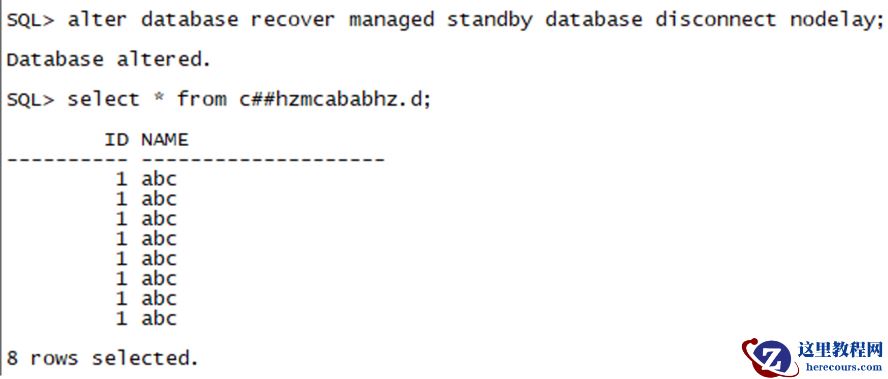 闪回成功,
收尾工作主库删除闪回点
闪回成功,
收尾工作主库删除闪回点
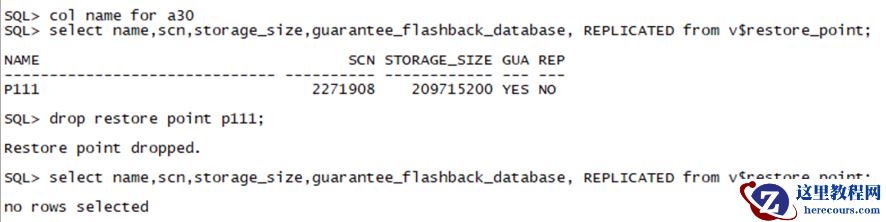 切几个归档,发现备库的闪回点也删除了