1、表空间: 可以通过表空间指定不同性能的存储上: [root@jason1 ~]# mkdir -p /ssd/tbs_jason01 [root@jason1 ~]# chown -R postgres:postgres /ssd/tbs_jason01 [root@jason1 ~]# cd /ssd/tbs_jason01 postgres=# create tablespace tbs_jason01 LOCATION '/ssd/tbs_jason01'; CREATE TABLESPACE #每个表空间对应一个目录 [root@jason1 tbs_jason01]# ll total 0 drwx------. 2 postgres postgres 6 Sep 24 21:22 PG_10_201707211 [root@jason1 tbs_jason01]# 2、表空间目录下,每个库对应一个目录 postgres=# create database jason01 tablespace tbs_jason01; CREATE DATABASE postgres=# select oid,datname from pg_database; oid | datname -------+----------- 13212 | postgres 16384 | test 1 | template1 13211 | template0 16385 | jason 16389 | jason01 (6 rows) [root@jason1 PG_10_201707211]# ll total 12 drwx------. 2 postgres postgres 8192 Sep 24 21:25 16389 3、在数据库中,每个表对应一个个文件 ,以每个文件1G的形式存储,单表最大支持量 32T。 postgres=# \c jason01 You are now connected to database "jason01" as user "postgres". jason01=# jason01=# create table jason01( jason01(# id int, jason01(# note text jason01(# ) tablespace tbs_jason01; CREATE TABLE jason01=# [root@jason1 16389]# pwd /ssd/tbs_jason01/PG_10_201707211/16389 [root@jason1 16389]# ll -lrt -rw-------. 1 postgres postgres 24576 Sep 24 21:25 13072_fsm -rw-------. 1 postgres postgres 8192 Sep 24 21:25 13062_vm -rw-------. 1 postgres postgres 24576 Sep 24 21:25 13062_fsm -rw-------. 1 postgres postgres 136164 Sep 24 21:34 pg_internal.init -rw-------. 1 postgres postgres 0 Sep 24 21:34 16408 -rw-------. 1 postgres postgres 8192 Sep 24 21:34 16413 -rw-------. 1 postgres postgres 0 Sep 24 21:34 16411 ##查看表存储路径: jason=# \c jason01 You are now connected to database "jason01" as user "postgres". jason01=# select pg_relation_filepath('jason01'); pg_relation_filepath --------------------------------------------- pg_tblspc/16388/PG_10_201707211/16389/16408 (1 row) jason01=# jason01=# insert into jason01 values(1,'dagagdgaaga'); INSERT 0 1 [root@jason1 16389]# ll 164* -rw-------. 1 postgres postgres 8192 Sep 26 14:59 16408 -rw-------. 1 postgres postgres 0 Sep 24 21:34 16411 -rw-------. 1 postgres postgres 8192 Sep 24 21:34 16413
PostgreSQL:表空间-->数据库-->表
来源:这里教程网
时间:2026-03-14 19:29:07
作者:
编辑推荐:
- PostgreSQL:表空间-->数据库-->表03-14
- PostgreSQL 源码解读(54)- 查询语句#39(make_one_rel函数#4-生...03-14
- PostgreSQL状态变迁03-14
- PostgreSQL 源码解读(26)- 查询语句#11(查询优化-上拉子链接#1)03-14
- PostgreSQL DBA(3) - 日志分析工具pgbadger简介03-14
- PostgreSQL 源码解读(29)- 查询语句#14(查询优化-上拉子查询)03-14
- PostgreSQL server端接收连接后fork进程03-14
- PostgreSQL DBA(1) - 数据库参数设置#103-14
下一篇:
相关推荐
-

-
-
-
-
-
-
-
-
-
-
-
-
-
-

雷神推出 MIX PRO II 迷你主机:基于 Ultra 200H,玻璃上盖 + ARGB 灯效
2 月 9 日消息,雷神 (THUNDEROBOT) 现已宣布推出基于英
-

制造商 Musnap 推出彩色墨水屏电纸书 Ocean C:支持手写笔、第三方安卓应用
2 月 10 日消息,制造商 Musnap 现已在海外推出一款 Oce
热文推荐
- PostgreSQL DBA(3) - 日志分析工具pgbadger简介
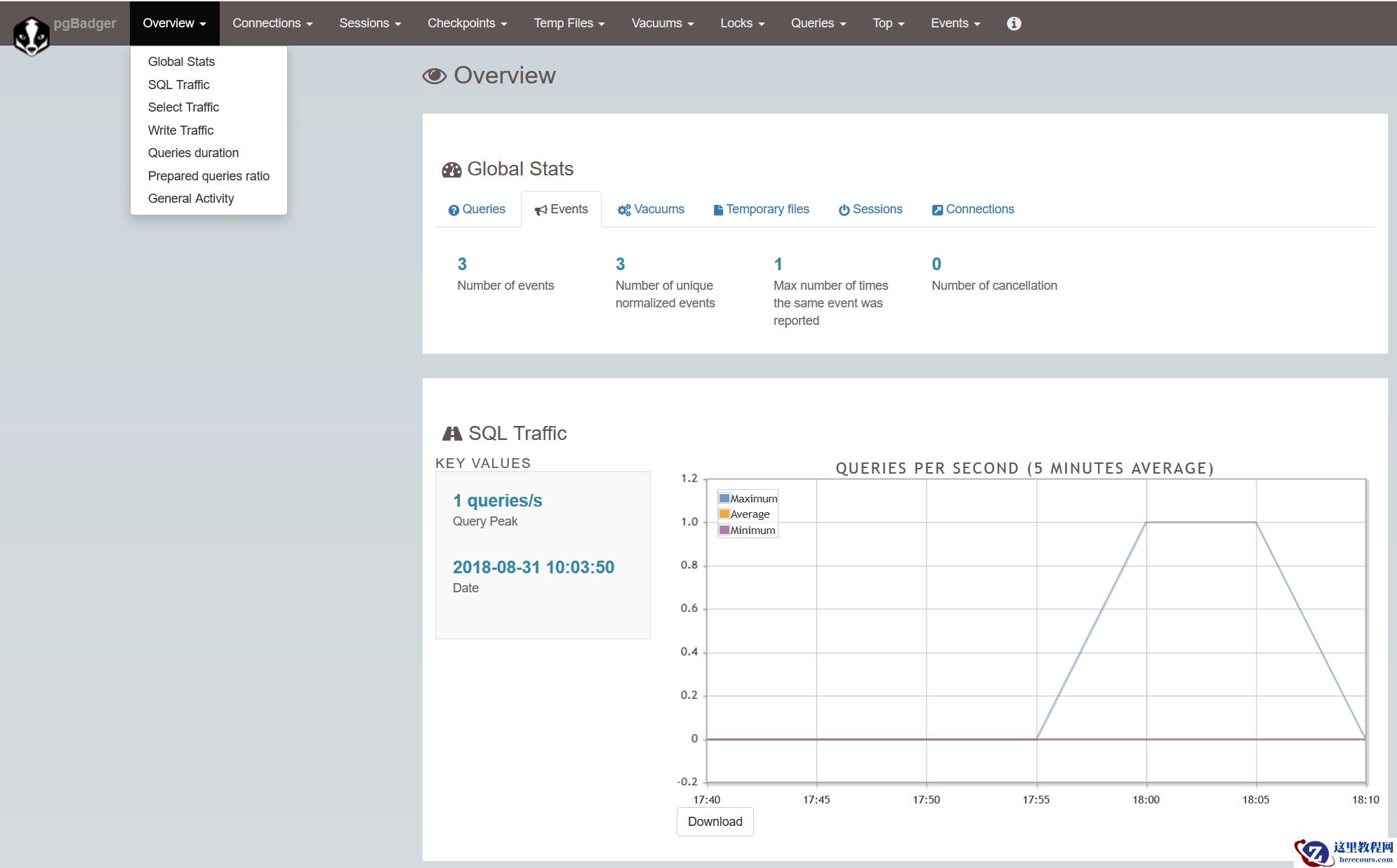
PostgreSQL DBA(3) - 日志分析工具pgbadger简介
26-03-14 - PostgreSQL 源码解读(29)- 查询语句#14(查询优化-上拉子查询)
- PostgreSQL 源码解读(30)- 查询语句#15(查询优化-扁平化处理UNION ALL)
- 数据库减负刻不容缓?多级缓存设计了解一下!

数据库减负刻不容缓?多级缓存设计了解一下!
26-03-14 - PostgreSQL Page页结构解析(6)- B-Tree索引存储结构#2
- PostgreSQL 源码解读(17)- 查询语句#2(查询优化基础)
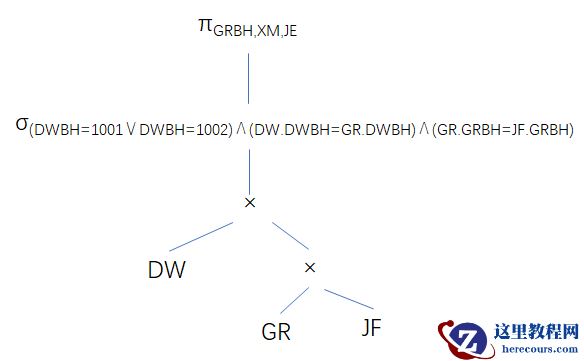
PostgreSQL 源码解读(17)- 查询语句#2(查询优化基础)
26-03-14 - PostgreSQL 源码解读(22)- 查询语句#7(PlannedStmt结构详解-日志分析)
- PostgreSQL 源码解读(19)- 查询语句#4(ParseTree详解)
- Windows下安装PostgreSQL初体验(使用Installer)
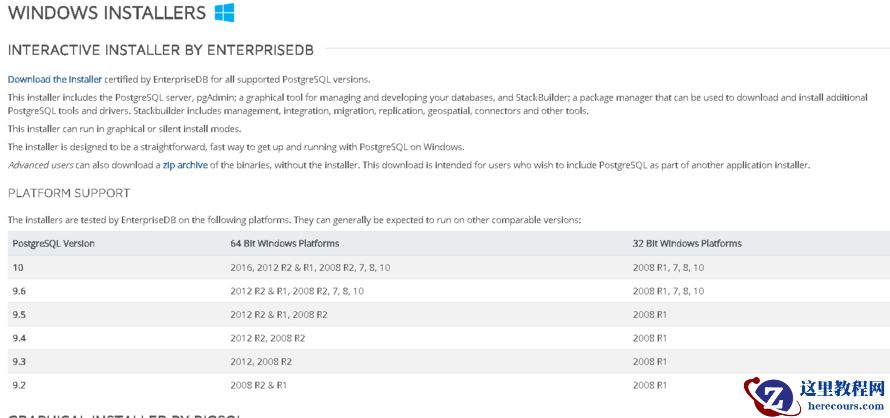
Windows下安装PostgreSQL初体验(使用Installer)
26-03-14 - PostgreSQL——51风控系统背后的利器

PostgreSQL——51风控系统背后的利器
26-03-14