linux文件时间的查看和修改touch
来源:互联网
时间:2026-02-26 16:06:34
作者:
系统大全为您提供
1. linux文件的时间 linux下文件时间主要有下面三种: 1.1 modification time(mtime) 文件修改时间,即文件内容的修改时,更新这个时间,不包括文件权限和属性的修改。使用ls -l查看,默认显示时间为mtime $ ls -l uconv.h -rw-rw-r-- 1 work work 1808 Jul 23 2013 uconv.h 1.2 status time(ctime) 文件状态status的修改时间,如文件的权限和属性修改时更新这个时间。使用 ls --time=ctime 查看 $ ls -l --time=ctime uconv.h -rw-rw-r-- 1 work work 1808 Jul 23 2013 uconv.h 1.3 access time(atime) 文件访问时间,当文件内容被获取时,更新这个时间。使用 ls --time=actime 查看 $ ls -l --time=atime uconv.h -rw-rw-r-- 1 work work 1808 Dec 12 2013 uconv.h 2. 修改文件的时间 如果需要修改上述三个时间,使用touch命令来修改。 touch filename ,如果文件不存在,则新建一个文件。 $ touch --help Usage: touch [OPTION]... FILE... Update the access and modification times of each FILE to the current time. -a change only the access time 修改访问时间 -c, --no-create do not create any files 修改文件三个时间,不存在则不创建 -d, --date=STRING parse STRING and use it instead of current time 指定时间代替当前时间 -f (ignored) -m change only the modification time 修改mtime -r, --reference=FILE use this file's times instead of current time -t STAMP use [[CC]YY]MMDDhhmm[.ss] instead of current time 指定修改时间 例如: $ touch -d "2 days ago" uconv.h $ ll uconv.h ; ll --time=atime uconv.h ; ll --time=ctime uconv.h ; -rw-rw-r-- 1 work work 1808 Jun 13 18:17 uconv.h -rw-rw-r-- 1 work work 1808 Jun 13 18:17 uconv.h -rw-rw-r-- 1 work work 1808 Jun 15 18:17 uconv.h 将mtime和atime修改为两天前,ctime没变。 $ touch -t 201406142020 uconv.h $ ll uconv.h ; ll --time=atime uconv.h ; ll --time=ctime uconv.h ; -rw-rw-r-- 1 work work 1808 Jun 14 20:20 uconv.h -rw-rw-r-- 1 work work 1808 Jun 14 20:20 uconv.h -rw-rw-r-- 1 work work 1808 Jun 15 18:23 uconv.h atime和mtime都变了,但是ctime变成了当前时间。 使用cp命令,-a保持原属性。 $ cp -a uconv.h uconv.h1 $ ll uconv.h1 ; ll --time=atime uconv.h1 ; ll --time=ctime uconv.h1 ; -rw-rw-r-- 1 work work 1808 Jun 14 20:20 uconv.h1 -rw-rw-r-- 1 work work 1808 Jun 15 18:25 uconv.h1 -rw-rw-r-- 1 work work 1808 Jun 15 18:27 uconv.h1mtime和atime都保持原文件不变,但是ctime变成当前时间
以上就是系统大全给大家介绍的如何使的方法都有一定的了解了吧,好了,如果大家还想了解更多的资讯,那就赶紧点击系统大全官网吧。
本文来自系统大全https://www.herecours.com/d/file/efpub/2026/26-26/20260226155240569345
编辑推荐:
- linux文件时间的查看和修改touch02-26
- 辛星整理Linux部分常用命令02-26
- Linux下设置环境变量各配置文件的区别02-26
- Linux命令之后台运行-nohup02-26
- shell脚本:一键安装LAMP、LNMP脚本02-26
- linux挂载硬盘报错“you must specify the filesystem typ02-26
- linux常用文字处理命令总结02-26
- LINUX额外权限控制ACL02-26
下一篇:
相关推荐
-

-
-
-
-
-
-
-
-
-
-
-
-
-
-

雷神推出 MIX PRO II 迷你主机:基于 Ultra 200H,玻璃上盖 + ARGB 灯效
2 月 9 日消息,雷神 (THUNDEROBOT) 现已宣布推出基于英
-

制造商 Musnap 推出彩色墨水屏电纸书 Ocean C:支持手写笔、第三方安卓应用
2 月 10 日消息,制造商 Musnap 现已在海外推出一款 Oce
热文推荐
- linux下创建带密码的用户
linux下创建带密码的用户
26-02-26 - Linux 服务器上轻松导入、导出(恢复、备份)MySQL数
Linux 服务器上轻松导入、导出(恢复、备份)MySQL数
26-02-26 - sort|uniq|cut|wc

sort|uniq|cut|wc
26-02-26 - Linux安装之U盘引导
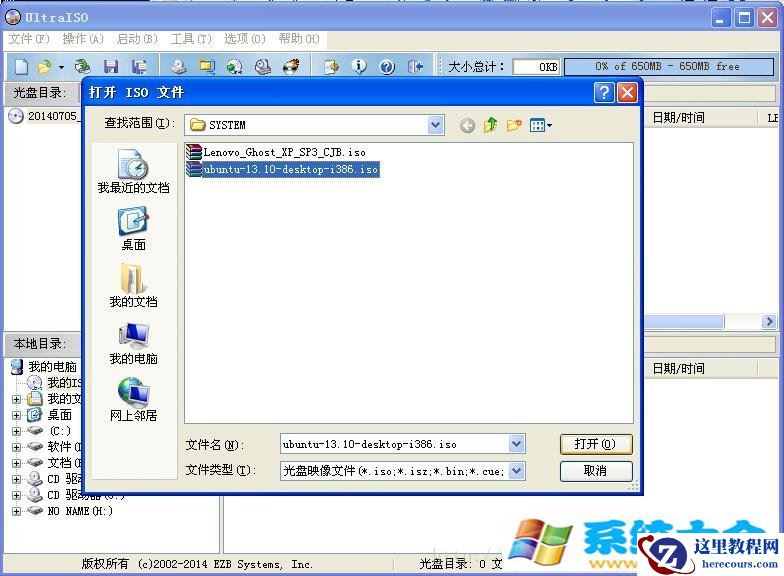
Linux安装之U盘引导
26-02-26 - linux安装mysql5.6实时教程和配置
linux安装mysql5.6实时教程和配置
26-02-26 - Linux 克隆虚拟机引起的“Device eth0 does not seem to
- 微软回应 Xbox 手机端突现“通知轰炸”:测试 AI 误发,已介入调查

微软回应 Xbox 手机端突现“通知轰炸”:测试 AI 误发,已介入调查
26-02-26 - 《辐射 4 周年版》登陆任天堂 Switch 2,三种帧率模式表现扎实

《辐射 4 周年版》登陆任天堂 Switch 2,三种帧率模式表现扎实
26-02-26 - 《生化危机:安魂曲》评测解禁,成系列近 21 年评分最高主线作品

《生化危机:安魂曲》评测解禁,成系列近 21 年评分最高主线作品
26-02-26 - 米哈游被指悄然修改《原神》隐私政策,删除玩家语音数据可能被用于训练 AI 模型的条款