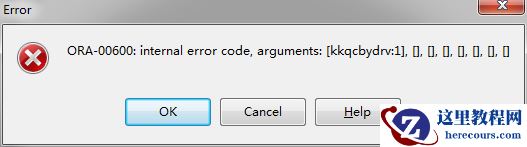
今天安装11g rac 11.2.0.1的时候在执行root.sh的时候出现: [root@rac01 Desktop]# sh /u01/app/11.1.0/grid/root.sh Running Oracle 11g root.sh script... The following environment variables are set as: ORACLE_OWNER= grid ORACLE_HOME= /u01/app/11.1.0/grid Enter the full pathname of the local bin directory: [/usr/local/bin]: Copying dbhome to /usr/local/bin ... Copying oraenv to /usr/local/bin ... Copying coraenv to /usr/local/bin ... Creating /etc/oratab file... Entries will be added to the /etc/oratab file as needed by Database Configuration Assistant when a database is created Finished running generic part of root.sh script. Now product-specific root actions will be performed. 2019-04-24 10:46:10: Parsing the host name 2019-04-24 10:46:10: Checking for super user privileges 2019-04-24 10:46:10: User has super user privileges Using configuration parameter file: /u01/app/11.1.0/grid/crs/install/crsconfig_params Creating trace directory LOCAL ADD MODE Creating OCR keys for user 'root', privgrp 'root'.. Operation successful. root wallet root wallet cert root cert export peer wallet profile reader wallet pa wallet peer wallet keys pa wallet keys peer cert request pa cert request peer cert pa cert peer root cert TP profile reader root cert TP pa root cert TP peer pa cert TP pa peer cert TP profile reader pa cert TP profile reader peer cert TP peer user cert pa user cert Adding daemon to inittab CRS-4124: Oracle High Availability Services startup failed. CRS-4000: Command Start failed, or completed with errors. ohasd failed to start: Inappropriate ioctl for device ohasd failed to start at /u01/app/11.1.0/grid/crs/install/rootcrs.pl line 443. 首先卸载grid软件:/u01/app/11.1.0/grid/crs/install/roothas.pl -deconfig -force -verbose 重新执行root.sh脚本 在执行Adding daemon to inittab这一步的同时,打开个窗口,用root用户执行:/bin/dd if=/var/tmp/.oracle/npohasd of=/dev/null bs=1024 count=1。
CRS-4124: Oracle High Availability Services startup failed. CRS-4000
来源:这里教程网
时间:2026-03-03 13:31:32
作者:
编辑推荐:
下一篇:
相关推荐
-

-
-
-
-
-
-
-
-
-
-
-
-
-
-

雷神推出 MIX PRO II 迷你主机:基于 Ultra 200H,玻璃上盖 + ARGB 灯效
2 月 9 日消息,雷神 (THUNDEROBOT) 现已宣布推出基于英
-

制造商 Musnap 推出彩色墨水屏电纸书 Ocean C:支持手写笔、第三方安卓应用
2 月 10 日消息,制造商 Musnap 现已在海外推出一款 Oce
热文推荐
- Oracle PSU 简介

Oracle PSU 简介
26-03-03 - Cloud Control 13c 安装

Cloud Control 13c 安装
26-03-03 - Vmware linux redhat6.4 安装11g(11.2.0.1) 双节点RAC
- ORACLE FOR WINDOWS TNS-12545

ORACLE FOR WINDOWS TNS-12545
26-03-03 - Debian DNS区域文件配置(手把手教你搭建本地DNS服务器)

Debian DNS区域文件配置(手把手教你搭建本地DNS服务器)
26-03-03 - oracle 10.2.0.4 sql关联查询语句中含有 connect by 导致报错出现ORA-00600
- 使用DBUA把数据库从11g升级到19c的non-cdb简示(单实例版)
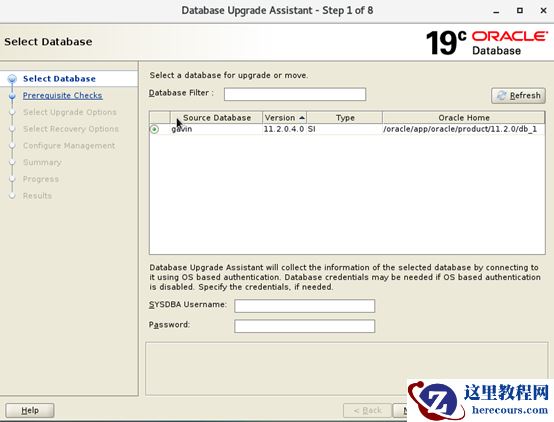
使用DBUA把数据库从11g升级到19c的non-cdb简示(单实例版)
26-03-03 - Oracle Rac 修改SGA_TARGET值无变化
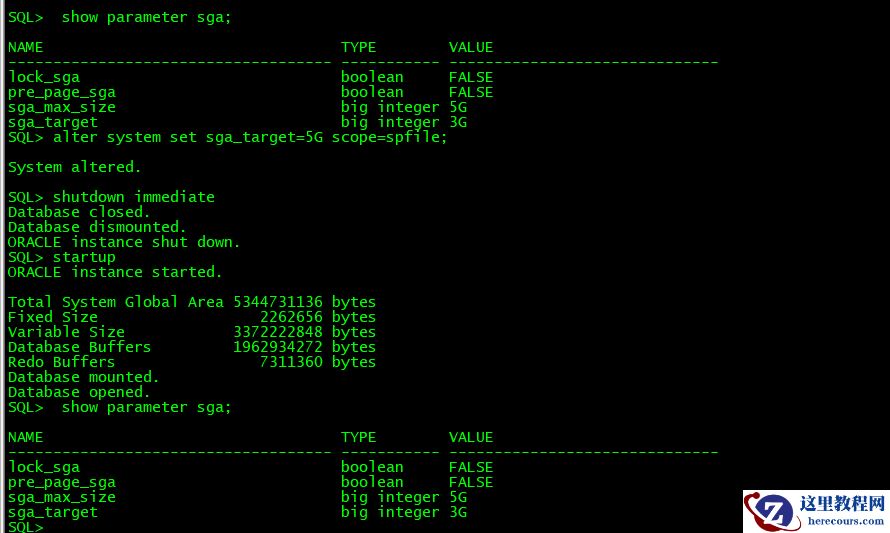
Oracle Rac 修改SGA_TARGET值无变化
26-03-03 - 13-oracle_数据库存储过程和包的开发
13-oracle_数据库存储过程和包的开发
26-03-03 - 12-oracle_分区
12-oracle_分区
26-03-03