linux 7 安装11.2.0.2 碰到的两个问题 此环境之前安装过11.2.0.4所以检查的时候发现的lib问题全部忽略了,直接进行安装的,安装过程中出现了下面两个问题: 我的操作系统环境: [root@test software]# cat /etc/redhat-release Red Hat Enterprise Linux Server release 7.6 (Maipo) 数据库软件: Release 11.2.0.1.0 安装日志位置: /u02/app/oraInventory/logs/installActions2024-05-22_10-09-37PM.log 数据库软件安装到83%左右,lib库的时候,报错ins_ctx.mk 有问题 检查日志发现: INFO: //usr/lib64/libstdc++.so.5: undefined reference to `memcpy@GLIBC_2.14' collect2: error: ld returned 1 exit status INFO: make: *** [ctxhx] Error 1 INFO: End output from spawned process. INFO: ---------------------------------- INFO: Exception thrown from action: make Exception Name: MakefileException Exception String: Error in invoking target 'install' of makefile '/u03/app/oracle/product/11.2.0/dbhome_1/ctx/lib/ins_ctx.mk'. See '/u02/app/oraInventory/logs/installActions2024-05-22_10-09-37PM.log' for details. 我的glibc [root@test software]# rpm --all --query --queryformat "%{NAME}-%{VERSION}-%{RELEASE}-(%{ARCH})\n" | grep glib glibc-devel-2.17-317.el7-(x86_64) glibc-static-2.17-317.el7-(x86_64) glib2-2.56.1-2.el7-(x86_64) dbus-glib-0.100-7.el7-(x86_64) glibc-common-2.17-317.el7-(x86_64) glibc-headers-2.17-317.el7-(x86_64) glibc-2.17-317.el7-(i686) glibc-2.17-317.el7-(x86_64) 怀疑是glibc的问题,解决办法一般来说有两种1 glibc降级 2 安装的时候指定高版本的,查找了网上的解决办法: 修改/u03/app/oracle/product/11.2.0/dbhome_1/ctx/lib/ins_ctx.mk 文件: 修改后的文件部分内容: ctxhx: $(CTXHXOBJ) -static $(LINK_CTXHX) $(CTXHXOBJ) $(INSO_LINK) /usr/lib64/libc.a 保存后retry 继续安装,接下来就是经常见的了,ins_emagent.mk 报错信息: INFO: End output from spawned process. INFO: ---------------------------------- INFO: Exception thrown from action: make Exception Name: MakefileException Exception String: Error in invoking target 'agent nmhs' of makefile '/u03/app/oracle/product/11.2.0/dbhome_1/sysman/lib/ins_emagent.mk'. See '/u02/app/oraInventory/logs/installActions2024-05-22_10-09-37PM.log' for details. Exception Severity: 1 INFO: Building Agent Libraries INFO: Building Agent Libraries INFO: The output of this make operation is also available at: '/u03/app/oracle/product/11.2.0/dbhome_1/install/make.log' INFO: 修改如下位置: $(SYSMANBIN)emdctl: $(MK_EMAGENT_NMECTL) -lnnz11 保存后retry 继续安装
linux 7 安装11.2.0.2 碰到的两个问题
来源:这里教程网
时间:2026-03-03 20:03:39
作者:
编辑推荐:
下一篇:
相关推荐
-

-
-
-
-
-
-
-
-
-
-
-
-
-
-

雷神推出 MIX PRO II 迷你主机:基于 Ultra 200H,玻璃上盖 + ARGB 灯效
2 月 9 日消息,雷神 (THUNDEROBOT) 现已宣布推出基于英
-

制造商 Musnap 推出彩色墨水屏电纸书 Ocean C:支持手写笔、第三方安卓应用
2 月 10 日消息,制造商 Musnap 现已在海外推出一款 Oce
热文推荐
- oracle主机虚拟内存不足导致实例宕机

oracle主机虚拟内存不足导致实例宕机
26-03-03 - Oracle 23ai FREE安装初体验
Oracle 23ai FREE安装初体验
26-03-03 - REHL7.6静默安装Oracle19C,泰裤了!
REHL7.6静默安装Oracle19C,泰裤了!
26-03-03 - 数据库管理-第195期 Oracle & RDMA(20240527)
数据库管理-第195期 Oracle & RDMA(20240527)
26-03-03 - 数据库管理-第187期 23ai:怎么用SQL创建图(20240510)
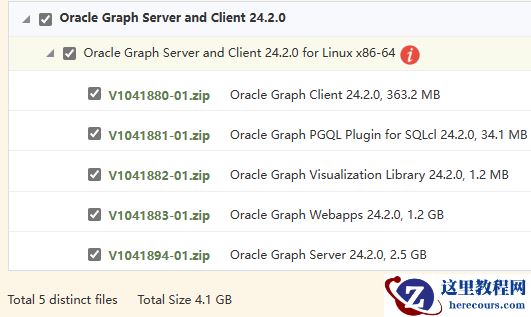
数据库管理-第187期 23ai:怎么用SQL创建图(20240510)
26-03-03 - 数据库管理-第186期 23ai:啥?我还能干掉Neo4j?(20240509)
- rac asm新增磁盘报0RA-15333或ORA-15075
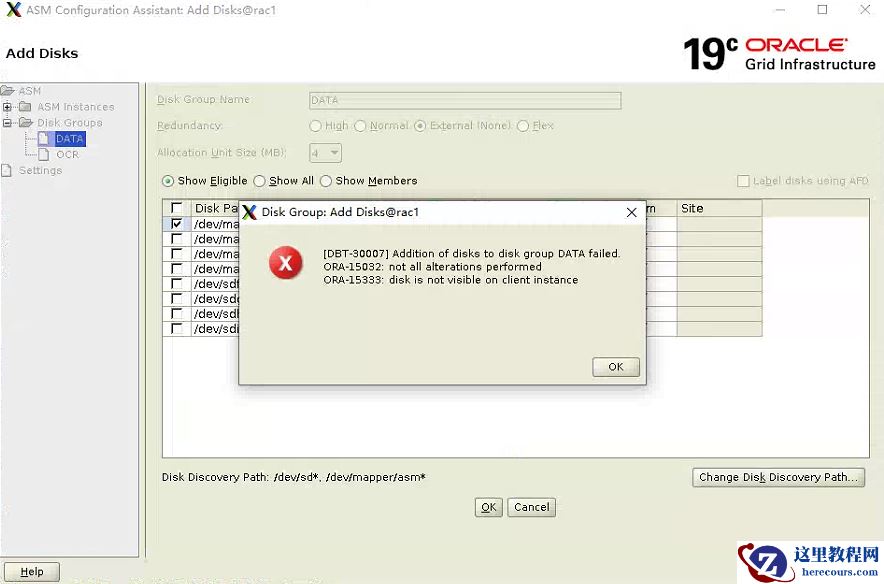
rac asm新增磁盘报0RA-15333或ORA-15075
26-03-03 - Oracle RAC的排障案例一则
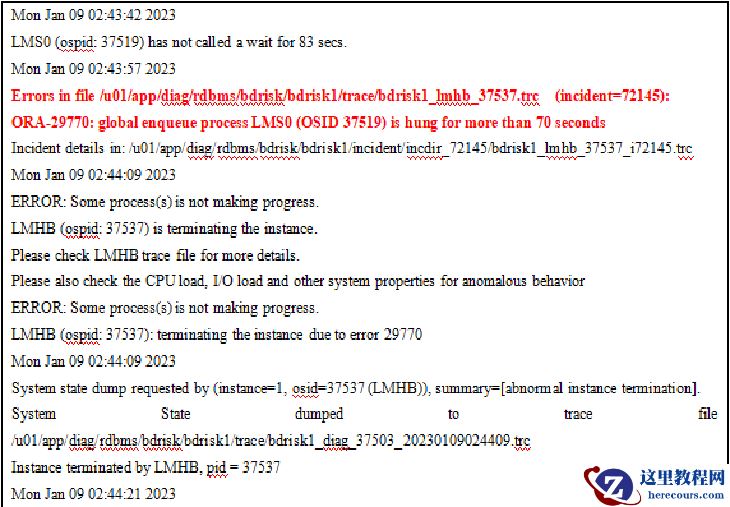
Oracle RAC的排障案例一则
26-03-03 - 测试开发新技能:Oracle到高斯数据库的无缝迁移

测试开发新技能:Oracle到高斯数据库的无缝迁移
26-03-03 - 因Oracle 23ai,甲骨文中国罕见的开了个会

因Oracle 23ai,甲骨文中国罕见的开了个会
26-03-03